









1. Import into your account
View one of these inquiry form templates and click on “Use template” after making sure it is what you are looking for.
Inquiry forms provide your visitors with an easy way to share their issues, concerns, or questions. They are commonly used on websites for customer support, service requests, product registrations, partnership inquiries, and general contact.
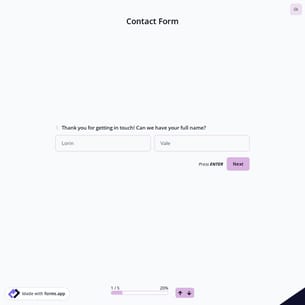
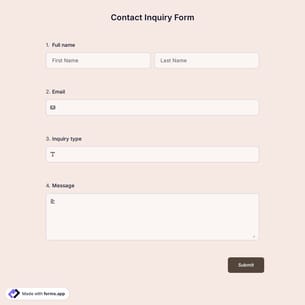
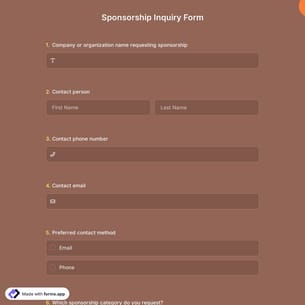
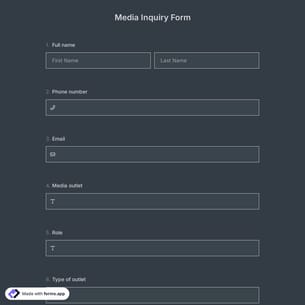
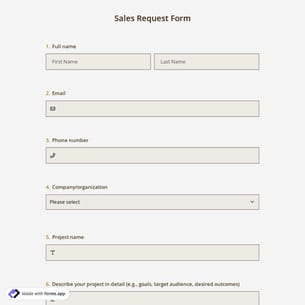
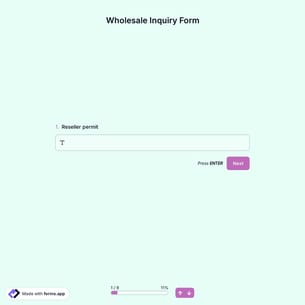
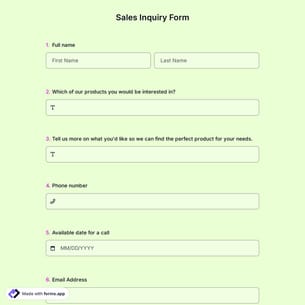
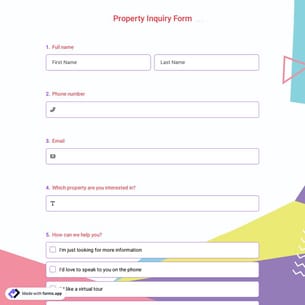
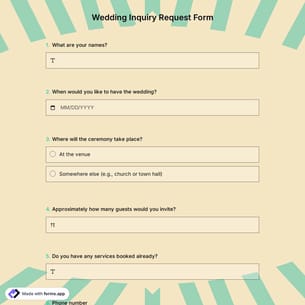
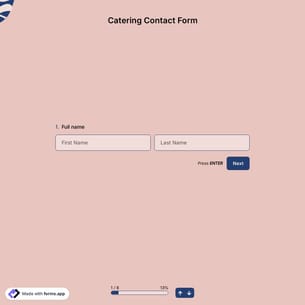
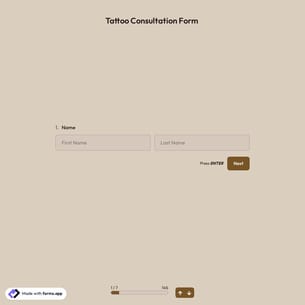
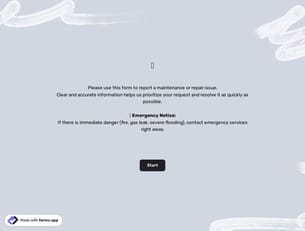
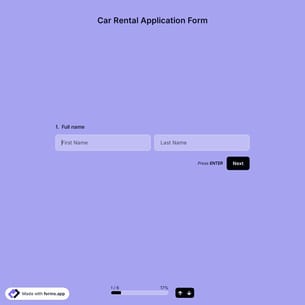
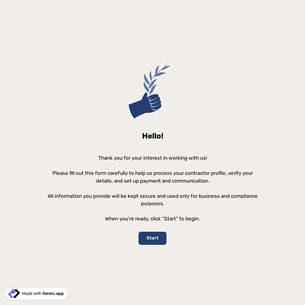
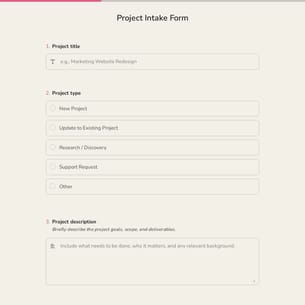
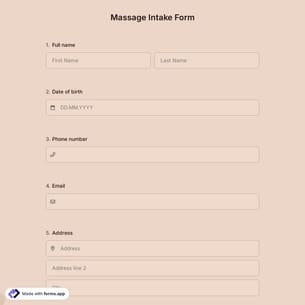
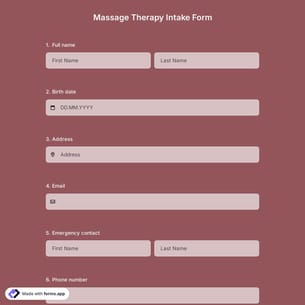
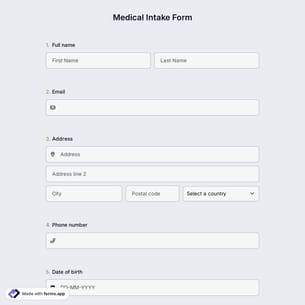
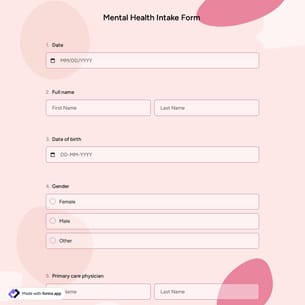
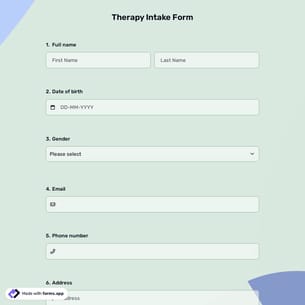
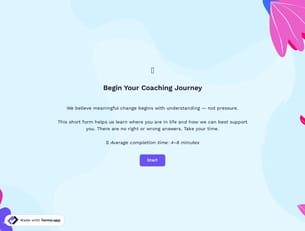
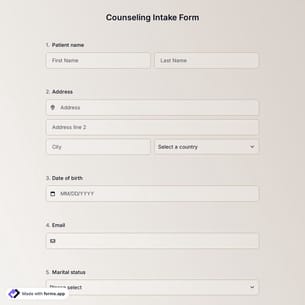
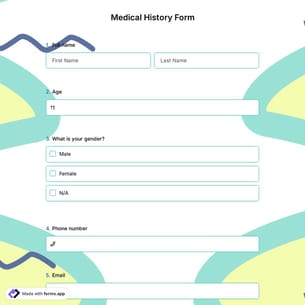
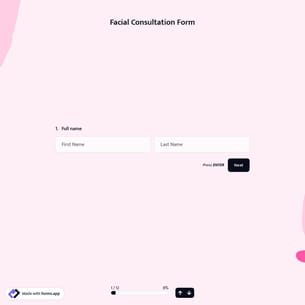
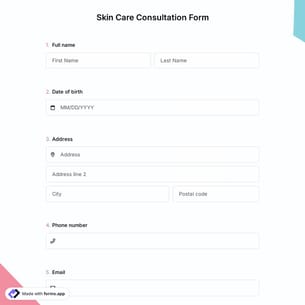
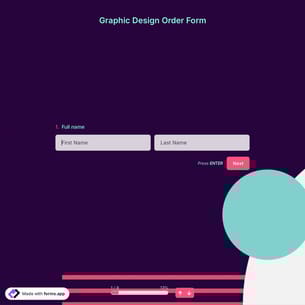
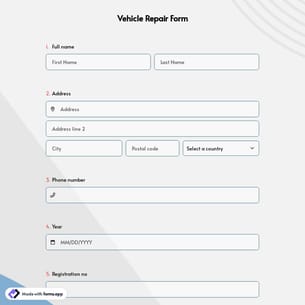
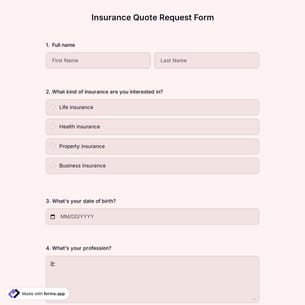
Follow the three easy steps below to easily import the template to your account, customize questions, and quickly share the quiz on your website or social media.

View one of these inquiry form templates and click on “Use template” after making sure it is what you are looking for.
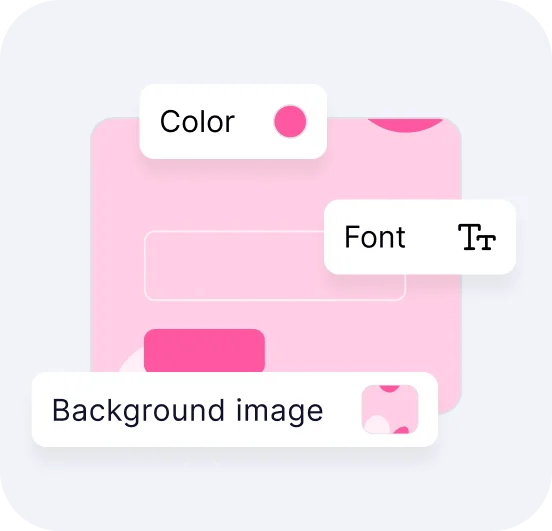
Add or remove questions through forms.app's drag-and-drop interface and match your brand style.

Embed it on your website in 6 different ways or share your form across all social media channels.
Just tell us how you would like a custom inquiry form template tailored to your specific needs. forms.app’s free AI form builder will create a custom form template for you in seconds.
Inquiry forms are online tools used to collect questions, requests, or interests from visitors, customers, or potential clients. Inquiry forms typically include fields such as name, email address, subject, and message.
Every template you choose on this page already comes with specific form fields. These common fields include the following:
Yes! forms.app complies with major data-protection laws such as GDPR and uses secure servers in the EU. And what’s more, you retain control over your data, which means you can set form-access permissions.
Yes, you can be notified immediately via email when someone submits a form. To do this, click the “Settings” button on the edit page. Once the settings menu is opened, you will see the Notifications option on the left side. Finally, toggle on the email notification switch after clicking on the “Notify Me’’.
You can collect a wide range of information with an inquiry form, depending on your needs. Common fields include contact details such as name, email address, and phone number, inquiry type or subject, and an open-ended message for questions or requests. You can also add file uploads, preferred contact time, consent checkboxes, or custom fields to organize and manage inquiries more efficiently.
Yes, you can prioritize or categorize inquiries by using multiple-choice fields, dropdowns, or tags in your form. These fields help respondents select an inquiry type, urgency level, or topic, to make it easier sort, filter, and manage submissions efficiently from your dashboard.
Yes, you can easily send an automatic reply to users by enabling email notifications for respondents.