

1. Import into your account
View one of these banking forms and click on “Use template” after making sure it is what you are looking for.

Save up to 60% on yearly plans and enjoy our biggest offer of the year. Limited time only. 🍂
See pricingforms.app offers free online banking form templates for all kinds of financial institutions. These templates enable banks to collect information, process applications, manage approvals, and handle customer requests efficiently and accurately.
Just tell us and get a custom template for free.
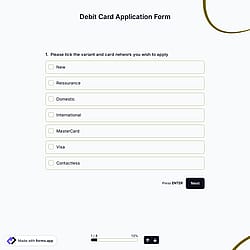
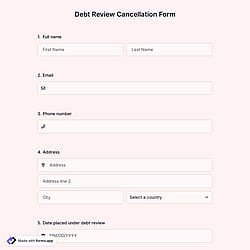
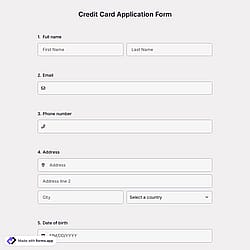
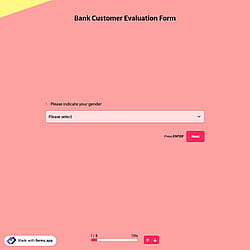
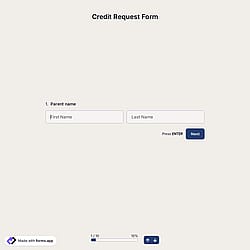
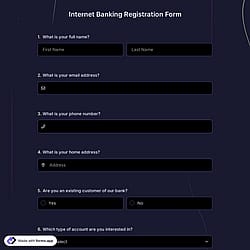
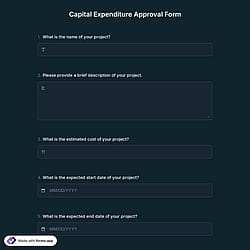
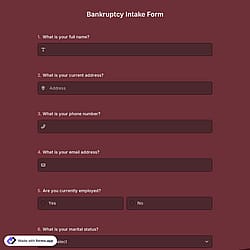
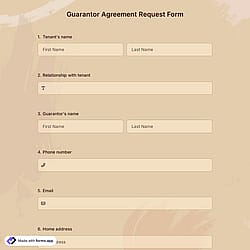

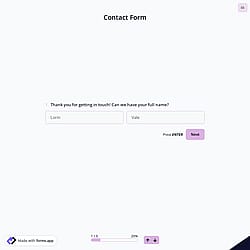
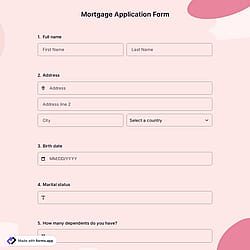
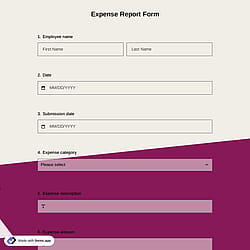
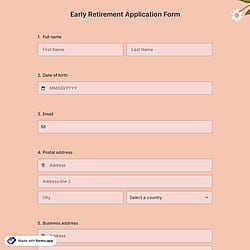
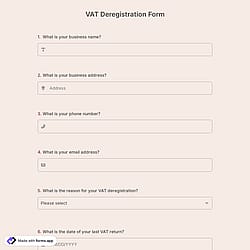
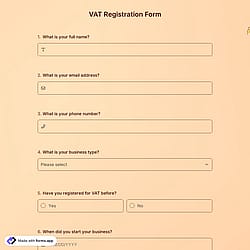
Follow the three easy steps below to easily import the template to your account, customize questions, and quickly share the quiz on your website or social media.

View one of these banking forms and click on “Use template” after making sure it is what you are looking for.

Add or remove questions through forms.app's drag-and-drop interface and match your brand style.

Embed it on your website in 6 different ways or share your form across all social media channels.
Just tell us how you would like a custom banking form tailored to your specific needs. forms.app’s free AI form builder will create a custom form template for you in seconds.
Banking forms are standardized documents used by banks and financial institutions to efficiently handle applications, registrations, evaluations, and customer requests, such as for cards, loans, mortgages, online banking, and internal approvals.
Every template you choose on this page is easy to customize and already comes with certain fields. These common fields include the following:
Yes! forms.app is designed with industry-leading security and privacy protections, making it quite safe for collecting user data and processing payments. And what’s more, you retain control over your data, which means you can set form-access permissions.
Also, forms.app does not store your customers’ credit card information when you receive a payment.
When someone makes a payment, the payment is handled securely through third-party processors like Stripe or PayPal, and sensitive card data is sent directly to them rather than being stored on our servers. The card information is processed by those trusted payment providers, so forms.app itself doesn’t retain customers’ credit card details.
是的! If your audience speaks different languages, you can add multiple languages and let people choose their preferred language when they open up your form. Please note that this feature is available only on Pro and Premium plans.
Yes! All templates on forms.app are optimized for all devices, whether it’s desktop, tablet, or mobile.
No, without needing to code a single line, you can simply use these event registration form templates and customize their fields, design, and general options with just a few clicks through forms.app’s intuitive form builder interface. After that, you can share using one or more of the many sharing options and start collecting responses immediately.
Yes, you can reuse the customized form templates for multiple clients or branches.app, you can reuse it for different clients, departments, or locations without recreating it from scratch.