

1. Import into your account
View one of these donation form templates and click on “Use template” after making sure it is what you are looking for.

Save up to 60% on yearly plans and enjoy our biggest offer of the year. Limited time only. 🍂
See pricingOnline donation forms allow people to make donations to projects, events, for-profit and nonprofit organizations, or any business they believe in. Choose one of the free donation forms for nonprofits and other organizations and start collecting funds for your organization or event.
Just tell us and get a custom template for free.


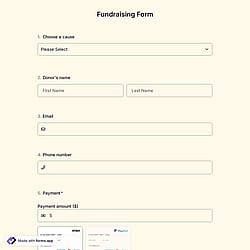
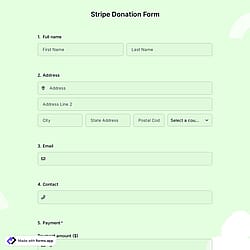
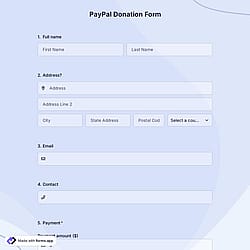
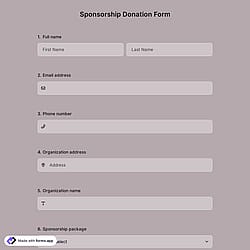
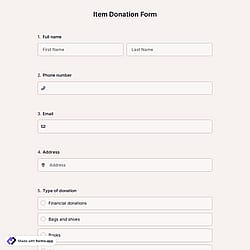
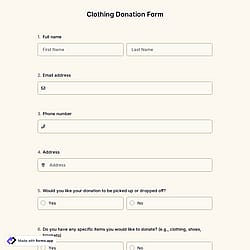
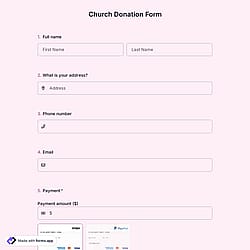
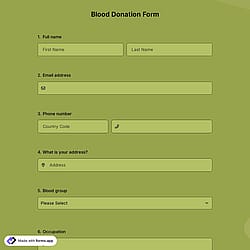
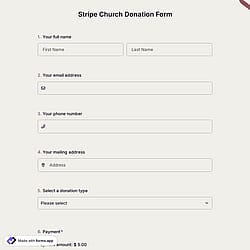
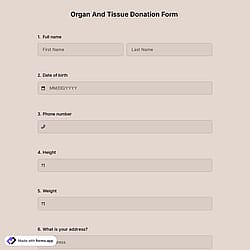
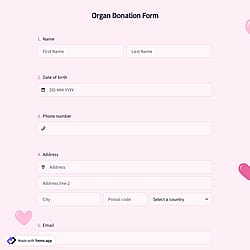
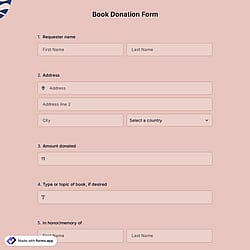
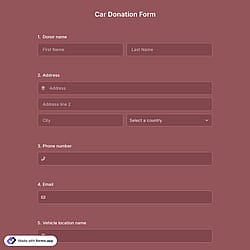
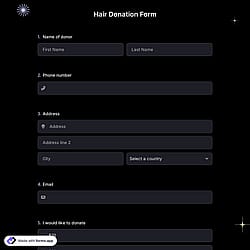
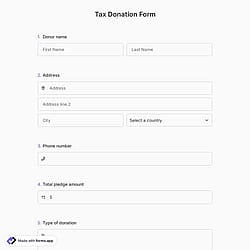
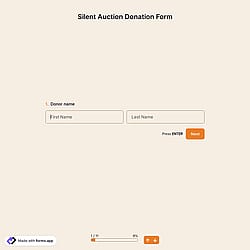
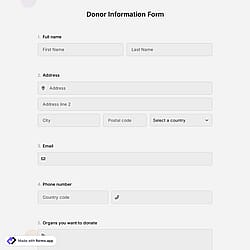
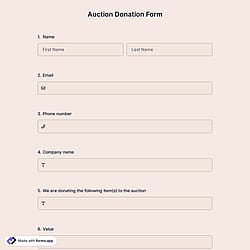
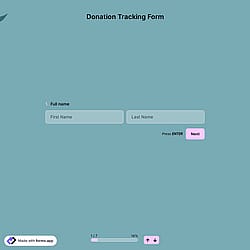
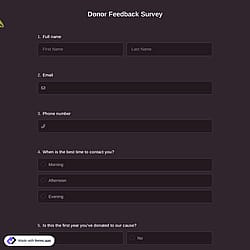
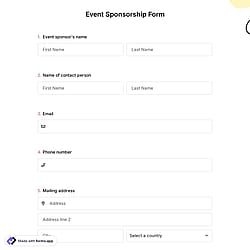
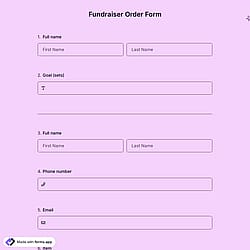
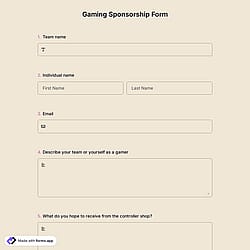
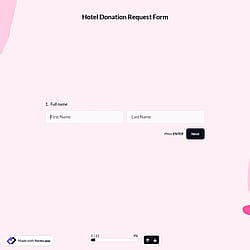
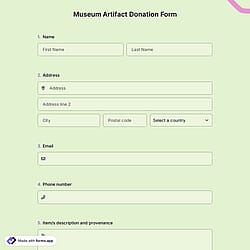
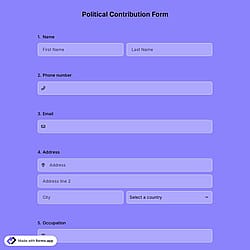
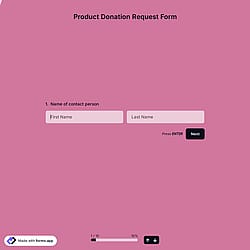
Follow the three easy steps below to import the template into your account, customize the questions, and quickly share the quiz on your website or social media.

View one of these donation form templates and click on “Use template” after making sure it is what you are looking for.

Add or remove questions through forms.app's user-friendly drag-and-drop interface and match your brand style.

Embed it on your website in 6 different ways or share your form across all social media channels.
Just tell us how you would like a custom donation form (for example, sample donation form for nonprofits) tailored to your specific needs. forms.app’s free AI form builder will create the best donation form template for you in seconds.
Donation forms are online forms used by organizations to securely collect donations. They typically gather potential donor details, donation amounts, payment information, and optional messages. Nonprofits, charities, and campaigns use donation forms to accept one-time or recurring contributions, simplify the donation process, and track donor activity.
Every template you choose on this page already comes with powerful form fields. These common fields include the following:
Yes! forms.app is designed with industry-leading strong security and privacy protections, which makes it quite safe for collecting file uploads.
The payment field of forms.app will help you easily accept donations and transfer money to your account. For collecting international payments, you can connect Stripe and PayPal accounts to your forms. No matter which method you use, it will be a quite simple process that can be completed with a few steps.
Once you add a payment field to your form, you gain access to various options. You can set a fixed amount and currency for payments, select a default payment method, and activate the payment gateways you wish to provide. Please visit the following articles to learn how to enable payment collection via Stripe or PayPal.
Yes, once you have completed your form, you’ll have a dedicated results page to review responses. There, you will have access to AI insights, Statistics, and Responses. Here is what you can do with them:
AI Insights is an innovative feature that enables you to analyze online form responses with AI. You can get general trends, related charts, key points, and suggestions, and ask more questions about the analysis.
Statistics offers a number of valuable data for you, as a form owner. Once you are in Statistics, you will be able to see data about your form, respondents, and answers. Additionally, you will have access to data on device types, platforms, locations, scores, and more.
In the Responses section, you have two viewing options: List and Grid view. After selecting and viewing a submission, you can print it, add a note, or send it to the trash. You can view the percentages and get a general idea of the submissions on the statistics page. Also, you can download your data as .xls or .csv files.
Yes, these online donation forms for nonprofits and all other templates on forms.app are optimized for all devices, whether it’s desktop, tablet, or mobile.
Yes, you can add branding and messaging to non-profit donation forms and other donation forms. With forms.app, you can customize colors, fonts, logos, and themes, and include custom texts or thank-you messages to reflect your organization’s identity and communicate your mission clearly.
Yes, forms.app meets the PCI DSS (Payment Card Industry Data Security Standard) requirements, which means it follows industry-recognized security practices for processing payment information safely.
No, forms.app does not store your donors’ credit card information. When someone makes a payment, the payment is handled securely through third-party processors like Stripe or PayPal, and sensitive card data is sent directly to them rather than being stored on our servers.
The card information is processed by those trusted payment providers, so forms.app itself doesn’t retain donors’ credit card details.
To send a receipt to the person who fills out your form, you need to enable email notifications for respondents: