

1. Import into your account
View one of these sponsorship form examples and click on “Use template” after making sure it is what you are looking for.

Save up to 60% on yearly plans and enjoy our biggest offer of the year. Limited time only. 🍂
See pricingSponsorship forms are designed to streamline the collection of sponsorship details in a clear, organized way. It helps event organizers and organizations gather sponsor information, define sponsorship levels and benefits, and efficiently confirm agreements.
Just tell us and get a custom template for free.

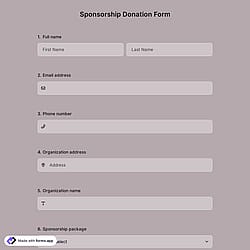
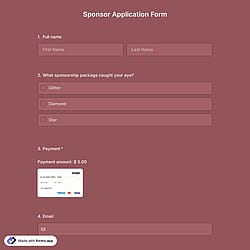
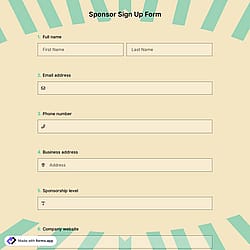
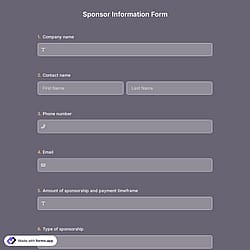
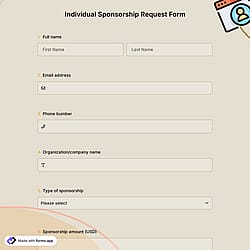
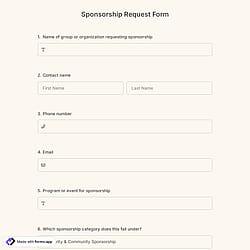
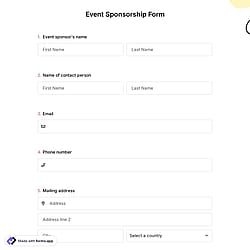
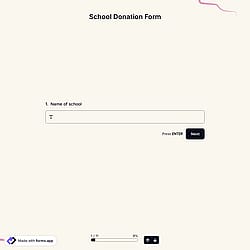
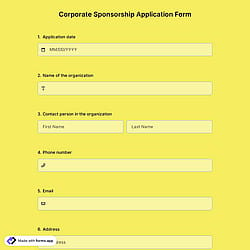
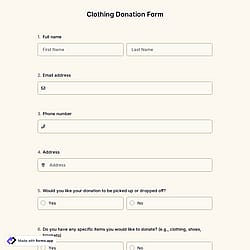
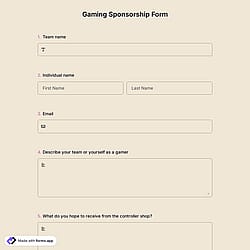
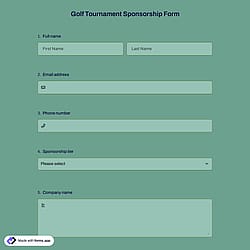
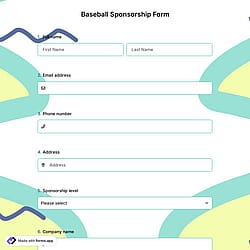
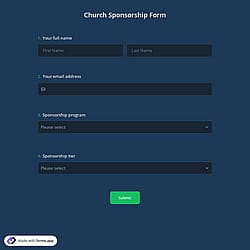
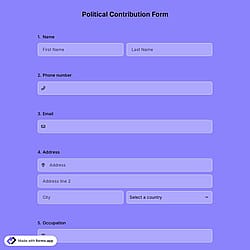
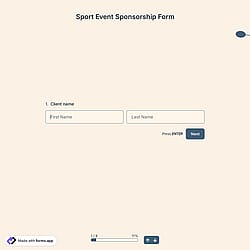
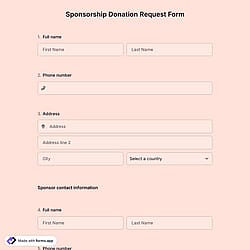
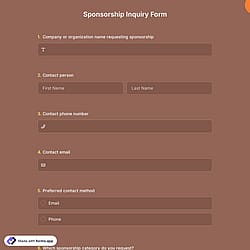
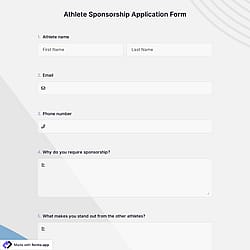
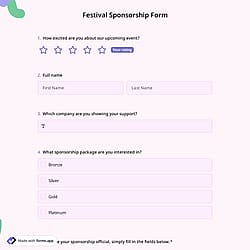
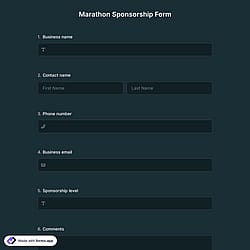
Follow the three easy steps below to import the template into your account, customize the questions, and quickly share the quiz on your website or social media.

View one of these sponsorship form examples and click on “Use template” after making sure it is what you are looking for.

Add or remove questions through forms.app's drag-and-drop interface and match your brand style.

Embed it on your website in 6 different ways or share your form across all social media channels.
Just tell us how you would like a custom sponsorship form tailored to your specific needs. forms.app’s free AI form builder will create a custom form template for you in seconds.
Sponsorship forms are online documents used to collect and manage information when an individual or organization agrees to financially or materially support an event, project, person, or organization. They typically include potential sponsor details, sponsorship request type or level, contribution amount, benefits offered, terms and conditions, and signatures.
Every template you choose on this page already comes with specific, similar fields. These common fields include the following:
The payment field of forms.app will help you easily collect and transfer money to your account. For collecting international payments, you can connect Stripe and PayPal accounts to your forms. No matter which method you use, it will be a simple process that can be completed in a few steps, with no commission.
Once you have completed your form, you’ll have a dedicated results page to review responses. There, you will have access to AI insights, Statistics, and Responses. Here is what you can do with them:
AI Insights is an innovative feature that enables you to analyze online form responses with AI. You can get general trends, related charts, key points, and suggestions, and ask more questions about the analysis.
Statistics offers a number of valuable data for you, as a form owner. Once you are in Statistics, you will be able to see data about your form, respondents, and answers. Additionally, you will have access to data on device types, platforms, locations, scores, and more.
In the Responses section, you have two viewing options: List and Grid view. After selecting and viewing a submission, you can print it, add a note, or send it to the trash. You can view the percentages and get a general idea of the submissions on the statistics page. Also, you can download your data as .xls or .csv files.
Sponsorship form templates are legally binding only if they include an electronic signature field and comply with applicable laws (such as the IRB application). Electronic signatures can be legally binding if they meet certain conditions, such as identifying the signer and proving that they have access to the private key used.
If you need a custom sponsorship form, you can create one in seconds using our AI form builder, start from a blank canvas, or edit a handcrafted template for free. You can also duplicate any existing form and easily make changes to the copied version.
Yes, all templates on forms.app are optimized for all devices, whether it’s desktop, tablet, or mobile.
The questions to include in a sponsorship form template can vary depending on your sponsorship type. However, the sponsorship form questions below can help users include details in their questions and receive fruitful feedback.
是的! If your audience speaks different languages, you can add multiple languages and let people choose their preferred language when they open up your form. Please note that this feature is available only on Pro and Premium plans.
After creating your form on forms.app, you can share it across social media platforms or embed it on your website, including Instagram, X, Facebook, and even WhatsApp. Also, you can change the meta image and description as you wish.
Yes! You can be notified immediately via email when the form is completed. To do this, click the “Settings” button on the edit page. Once the settings menu is opened, you will see the Notifications option on the left side. Finally, toggle on the email notification switch after clicking on the “Notify Me’’.