1. Import into your account
View one of these signup form templates and click on “Use template” after making sure it is what you are looking for.


Online sign-up forms help people register for a site, conference, newsletter, etc. What’s more, they make lead generation quick and easy. forms.app offers you the best sign-up form templates and handy features to create your sign-up forms!
Just tell us and get a custom template for free.

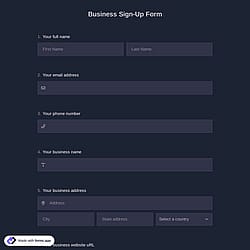
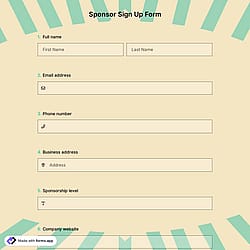
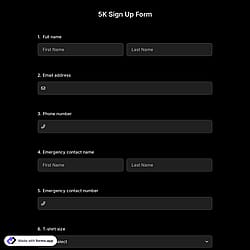
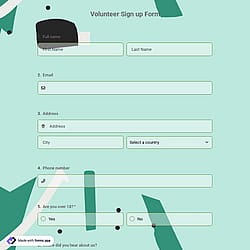
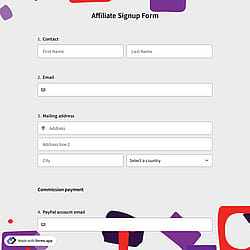
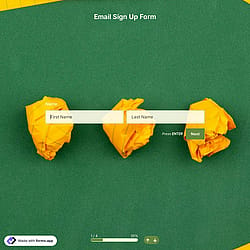
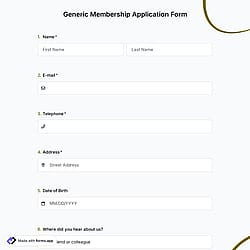
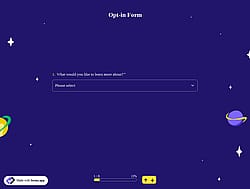
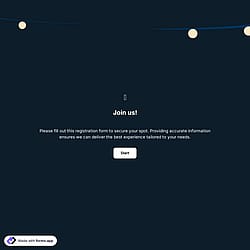
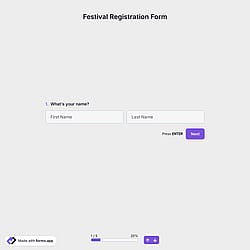
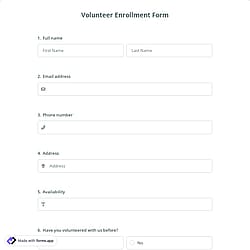
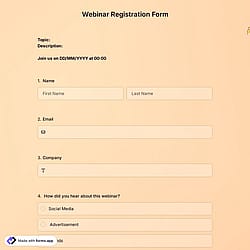
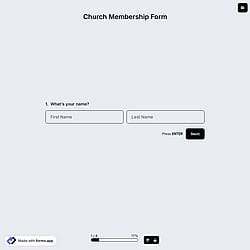
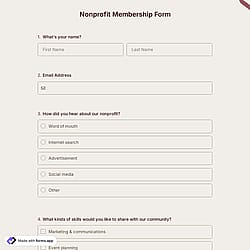
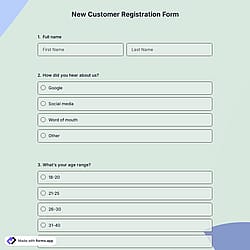
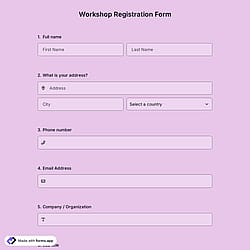
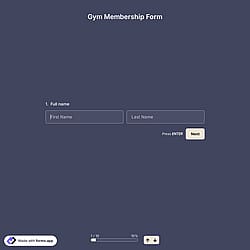
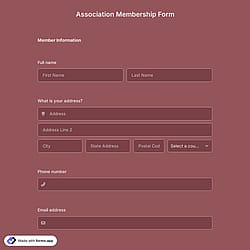
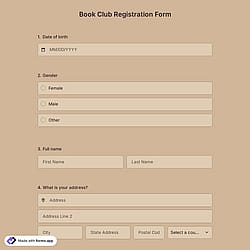
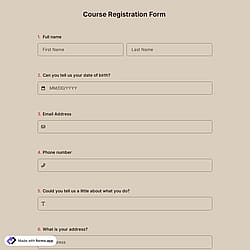
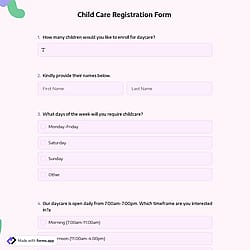
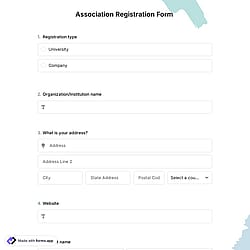
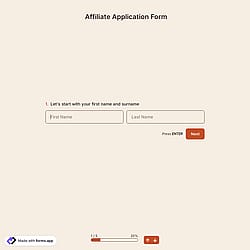
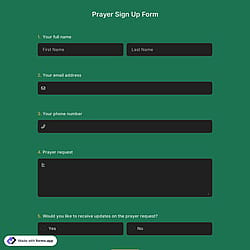
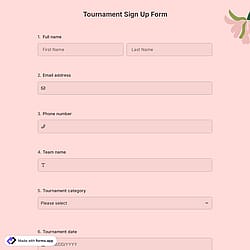
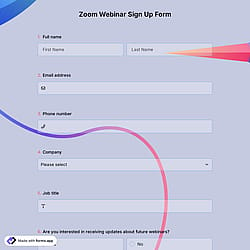
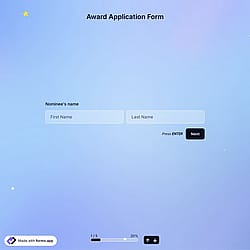
Follow the three easy steps below to easily import the template to your account, customize questions, and quickly share the quiz on your website or social media.

View one of these signup form templates and click on “Use template” after making sure it is what you are looking for.

Add or remove questions through forms.app's drag-and-drop interface and match your brand style.

Embed it on your website in 6 different ways or share your form across all social media channels.
Just tell us how you would like a custom signup form tailored to your specific needs. forms.app’s free AI form builder will create a custom, online form template for you in seconds.
Sign-up forms are digital tools used to collect essential information from people who want to create an account, register for a service, subscribe to a platform, or join a mailing list. They usually ask for details such as name, email, and password, and sometimes additional preferences.
Every template you choose on this page already comes with certain similar fields. These common fields include the following:
You can integrate this registration form template with 500+ apps. To do this, simply select the app you want to integrate your form with, and then click on “Connect to forms.app” or “Connect to Zapier”. Finally, you’ll see some easy-to-follow instructions to create an account and set up the integration.
No, you don’t need any coding experience to use the templates. The templates are designed to be used with drag-and-drop, point-and-click tools so anyone can build a form without programming.
Yes! These sign-up form templates are totally free to use and customize along with other templates on forms.app.
You can track conversions from your sign-up form on forms.app by using built-in analytics and integrations. forms.app lets you monitor views, submissions, and completion rates directly in your dashboard. You can also connect tools like Google Analytics, Facebook Pixel, or Zapier to measure conversions, user behavior, and campaign performance more precisely.
Yes, you can add extra fields to your sign-up form. With forms.app you have access to 30+ different field types, so you can drag-and-drop any additional fields you need (like address, date, signature, custom questions, etc.) to suit the form to your requirements.
Yes, all templates on forms.app are mobile-friendly and optimized for all devices, whether it’s desktop, tablet, or mobile.