

1. Import into your account
View one of these voting form templates and click on “Use template” after making sure it is what you are looking for.

Save up to 60% on yearly plans and enjoy our biggest offer of the year. Limited time only. 🍂
See pricingA voting form is an online document used to vote on issues such as opinion polls, election surveys, etc. You can share online voting forms by e-mail or by embedding them on your website. You can then analyze the collected data and publish the results.
Just tell us and get a custom template for free.
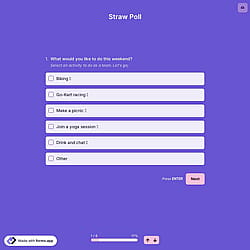
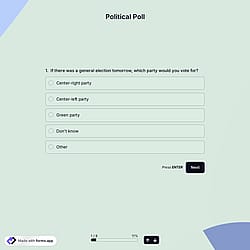
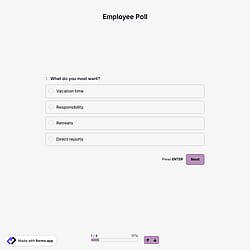
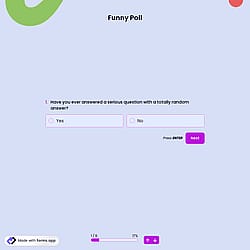
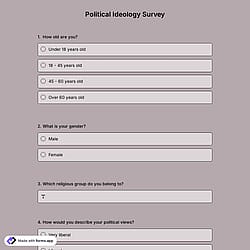
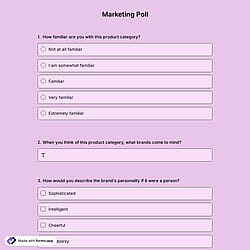
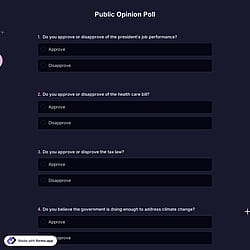
Follow the three easy steps below to import the template into your account, customize the questions, and quickly share the quiz on your website or social media.

View one of these voting form templates and click on “Use template” after making sure it is what you are looking for.

Add or remove questions through forms.app's drag-and-drop interface and match your brand style.

Embed it on your website in 6 different ways or share your form across all social media channels.
Just tell us how you would like a custom voting form tailored to your specific needs. forms.app’s free AI form builder will create a custom form template for you in seconds.
Voting forms are structured documents used to collect and record individuals’ choices in a decision-making process. They are commonly used in elections, surveys, polls, or contests. They enable fairness, accuracy, and transparency for all.
Every template you choose on this page already comes with certain similar fields. These common fields include the following:
To schedule your form so it only becomes available on a chosen date and time, go to your form’s Settings and open the Scheduling tab. Then enable the Set opening date option and pick the exact publish date and time you want. You can also customize what early visitors see (countdown, text, image, or redirect) until the form opens.
Yes, you can collect anonymous answers. If you don’t ask for personal information (such as name, number, etc.), and if respondents don’t log in with their forms.app account, the responses will be collected automatically as anonymous.
You can integrate these complaint form templates with 500+ apps. To do this, simply select the app you want to integrate your form with, and then click on “Connect to forms.app’’ or “Connect to Zapier”. Finally, you’ll see some easy-to-follow instructions to create an account and set up the integration.
Yes! forms.app supports multiple voting methods within its templates and custom forms. You can add various field types, such as single-selection, multiple-selection, picture-selection, and star rating, to create versatile voting forms. These options let respondents choose one option, pick images, or rate with stars.
Yes! On forms.app, you can download all your voting form responses to your device for offline use. Just go to the Results page, open the Responses tab, and click the Download icon. You’ll get an email with a link to download your data as either .XLSX or .CSV files.
Yes, you can add a timer field to your form. This field can either count down (to pressure respondents to finish within a set time) or count up (to measure how long it takes them to complete). Simply drag the timer field into your poll and set your desired time in its settings.