

1. Import into your account
View one of these sample feedback form templates and click on “Use template” after making sure it is what you are looking for.

Save up to 60% on yearly plans and enjoy our biggest offer of the year. Limited time only. 🍂
See pricingOnline feedback forms are tools for gathering input, ranging from simple contact forms to more sophisticated instruments such as customer satisfaction surveys and specific customer feedback forms. They represent various methods for collecting customer or user opinions online.
Just tell us and get a custom template for free.
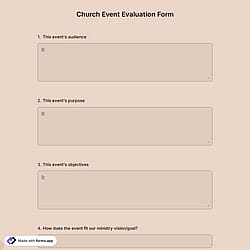
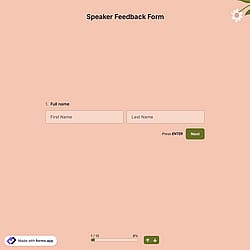
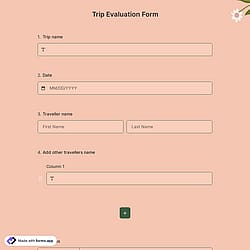
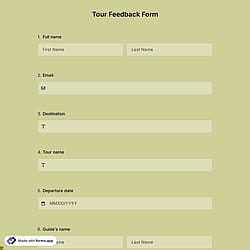
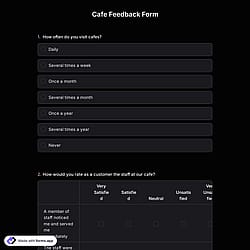
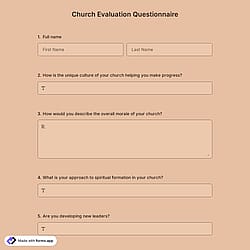
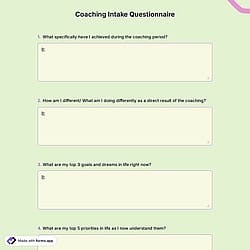
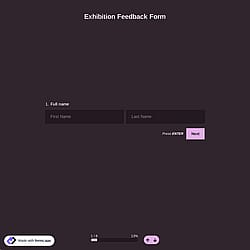
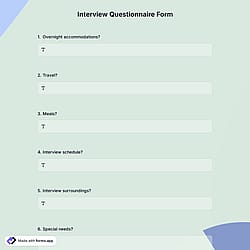
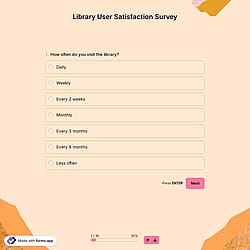
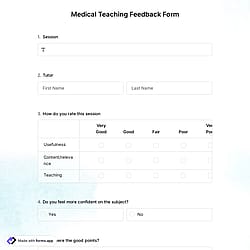
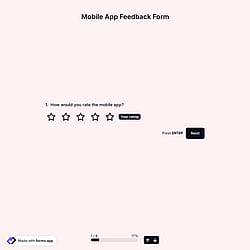
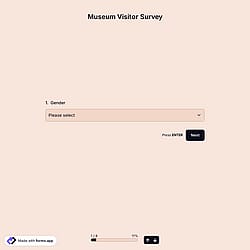
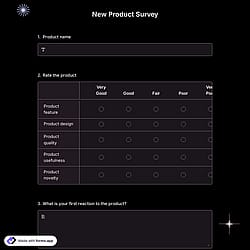
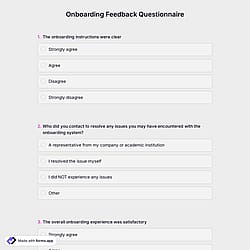
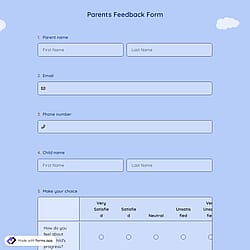
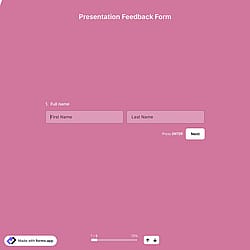

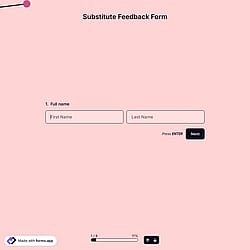
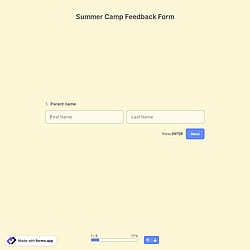
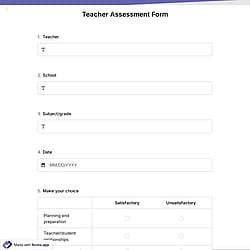
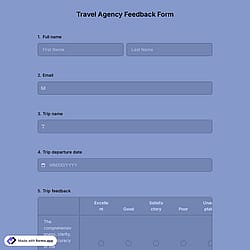
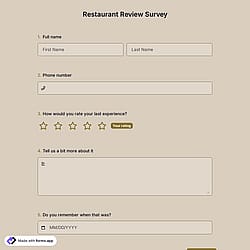
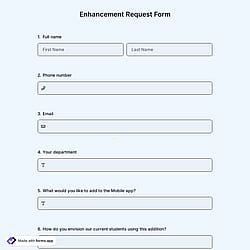
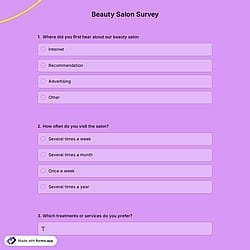
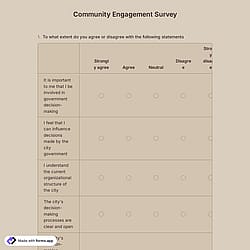
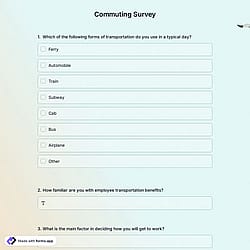
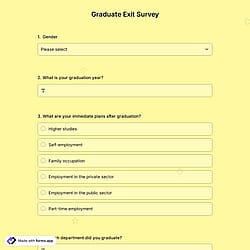
Follow the three easy steps below to easily import the template to your account, customize questions, and quickly share the quiz on your website or social media.

View one of these sample feedback form templates and click on “Use template” after making sure it is what you are looking for.

Add or remove questions through forms.app's drag-and-drop interface and match your brand style.

Embed it on your website in 6 different ways or share your form across all social media channels.
Just tell us how you would like a custom feedback form template tailored to your specific needs. forms.app’s free AI form builder will create a feedback form template for you in seconds.
Feedback forms are structured questionnaires used to collect actionable insights, opinions, evaluations, and suggestions from users, customers, employees, students, or event participants to understand experiences, measure satisfaction, identify problems, and gather ideas for service or product improvement.
Every template you choose on this page already comes with specific, similar fields. These common fields include the following:
Feedback forms are essential for quickly collecting opinions on customer experience, user experience, products or services, and more, without designing a form from scratch. They offer ready-made layouts, essential question types, and customizable features to collect opinions, identify areas for improvement, and analyze feedback in real time. With drag-and-drop editing, conditional logic, and multiple field options, you can create professional feedback forms in minutes and analyze responses more efficiently.
You can be notified immediately via email when someone submits a form. To do this, click the “Settings” button on the edit page. Once the settings menu is opened, you will see the Notifications option on the left side. Finally, toggle on the email notification switch after clicking on the “Notify Me’’.
Yes! These quiz form templates are totally free to use and customize along with other templates on forms.app.
Yes, all templates on forms.app are optimized for all devices, whether it’s desktop, tablet, or mobile.
是的! If your audience speaks different languages, you can add multiple languages and let people choose their preferred language when they open up your form. Please note that this feature is available only on Pro and Premium plans.
Yes! forms.app complies with major data-protection laws such as GDPR and uses secure servers in the EU. And what’s more, you retain control over your data, which means you can set form-access permissions.