1. Import into your account
Log in to your account and click “Create” to get started. You can import this student teacher feedback form template by pressing “Use template” or start from scratch to build your own.

Save up to 60% on yearly plans and enjoy our biggest offer of the year. Limited time only. 🍂
See pricing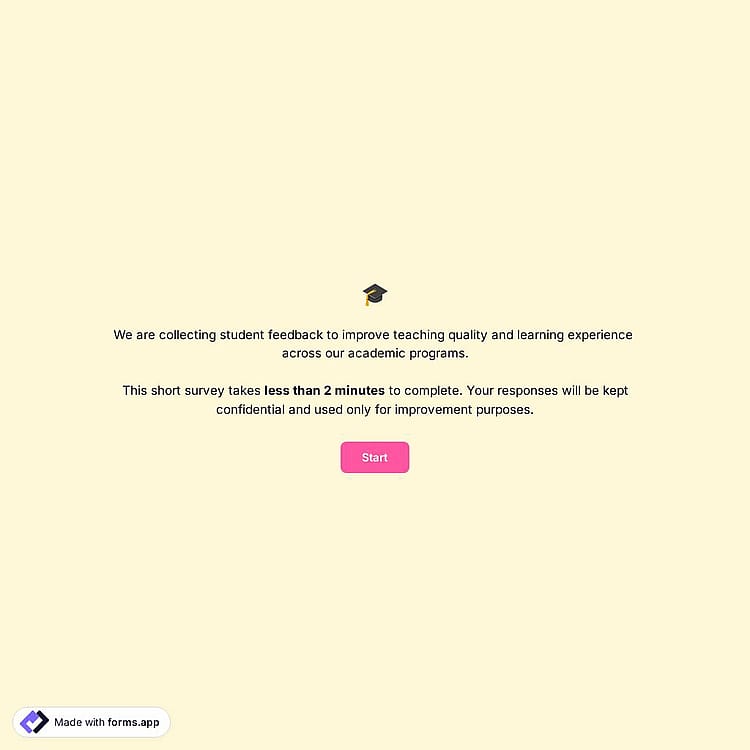
A student feedback form is an online tool used by schools, colleges, or training programs to gather students’ evaluations of a class or instructor. It typically includes questions about lesson clarity, teaching effectiveness, and the overall learning experience.
Form questions will inquire about:
💡 This template comes with pre-set layouts, welcome & ending pages, and a ready-made layout that’s applied automatically.
Yes, student feedback forms can be anonymous, and in many cases anonymity helps students provide more honest and open feedback.
If you want the form to be anonymous, avoid adding fields that ask for identifying information, such as a full name or email address. This way, respondents can submit their feedback without revealing their identity.
You can also make anonymity optional. For example, you can still include contact fields like Full Name or Email, but make sure the Required option in the field settings is disabled. This allows students to leave those fields empty if they prefer to remain anonymous.
You can analyze student feedback effectively by using the Results section of your student feedback form. All submissions are stored in the Responses tab, where you can review, filter, and manage each response easily.
For deeper analysis, you can export your responses at any time in .xlsx or .csv formats from the Results page. This allows you to store, share, or analyze the feedback externally using tools like spreadsheets.
If you prefer real-time data tracking, you can connect your form to Google Sheets, which automatically sends new responses to a spreadsheet as they are submitted. Alternatively, you can use the Microsoft Excel integration.
Yes, this form can easily be used for online courses. A student feedback form for online classes helps educational institutions identify issues such as unclear explanations, pacing problems, or difficulties with online tools. This helps educators improve lesson delivery, adjust course content, and enhance the overall effectiveness of their online courses.
Student feedback forms help improve teaching quality by showing how students experience lessons, teaching methods, and course structure. By reviewing this feedback, educators can identify strengths and areas for improvement.
Additionally, by accessing the Statistics and Insights tabs, you can review respondents’ answers and gain helpful insights to guide teaching improvements.
Yes, schools can customize the student feedback form for different grade levels. You can add a selection field at the beginning of the form where students choose their grade level.
After that, you can set up Conditional logic so students will only see the questions related to their selected grade, while the other fields remain hidden. This helps keep the form relevant and easier for students to complete.

Log in to your account and click “Create” to get started. You can import this student teacher feedback form template by pressing “Use template” or start from scratch to build your own.

Use the form builder to add and customize form elements. Adjust colors, fonts, and themes, and set up different scenarios to ensure relevant data and feedback are collected.

Once your student survey is ready, publish and share your form or embed it on your website. This allows educational institutions to collect real-time feedback much faster.
Check out related templates you might like for collecting and managing feedback effectively. Besides this student feedback form for teachers, you can search in all form templates or browse form templates categories.
Explain what you need in your teacher feedback form for students, and forms.app’s AI form generator will create a ready-to-use template tailored to your teaching evaluation process in seconds.
This student feedback form template includes all the elements and fields needed to collect student feedback effectively. It can be easily customized to match different courses, subjects, or educational workflows.
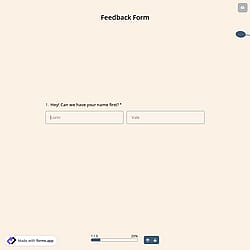
Include fields such as the teacher’s name so students can clearly identify the instructor they are evaluating and provide accurate feedback for each class.
Choose between List View or Step View to organize the feedback process. Step View helps guide students through the form in clear sections, making the evaluation easier to complete.
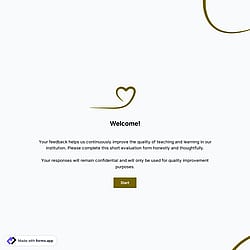
Use structured elements, such as Welcome and Ending pages with explanations, to guide students through the survey. These sections explain the purpose of the form or give instructions.
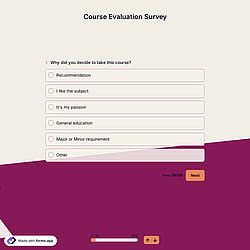
Add selection fields for faster completion, allowing students to quickly choose options when evaluating different aspects of the class.
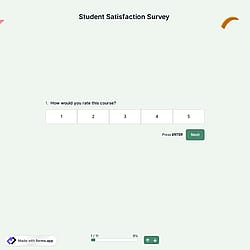
Use common fields, including rating scales, which allow students to evaluate their overall classroom experience using structured scoring.
Enable email notifications to receive alerts whenever a new response is submitted, helping administrators and educators review feedback quickly.
Categories
This student feedback form is free and customizable