

1. Import into your account
View one of these self-evaluation form templates and click on “Use template” after making sure it is what you are looking for.

Save up to 60% on yearly plans and enjoy our biggest offer of the year. Limited time only. 🍂
See pricingA self-evaluation form is an online document in which participants evaluate themselves on a particular subject. This can be done either with a number scale or with short- and long-answer form fields.
Just tell us and get a custom template for free.
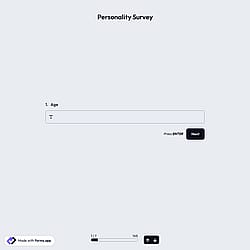
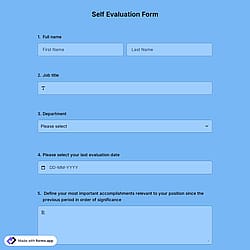
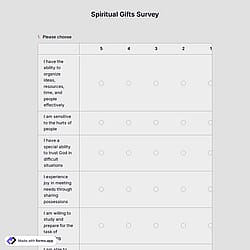
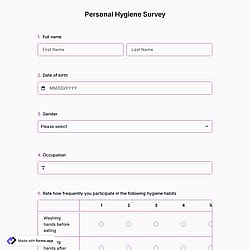
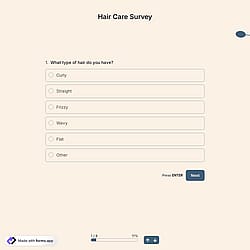
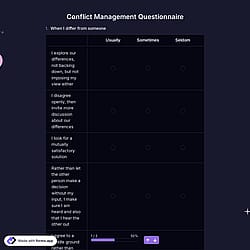
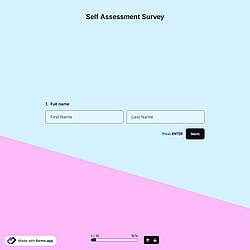

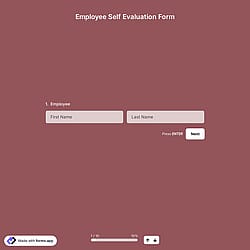
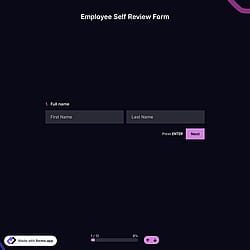
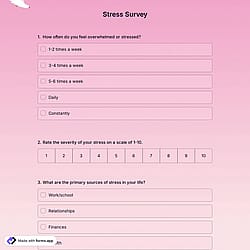
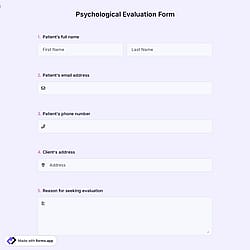
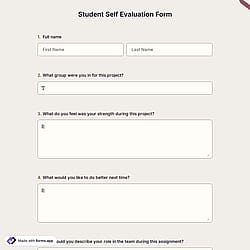
Follow the three easy steps below to import the template into your account, customize the questions, and quickly share the quiz on your website or social media.

View one of these self-evaluation form templates and click on “Use template” after making sure it is what you are looking for.

Add or remove questions through forms.app's user-friendly drag-and-drop interface matches your brand style.

Embed it on your website in 6 different ways or share your form across all social media channels.
Just tell us how you would like a custom self-evaluation form tailored to your specific needs. forms.app’s free AI form builder will create a custom form template for you in seconds.
Self-evaluation forms are structured questionnaires that help individuals assess their own performance, skills, progress, or behavior. They are commonly used in workplaces and education to encourage reflection and identify areas for improvement. These forms often include rating scales, open-ended questions, and measurable criteria.
Every example of self-evaluation forms on this page already comes with powerful form fields. These common fields include the following:
Yes. With forms.app, you can fully customize all templates by editing questions, adding or removing fields, changing themes, and adjusting layouts to fit your specific needs.
Absolutely. Self-evaluation templates are ideal for overall performance evaluations, which help employees reflect on and set goals, communication skills, time management skills, problem-solving skills, and strengths and weaknesses, and simplify the employee performance review process in a structured and consistent way.
Yes. These templates work well for academic settings, for example, student self-assessments, course feedback, skill evaluations, meeting deadlines, and teacher or staff reviews to identify strengths and areas for improvement.
Yes. With forms.app, you can tailor self-evaluation templates for different roles or departments by creating separate versions of the same form.
For example, a sales team form can focus on customer relations, job performance, and professional growth, while a design team form can evaluate creativity and project delivery. You can also adjust questions, rating criteria, and sections to match each role’s responsibilities.
You can integrate your forms with 500+ apps. To do this, simply select the app you want to integrate your form with, and then click on “Connect to forms.app’’ or “Connect to Zapier”. Finally, you’ll see some easy-to-follow instructions to create an account and set up the integration.
Yes! You can collect digital signatures and obtain agreement to your terms and conditions before they submit their forms. Click the “+” button within the form builder, select the “Signature” or “Terms & Conditions’’ option, and simply drag and drop the signature field to the desired position on your form.
Yes, you can embed your forms on your website flexibly without coding with forms.app. After you choose one of the handy embed options, you can make the necessary adjustments, such as height, width, button colors, etc., and place the code into your website!
Yes, all templates on forms.app are optimized for all devices, whether it’s desktop, tablet, or mobile.
是的! If your audience speaks different languages, you can add multiple languages and let people choose their preferred language when they open up your form. Please note that this feature is available only on Pro and Premium plans.