









1. Import into your account
View one of these product survey templates and click on “Use template” after making sure it is what you are looking for.
A product survey is an online document used to evaluate a product. Whether a product is released or not, using a survey will provide useful data to improve your product and, ultimately, your business. The purpose of product surveys is to reveal all the pros and cons of the product. You can improve your product by understanding your customers' needs.

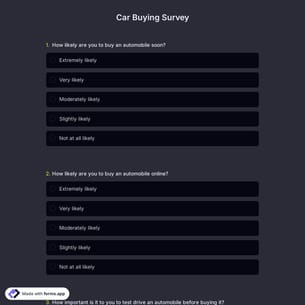
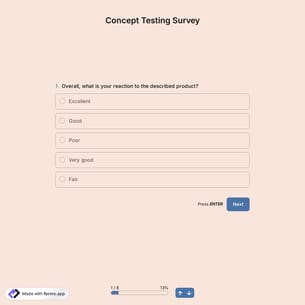
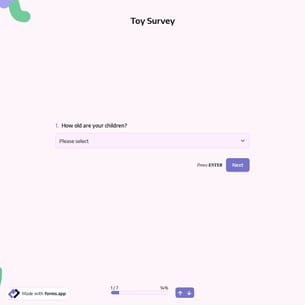
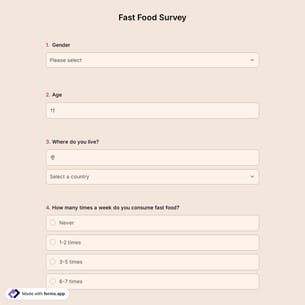
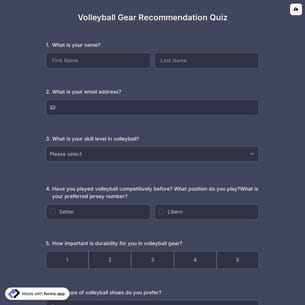
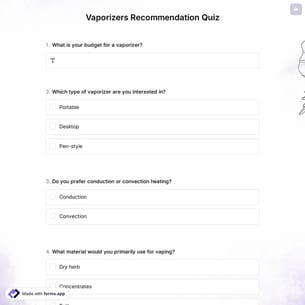
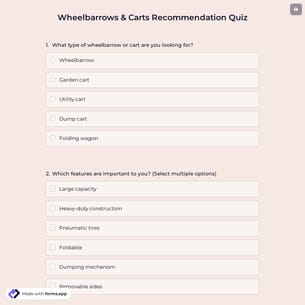
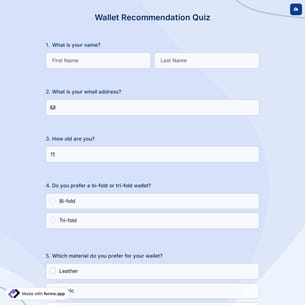
Follow the three easy steps below to import the template into your account, customize the questions, and quickly share the quiz on your website or social media.

View one of these product survey templates and click on “Use template” after making sure it is what you are looking for.
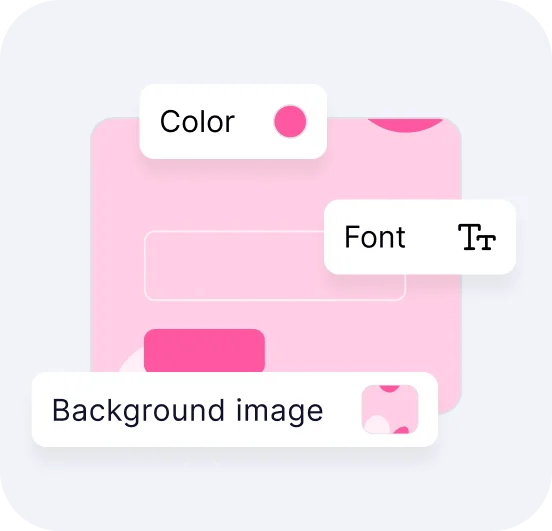
Add or remove questions through forms.app's user-friendly drag-and-drop interface matches your brand style.

Embed it on your website in 6 different ways or share your form across all social media channels.
Just tell us how you would like a custom product survey tailored to your specific needs. forms.app’s free AI form builder will create a survey template for you in seconds.
Product surveys are structured questionnaires used to collect feedback from users about a product’s features, usability, quality, and overall satisfaction. Businesses use them to understand customer needs, measure satisfaction, identify problems, and guide product improvements, updates, or new feature development based on real user insights.
Every template you choose on this page already comes with specific, similar fields. These common fields include the following:
forms.app offers a variety of product survey templates to help businesses measure customer feedback and insights. These include surveys for product research, customer satisfaction, product evaluation, app performance, product quality, pricing feedback, product design opinions, and niche-specific feedback (e.g., skincare or buying preferences). You can choose any template to suit your goals.
You should send a product survey to your target audience at key moments in the customer journey, such as after a purchase, after product use, after an update or new feature release, or when launching a new product. These help you collect relevant feedback while the customer experience is still fresh.
Yes, forms.app product survey templates are suitable for both digital and physical products. You can easily customize questions to collect feedback on usability, features, design, delivery, quality, or overall user satisfaction with the performance of existing products, whether digital or physical.
Once you have completed your form, you’ll have a dedicated results page to review survey responses. There, you will have access to AI insights, Statistics, and Responses. Here is what you can do with them:
AI Insights is an innovative feature that enables you to analyze online form responses with AI. You can get general trends, related charts, key points, and suggestions, and ask more questions about the analysis.
Statistics offers a number of valuable data for you, as a form owner. Once you are in Statistics, you will be able to see data about your form, respondents, and answers. Additionally, you will have access to data on device types, platforms, locations, scores, and more.
In the Responses section, you have two viewing options: List and Grid view. After selecting and viewing a submission, you can print it, add a note, or send it to the trash. You can view the percentages and get a general idea of the submissions on the statistics page. Also, you can download your data as .xls or .csv files.
Yes, you can reuse the same product survey template for multiple products. Simply update product-specific questions, images, or options for consistent feedback and product development.
Yes, these product survey templates are suitable for both B2B and B2C products. You can customize questions based on customer type, usage context, and decision-making process, and collect feedback from individual consumers, teams, or business clients in real time.
Yes! You can integrate your forms with 500+ apps. To do this, simply select the app you want to integrate your form with, and then click on “Connect to forms.app’’ or “Connect to Zapier”. Finally, you’ll see some easy-to-follow instructions to create an account and set up the integration.
是的! If your audience speaks different languages, you can add multiple languages and let people choose their preferred language when they open up your survey. Please note that this feature is available only on Pro and Premium plans.
Yes, you can embed your forms on your website flexibly without coding with forms.app. After you choose one of the handy embed options, you can make the necessary adjustments, such as height, width, button colors, etc., and place the code into your website!