

1. Import into your account
View one of these examples of informed consent form templates and click on “Use template” after making sure this is what you are looking for.

Save up to 60% on yearly plans and enjoy our biggest offer of the year. Limited time only. 🍂
See pricingAn informed consent form is an online document used by businesses, organizations, and institutions to obtain a patient, customer, or client's consent for a procedure. With forms.app’s free informed consent form templates, you can easily create professional consent forms and securely collect essential approvals.
Just tell us and get a custom template for free.
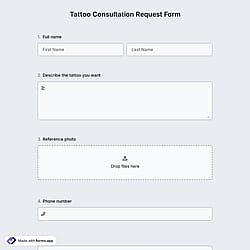
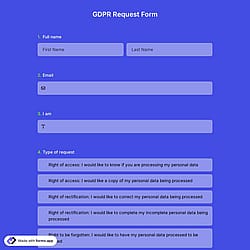
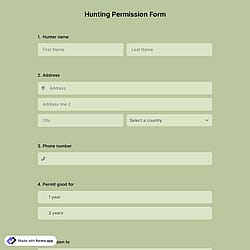
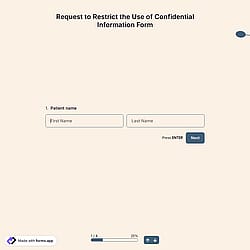
Follow the three easy steps below to easily import the template to your account, customize questions, and quickly share the form on your website or social media.

View one of these examples of informed consent form templates and click on “Use template” after making sure this is what you are looking for.

Add or remove questions through forms.app's drag-and-drop interface and match your brand style.

Embed it on your website in 6 different ways or share your form across all social media channels.
Just tell us how you would like a free consent document template tailored to your specific needs. forms.app’s free AI form builder will create a custom template for you in seconds.
Informed consent forms are documents that explain a procedure, study, or service in clear terms before someone agrees to participate. They include the purpose, risks, benefits, alternatives, and the person’s rights.
Informed consent is crucial because it ensures individuals clearly understand what they are agreeing to before any procedure or service. It provides transparency, protects individual rights, reduces misunderstandings, and helps the subject population and organizations meet ethical and legal requirements.
You can personalize a consent form on forms.app by going beyond basic field editing and changing how the form behaves and looks. You can rename fields, add descriptions, set required fields, and use input validations (such as email or number formats) to collect cleaner and more accurate data. With conditional logic, you can create dynamic flows that show different questions to different users based on their selections.
Customization also includes the form's visual elements. You can reorder fields, group questions into logical sections, and choose from ready-made themes or fully customize colors, fonts, and backgrounds to match your brand identity.
Yes! These informed consent form templates are totally free to use and customize along with other templates on forms.app.
An informed consent form should include the purpose of the procedure, a clear explanation of what will happen, possible risks and benefits, alternatives, confidentiality and data usage details, and the participant’s rights. It should also contain a consent statement, date, and signature field.
Yes. forms.app’s informed consent form templates are designed to support compliance with common privacy regulations. You can customize them to include required disclosures and use secure data collection features to help meet standards such as GDPR and similar data protection laws.
是的! If your audience speaks different languages, you can add multiple languages and let people choose their preferred language when they open up your form. Please note that this feature is available only on Pro and Premium plans.