

1. Import into your account
View one of these payment forms and click “Use template” after confirming it is what you are looking for.

Save up to 60% on yearly plans and enjoy our biggest offer of the year. Limited time only. 🍂
See pricingPayment forms are online forms designed to collect payments and related customer information securely. Businesses use payment forms to accept payments for products, services, subscriptions, donations, or event organizations.
Just tell us and get a custom template for free.
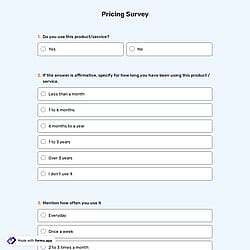
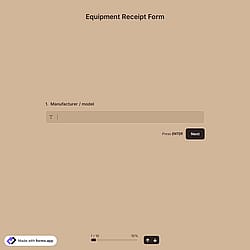


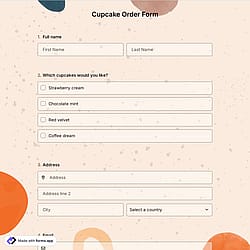
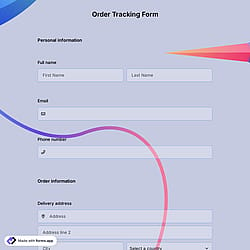
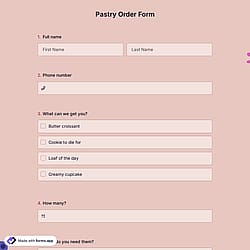
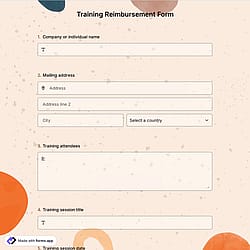

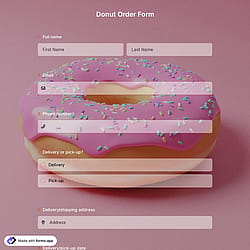
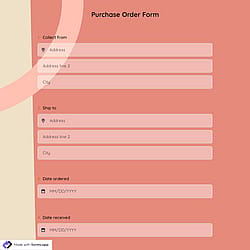
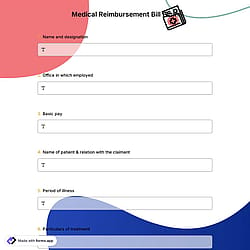

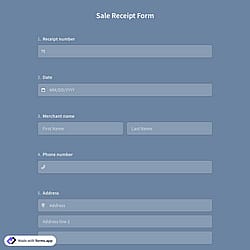

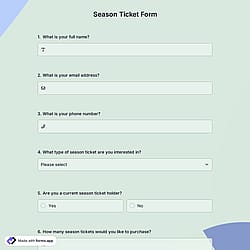
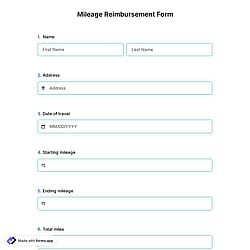
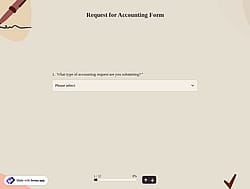
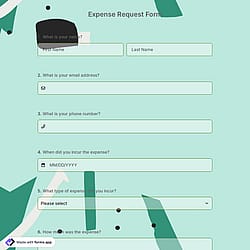
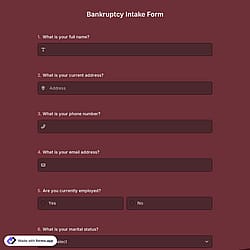
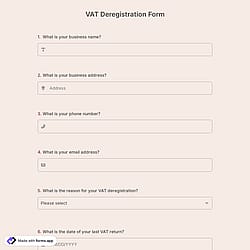


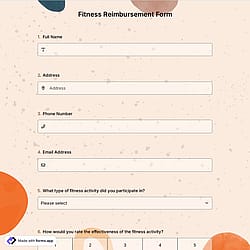
Follow the three easy steps below to import the template into your account, customize the questions, and quickly share the quiz on your website or social media.

View one of these payment forms and click “Use template” after confirming it is what you are looking for.

Add or remove questions through forms.app's drag-and-drop interface and match your brand style.

Embed it on your website in 6 different ways or share your form across all social media channels.
Just tell us how you would like a custom payment form tailored to your specific needs. forms.app’s free AI form builder will create a custom form template for you in seconds.
Payment forms are digital tools used to collect payments and related customer information securely. They allow users to enter details such as name, email, amount, and payment method in one place.
Every template you choose on this page already comes with certain similar fields. These common fields include the following:
The payment field of forms.app will help you easily collect and transfer money to your account. For collecting international payments, you can connect Stripe and PayPal accounts to your forms. No matter which method you use, it will be a quite simple process that can be completed with a few steps.
Once you add a payment field to your form, you gain access to various options. You can set a fixed amount and currency for payments, select a default payment method, and activate the payment gateways you wish to provide. Please visit the following articles to learn how to enable payment collection via Stripe or PayPal.
No, forms.app does not charge any commission or fees on payments you collect through its forms. You only pay the standard processing fees charged by the payment provider.
Yes! forms.app complies with major data-protection laws such as GDPR and uses secure servers in the EU. And what’s more, you retain control over your data, which means you can set form-access permissions.
Yes, forms.app meets the PCI DSS (Payment Card Industry Data Security Standard) requirements, which means it follows industry-recognized security practices for processing payment information safely.
No, forms.app does not store your customers’ credit card information. When someone makes a payment, the payment is handled securely through third-party processors like Stripe or PayPal, and sensitive card data is sent directly to them rather than being stored on our servers. The card information is processed by those trusted payment providers, so forms.app itself doesn’t retain customers’ credit card details.
Yes, forms.app can support Cash on Delivery (COD) or pay at door” as a payment option. In the payment field settings, besides Stripe and PayPal, you can enable a “Pay at the door” / cash on delivery option.
To send a receipt to the person who fills out your form, you need to enable email notifications for respondents: