1. Import into your account
Open this free request for accounting form template and click “Use template” to start editing it in your account.

Save up to 60% on yearly plans and enjoy our biggest offer of the year. Limited time only. 🍂
See pricing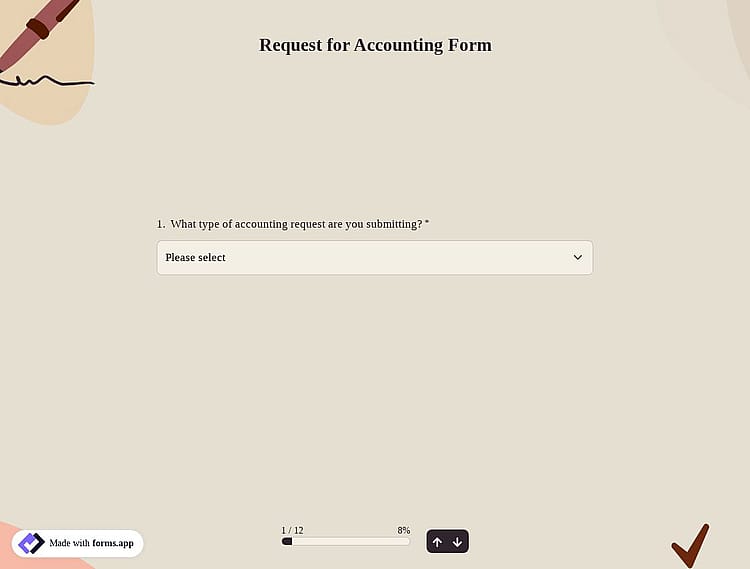
A request for an accounting form is an online form used to send finance-related requests to the accounting team. It helps collect key details such as request type, amount, due date, and documents, making requests easier to track and manage.
Form questions will inquire about:
💡 This template comes with pre-set conditions, field groups, an ending page, and a ready-made layout that’s applied automatically.
Through an accounting request form, users can easily send finance-related requests to the accounting team in one place. The form helps collect the right details so requests can be reviewed and handled more quickly. Common requests include:
1. Expense or refund requests: For reporting work-related expenses and requesting reimbursement by submitting amounts and receipts.
2. Invoice or payment requests: For sharing vendor or client invoices and asking for payments to be processed on time.
3. General accounting help: For questions or requests related to budgets, cost centers, approvals, or other accounting matters.
Yes, you can easily add File Upload or Image Upload fields to your form, allowing your clients to upload invoices, receipts, or other supporting documents along with their submission.
After submission, accounting requests can be easily tracked through the Results section of your form. From there, you can view, review, and manage all responses in one place, making it simple to stay organized and follow up when needed.
Also, you can export the data collected from the customers for further review and reporting. You can export your form responses and download them in .xlsx or .csv formats from the Results page under the Responses tab.
You can also use our Google Sheets or Microsoft Excel integrations to automatically export and manage your responses.
Yes, you can create a multilingual form. Once completed, you can share your form in multiple languages. To do this, follow these steps:
1. Open your form.
2. Go to the Settings tab.
3. Navigate to the Languages section.
4. Add a new language and edit the translations as needed.

Open this free request for accounting form template and click “Use template” to start editing it in your account.

Easily modify the form using the drag-and-drop builder. You can add or remove fields such as request type, due date, project or cost center, and attachments.

When your request form is ready, share it with your team via a link or embed it on your website for easy access.
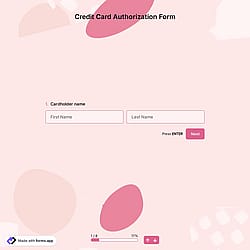
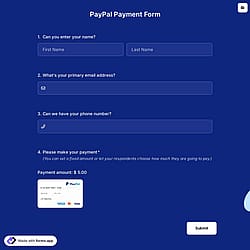
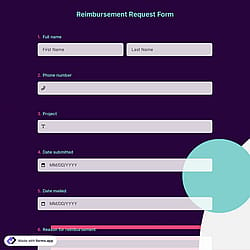
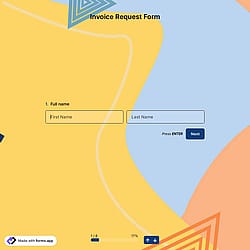
Check out similar accounting form templates to support your financial processes. Use them to organize accounting requests, collect required details more easily, and manage financial workflows much faster.
Simply describe what you need in your accounting request form, and forms.app’s AI form generator will create a free template to help you collect accounting requests more efficiently.
The request for accounting form template comes with the key fields you need and can be easily customized to fit your processes, approvals, and workflow.
Collect key contact details, such as the requester's name, vendor or client name, and email address, to ensure clear communication.
Allow your clients to specify a required completion or due date so accounting teams can prioritize requests effectively.
Show or hide fields in your accounting request form based on user selections to keep the form clean and relevant.
Automatically send confirmation emails to requesters and receive instant notifications when a new submission arrives.
Let your respondents upload supporting documents such as invoices, receipts, contracts, approvals, or spreadsheets.
Use step view to break the form into simple sections for a smoother user experience, or list view to display all fields on a single page.
Categories
This request for accounting form is free and customizable
Categories