

1. Import into your account
View one of these sample registration forms for events and click on “Use template” after making sure it is what you are looking for.

Save up to 60% on yearly plans and enjoy our biggest offer of the year. Limited time only. 🍂
See pricingOnline event registration forms make it easy for people to register and make the process more flexible for everyone. These forms help organizers manage registrations, track participants, limit capacity, and communicate essential details to participants before the events.
Just tell us and get a custom template for free.
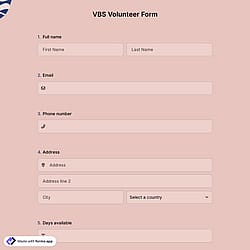
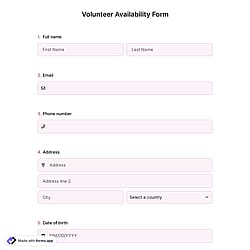
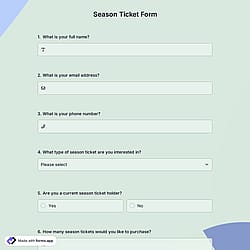
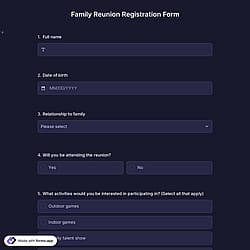
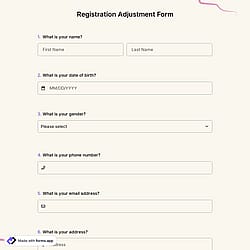
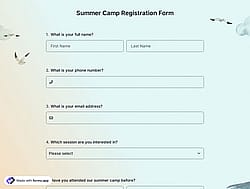
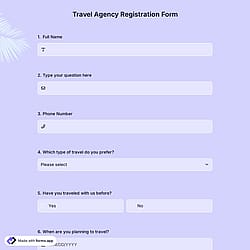
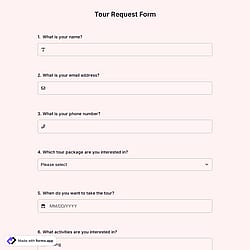
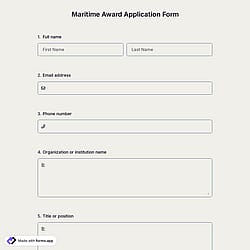
Follow the three easy steps below to easily import the template to your account, customize questions, and quickly share the quiz on your website or social media.

View one of these sample registration forms for events and click on “Use template” after making sure it is what you are looking for.

Add or remove questions through forms.app's drag-and-drop interface and match your brand style.

Embed it on your website in 6 different ways or share your form across all social media channels.
Just tell us how you would like a custom event registration form tailored to your specific needs. forms.app’s free AI form builder will create a custom form template for you in seconds.
Event registration forms are online forms used to collect information from people who want to attend an event. They typically ask for details such as name, contact information, event date, and attendance preferences.
Every template you choose on this page already comes with certain similar fields. These common fields include the following:
Various professional groups use event registration form templates. Below are 10 groups that rely on these forms to collect participant information, manage attendance, confirm eligibility and manage the registration process efficiently.
Event organizers use registration forms to collect attendee details, manage capacity, and send updates.
Educational institutions register students or participants for seminars, workshops, orientations, training programs, and academic or extracurricular events.
Corporate teams manage employee registrations for meetings, trainings, onboarding sessions, team-building events, or internal company meetings.
Nonprofit organizations collect registrations for fundraisers, charity events, awareness campaigns, volunteer programs, and other activities.
Marketing teams capture participant information for product launches, brand events, promotional campaigns, and lead generation.
Community groups on the social platforms organize registrations for local meetups, neighborhood events, cultural gatherings, and social activities (such as photography, food, movie, etc.).
Sports clubs register members or guests for tournaments, classes, workshops, competitions, and scheduled events.
Conference hosts manage attendee sign-ups, session preferences, access links, and reminders for events.
Cultural organizations handle registrations for exhibitions, performances, screenings, workshops, and other events they focus on.
No, without needing to code a single line, you can simply use these event registration form templates and customize its fields, design, and general options with just a few clicks through forms.app’s intuitive form builder interface. After that, you can share using one or more of many sharing options and start collecting responses immediately.
Absolutely, you can fully customize these event registration templates to match your brand and event style by adding your logo, cover image, brand colors, fonts and custom CSS. These customization options offer you a professional stance in your forms.
Yes, on forms.app, you can easily add, remove, or edit questions in any form template. You can customize fields based on your needs, reorder questions, mark them as required, or delete unnecessary ones.
Yes! All templates on forms.app are optimized for all devices, whether it’s desktop, tablet, or mobile.