









1. Import into your account
View a free quiz template and click on “Use template” after making sure it is what you are looking for.
Quiz form templates are online documents used by businesses, educators, and organizations to create engaging quizzes, tests, or assessments for participants. With these best quiz templates, you can easily design interactive quizzes and customize questions in one place.
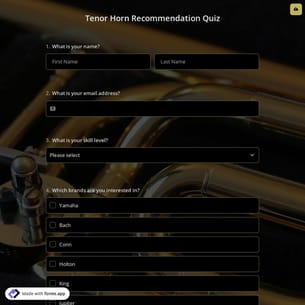
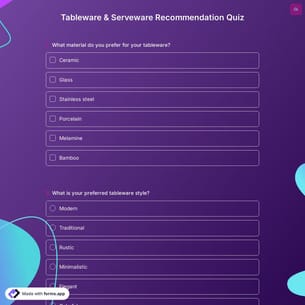
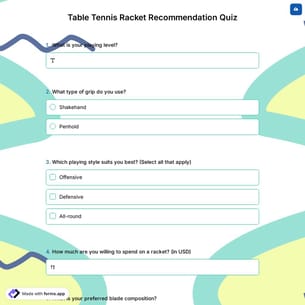
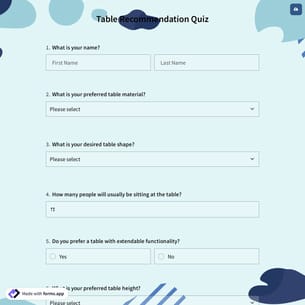
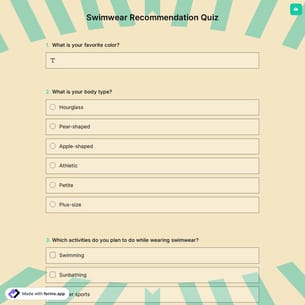
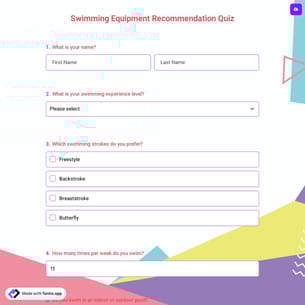
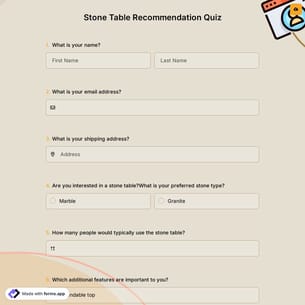
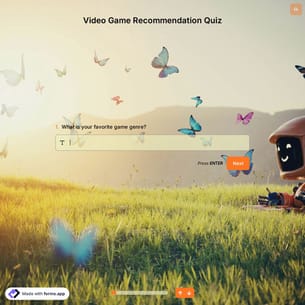
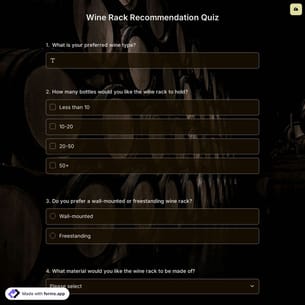
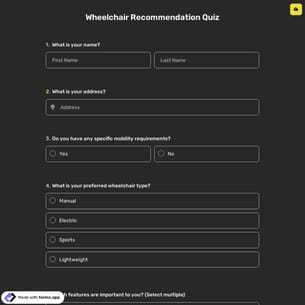
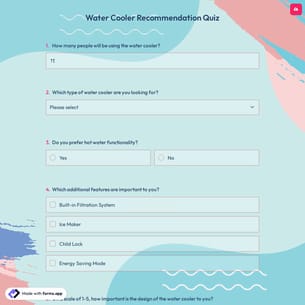
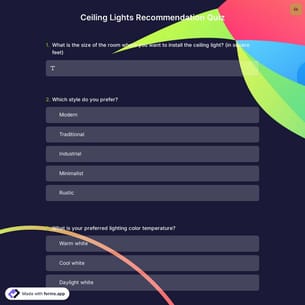
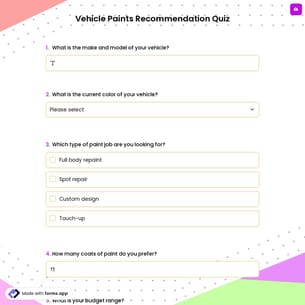
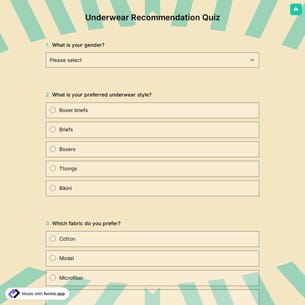
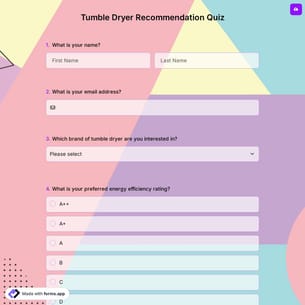
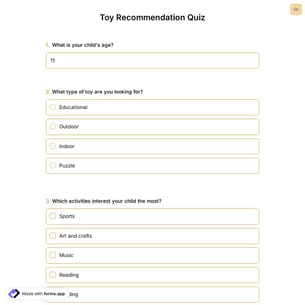
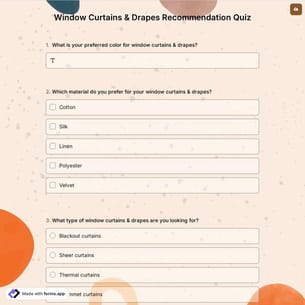
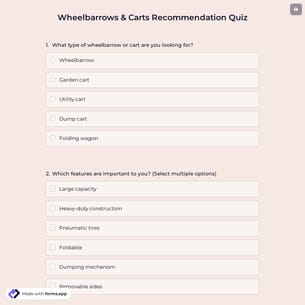
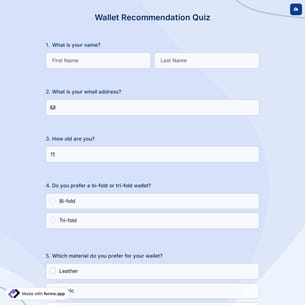
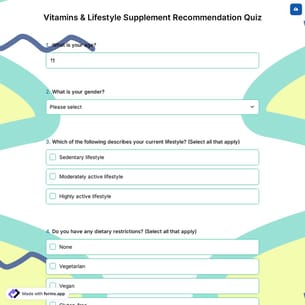
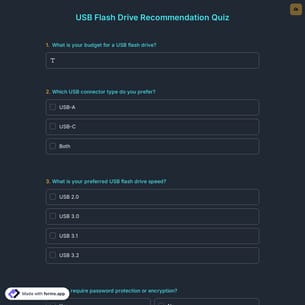
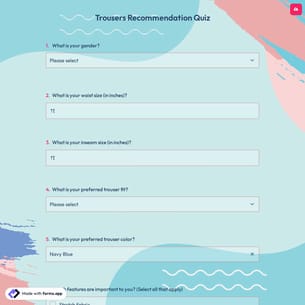
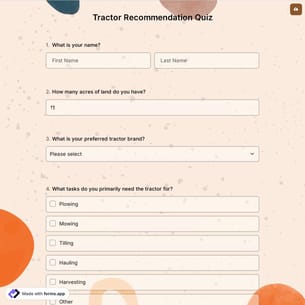
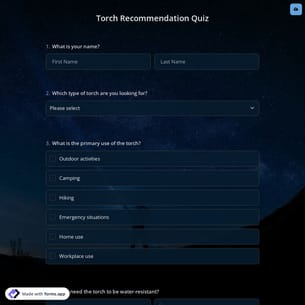
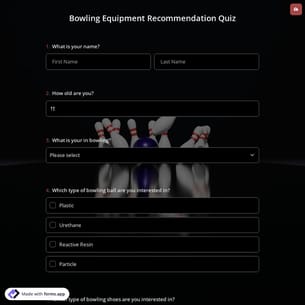
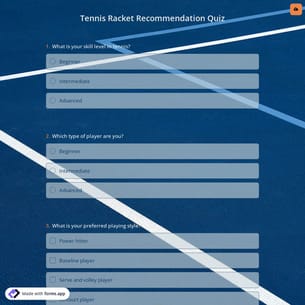
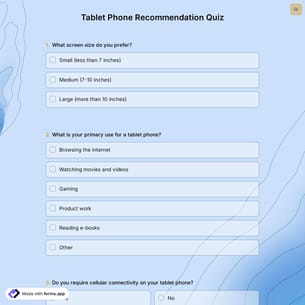
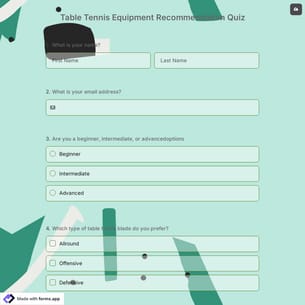
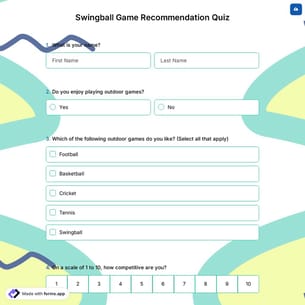
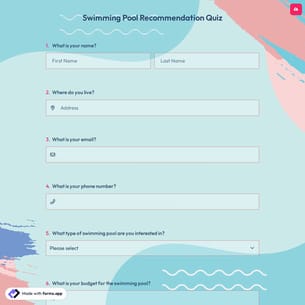
Follow the three easy steps below to easily import the template to your account, customize questions, and quickly share the quiz on your website or social media.
View a free quiz template and click on “Use template” after making sure it is what you are looking for.
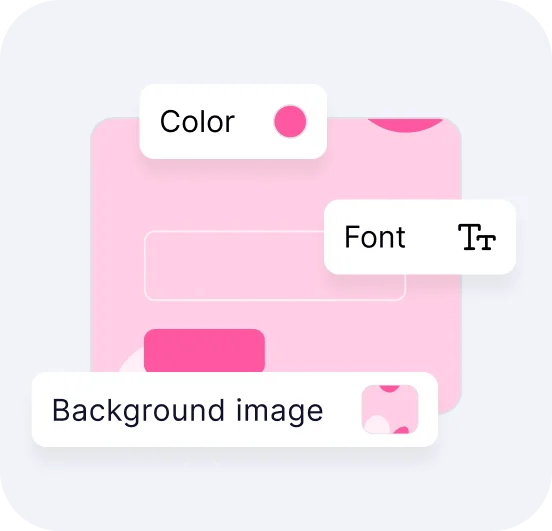
Add or remove questions through forms.app's drag-and-drop interface and match your brand style.
Embed it on your website in 6 different ways or share your form across all social media channels.
Just tell us how you would like to have a custom quiz sample for your specific needs. forms.app’s free AI quiz builder will create a custom, online quiz example for you in seconds.
Quiz forms are interactive forms used to ask questions and collect answers. Whether for testing knowledge, surveying people, or just creating fun quizzes, quiz forms share some fields in common.
Every template you choose on this page already comes with certain similar fields. These common fields include the following:
Yes! After creating your quiz, you must head to the Logic tab to use the Calculator feature. The Calculator feature allows you to assign points to each answer option in every question. Therefore, you can choose to have more than one correct answer for a question.
Yes, by adding multiple endings, you can show custom messages based on respondents’ scores, , allowing you to personalize the experience based on performance or outcomes.
By defining different score ranges and applying logic rules, participants can be automatically directed to the most relevant result. Each ending can include customized text, visuals, or guidance, helping you deliver clearer feedback, reinforce key messages, and create a more engaging and meaningful completion experience.
You can be notified immediately via email when someone submits the quiz. To do this, click the “Settings” button on the edit page. Once the settings menu is opened, you will see the Notifications option on the left side. Finally, toggle on the email notification switch after clicking on the “Notify Me’’.
Yes! These quiz form templates are totally free to use and customize along with other templates on forms.app.
Yes! With forms.app you can add images and videos to your quizzes. You can include images either as part of a question or as standalone media content. You can also embed videos by pasting a video URL (from platforms like YouTube or Vimeo) in the media field of your question.