









1. Import into your account
View one of these consultation form templates and click on “Use template” after making sure it is what you are looking for.
A consultation form is an online document generally used by law firms or health and beauty institutions to collect personal information and the reasons a client is contacting you. In this way, you can direct your clients, arrange a meeting, and solve their problems.
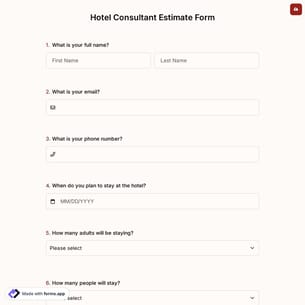
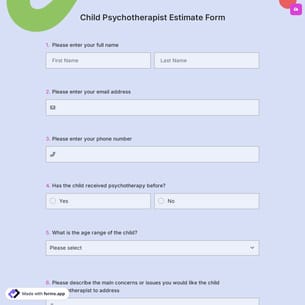
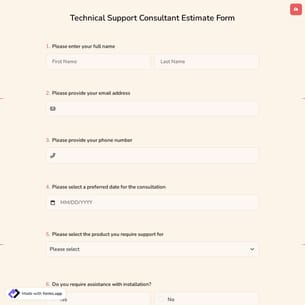
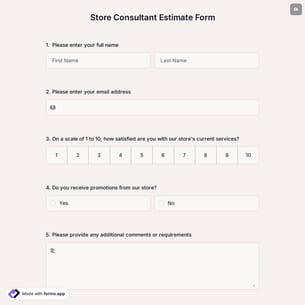
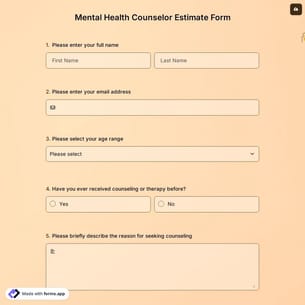
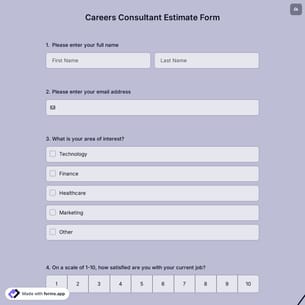
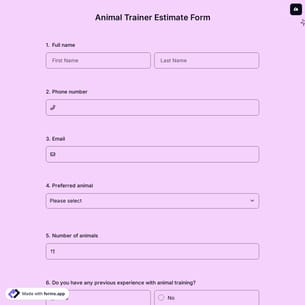
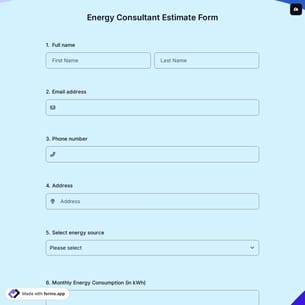
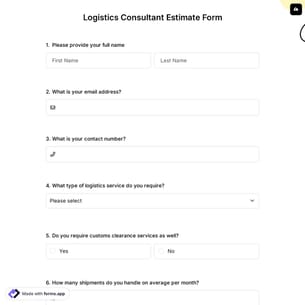
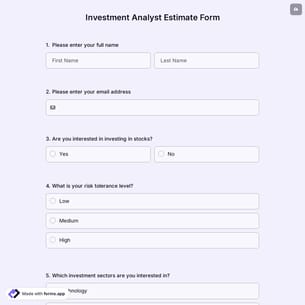
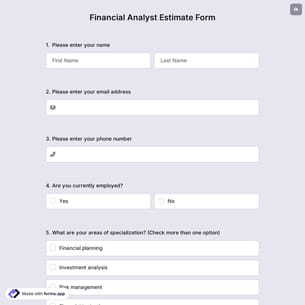
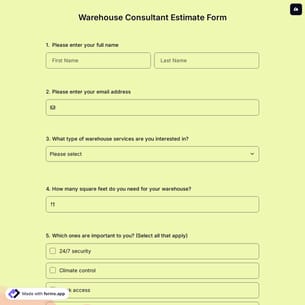
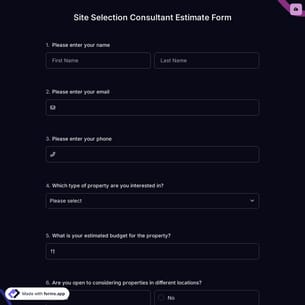
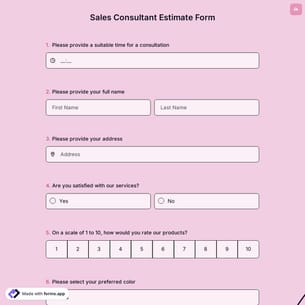
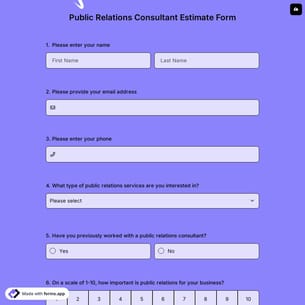
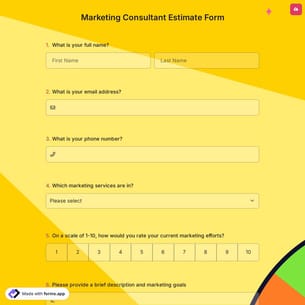
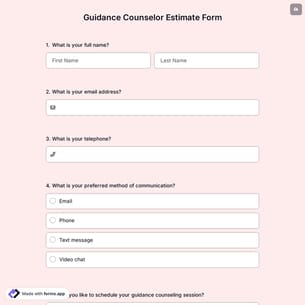
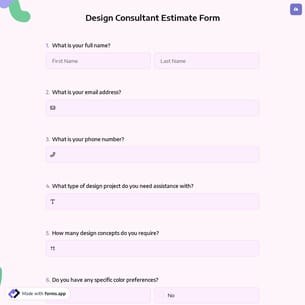
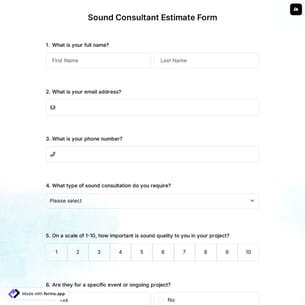
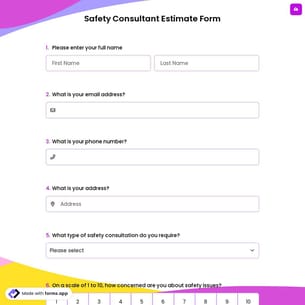
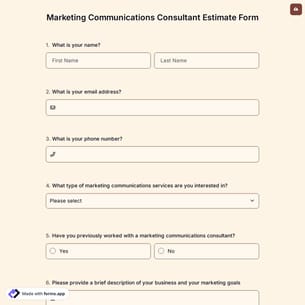
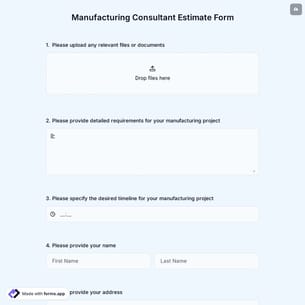
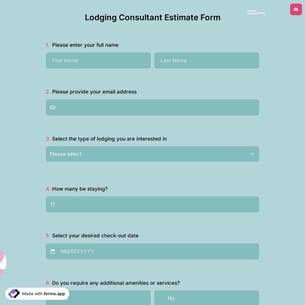
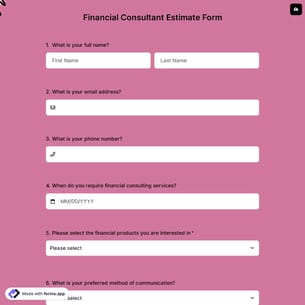
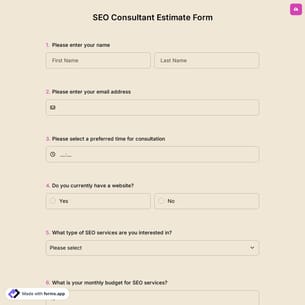
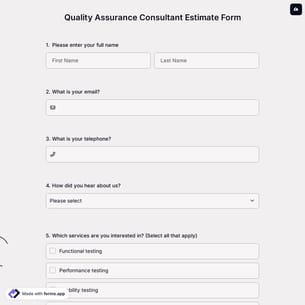
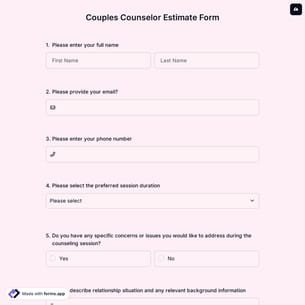
Follow the three easy steps below to import the template into your account, customize the questions, and quickly share the quiz on your website or social media.

View one of these consultation form templates and click on “Use template” after making sure it is what you are looking for.
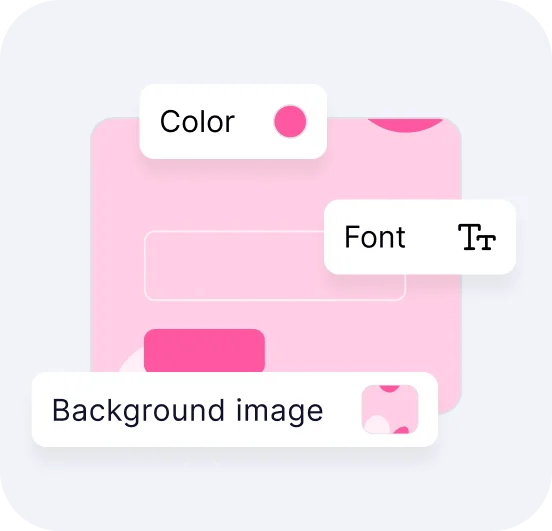
Add or remove questions through forms.app's user-friendly drag-and-drop interface matches your brand style.

Embed it on your website in 6 different ways or share your form across all social media channels.
Just tell us how you would like a custom consultation form tailored to your specific needs. forms.app’s free AI form builder will create a custom form template for you in seconds and save you time.
Consultation forms are structured online forms used to collect information from individuals before or during a consultation. They gather details such as contact information, background data, needs, goals, and specific concerns. These forms help professionals prepare in advance, save time, and prepare for more personalized consultations.
Every template you choose on this page already comes with powerful form fields. These common fields include the following:
A typical consultation form includes contact details, the reason for the consultation, background information, and specific questions. It may also ask about preferred dates and times, prior experience, and agreement details.
Consultation form examples can be used by various professional groups for a range of purposes. Here are groups that use online consultation history forms to collect vital feedback:
Healthcare professionals, doctors, therapists, and clinics use consultation forms to collect patient history, symptoms, and appointment preferences.
Law firms gather case details, client background, and consultation goals.
Business consultants use forms to understand company challenges, objectives, and expectations.
Marketing agencies collect project requirements, target audience details, and budget information.
Life, career, or fitness coaches use forms to assess goals, challenges, and readiness.
Educational consultants gather academic background, study goals, and preferences to provide educational guidance.
Real estate professionals use consultation forms to understand client needs, budget range, and more.
Wellness and beauty professionals collect lifestyle details and concerns before consultations.
Yes, you can fully customize your consultation form on forms.app. You can add or remove fields, change question types, adjust design elements, apply themes, and brand the form to match your needs.
Yes, you can qualify leads using a consultation form on forms.app. By adding questions, multiple-choice options, and conditional logic, you can assess needs, budgets, urgency, and readiness, and focus on high-quality leads.
Yes, consultation forms on forms.app are suitable for both paid and free consultations. You can collect information only for free sessions or enable payment fields to accept online payments, which allow you to manage bookings, pricing, and access.
Yes! You can integrate your forms with 500+ apps. To do this, simply select the app you want to integrate your form with, and then click on “Connect to forms.app’’ or “Connect to Zapier”. Finally, you’ll see some easy-to-follow instructions to create an account and set up the integration.
是的! If your audience speaks different languages, you can add multiple languages and let people choose their preferred language when they open up your form. Please note that this feature is available only on Pro and Premium plans.
Yes, embedding your forms into your website flexibly without coding is possible with forms.app. After you choose one of the handy embed options, you can make the necessary adjustments, such as height, width, button colors, etc., and place the code into your website!
Yes, you can use these forms across different channels. With forms.app, you can share your surveys via direct links, email, social media, QR codes, or embed them on your website. This flexibility allows you to collect responses wherever your audience is most active.