1. Import into your account
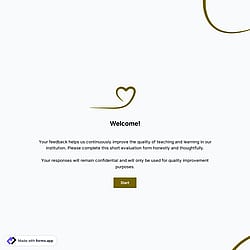
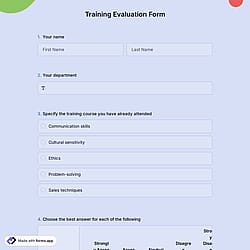
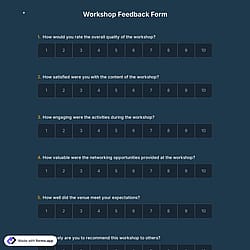
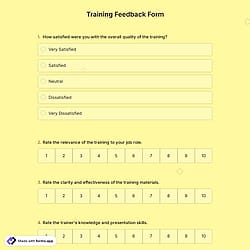
First, open this free professional development evaluation form template and click “Use template” to begin editing. You can also start from scratch if needed.

Save up to 60% on yearly plans and enjoy our biggest offer of the year. Limited time only. 🍂
See pricing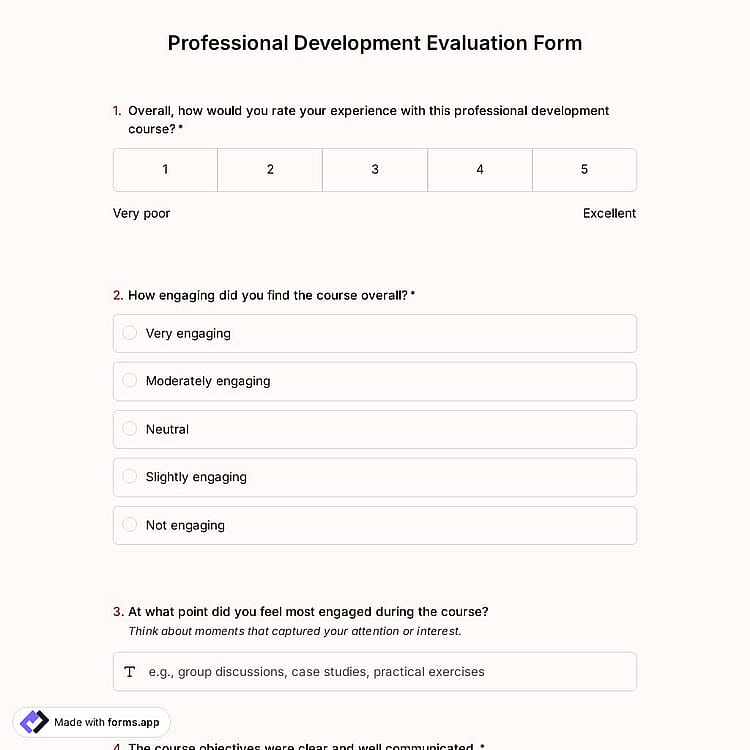
A professional development evaluation form is a feedback form used after a training course, workshop, or learning program. The goal is to understand what worked well and what can be improved for future sessions.
Form questions will inquire about:
💡 This template comes with a pre-set ending page and a ready-made layout that’s applied automatically.
A professional development session evaluation form should be completed by participants who attended the training, workshop, seminar, or course. This typically includes employees, team members, educators, managers, or any professionals who took part in the learning experience.
For example, a professional development evaluation form for teachers is completed by teachers who attended a training session to share feedback on the content, instructor effectiveness, engagement level, and overall value of the program.
Yes, you can easily use a professional development evaluation form after workshops, courses, conferences, seminars, or any training event.
You can simply duplicate your existing form and edit the copied version to create a separate evaluation form for each event type. This allows you to adjust the session title, feedback questions, or focus areas without affecting your original form.
To duplicate your form, follow these steps:
1. Go to your Dashboard.
2. Click the three-dot icon on the form you want to copy.
3. Select the Duplicate option.
You can use the results from an evaluation form to improve future sessions, refine content, and enhance instructor performance. Reviewing ratings and feedback helps you understand what worked well and what needs improvement.
All responses are stored in the Results section under the Responses tab for as long as you need. Also, you can export the data in .xlsx or .csv formats.
Yes, a professional development evaluation form can definitely help identify future training needs. By reviewing participant ratings, feedback, and suggestions, you can spot skill gaps, recurring challenges, and topics that require deeper focus in upcoming sessions.
In the Results section, you can access the Statistics tab to see overall response trends and measurable patterns. You can also check the Insights tab for more detailed AI analysis and to better understand which improvements or additional training topics may be needed.

First, open this free professional development evaluation form template and click “Use template” to begin editing. You can also start from scratch if needed.

Next, use the drag-and-drop form builder to adjust questions, rating scales, and open-ended questions. Edit the form design to match your organization and collect valuable feedback.

Once your form is ready, share it via link, embed it on your website, or generate a QR code for easy access. Monitor responses in real time as you start collecting evaluations.
Discover similar templates and sample feedback form options to help you evaluate professional development programs with ease. Collect participant insights, course ratings, and improvement suggestions in one place.
Describe what you’d like to include in your professional development evaluation form and forms.app’s AI form generator will create a free online form tailored to your program.
This professional development evaluation form template includes all the essential components you need and can be easily customized to fit your training program, workshop, or course requirements.
Choose from animated or static themes to match your organization or course style, especially ideal for teacher professional development evaluation forms.
Use star rating fields, selection matrix options for Likert scales, and opinion scales to measure satisfaction, engagement, and content relevance clearly.
Include open-ended questions to collect detailed feedback, concrete examples, and meaningful insights that rating alone cannot fully capture.
Upload your organization’s logo or a custom cover image to create a professional and branded evaluation experience.
Organize your form with section breaks and customize the ending page to thank participants or share follow-up information.
Add selection fields for feedback to let participants quickly choose predefined options related to engagement, course structure, or overall satisfaction.
Categories
This professional development evaluation form is free and customizable
Categories