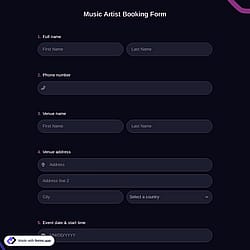
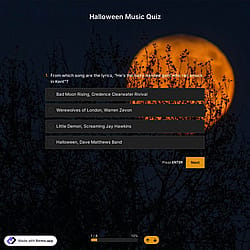
1. Import into your account
First, open this music submission form template and click “Use template” to start editing it in your account. If you prefer, you can also create your own online form from scratch.

Save up to 60% on yearly plans and enjoy our biggest offer of the year. Limited time only. 🍂
See pricing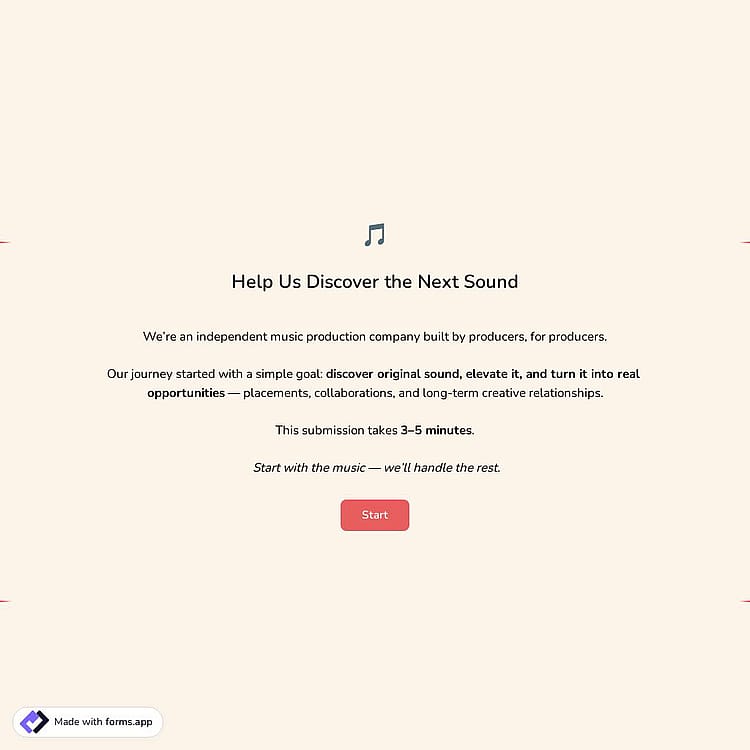
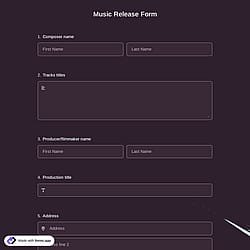
A music submission form is an online tool used by artists and producers to submit their tracks. It collects track details, contact information, file upload links, and rights confirmations in one organized place.
Form questions will inquire about:
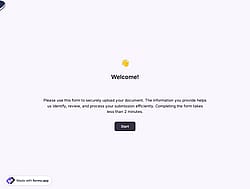
💡 This template comes with pre-set conditions, welcome & ending pages, and a ready-made layout that’s applied automatically.
The Music Submission Form supports MP3 and WAV formats through the File Upload field.
Artists and producers can securely upload their tracks in either MP3 or WAV format to ensure high-quality review and easy access for your team.
Additionally, besides the file upload option, you can always use a Short Text field to collect a public streaming or download link (such as SoundCloud or another platform) if you prefer to receive links instead of direct file uploads.
Yes, the music submission form can be connected to other tools, as forms.app offers many integrations with third-party apps to help you automate and streamline your workflow.
For example, you can integrate with Google Drive to automatically store uploaded files in organized folders, connect with Slack to receive instant notifications whenever a new track is submitted, and use Google Sheets to automatically send submission data to a spreadsheet for easy tracking and review.
Yes, you can share the music submission form in multiple languages by creating a multilingual form. Once completed, you can share it in multiple languages. To do this, follow these steps:
1. Open your form.
2. Go to the Settings tab.
3. Navigate to the Languages section.
4. Add a new language and edit the translations as needed.
For the music submission form, you can easily receive instant email alerts by enabling Notify Me notifications. Simply access your form settings, go to the Notifications tab, and activate the Notify Me option.
Once enabled, you’ll receive an email every time a new music submission is completed, so you can review tracks without missing any opportunities.

First, open this music submission form template and click “Use template” to start editing it in your account. If you prefer, you can also create your own online form from scratch.

Next, use the form builder to add or edit fields such as genre, mood, and file upload options. You can also adjust the design and match the form to your brand style.

Once your online form is ready, share it with your audience via social media, email, or embed it on your website. Start collecting music submissions in an organized, professional manner.
Discover similar templates designed for collecting and managing music submissions. Gather track details, streaming links, file upload materials, and artist contact data to streamline your collaboration or licensing process.
Simply share what you’d like your form to include, and forms.app’s AI form generator will create a free music submission form template tailored to your label, platform, or collaboration needs.
This music submission form template includes all the essential fields and can be easily customized to match your label, platform, or collaboration workflow.
Collect the Producer /Artist name and email address to clearly identify submissions and communicate more easily with creators.
Include consent checkboxes, such as submission agreement and privacy consent, to ensure proper authorization and compliance before reviewing any track.
Use conditional logic to streamline the experience. For example, if a respondent indicates they do not own the rights to the track, a clarification field will appear to collect contributor details.
Add your brand logo or a custom cover image to create a professional and visually cohesive submission experience.
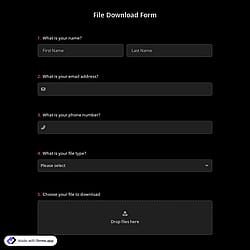
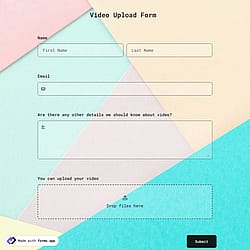
Allow artists to upload audio files or supporting materials directly through secure file upload fields so you can receive them to your Google Drive space.
Choose between step view for a guided, focused submission flow or list view to display all fields on a single page for faster completion.
Categories
This music submission form is free and customizable
Categories