1. Import into your account
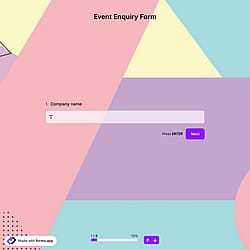
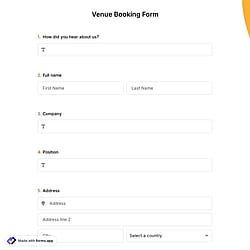
Open this exhibition visitor enquiry form template and click “Use template” to start editing it in your account. You can adjust it to match your event type or create your own from scratch.

Save up to 60% on yearly plans and enjoy our biggest offer of the year. Limited time only. 🍂
See pricing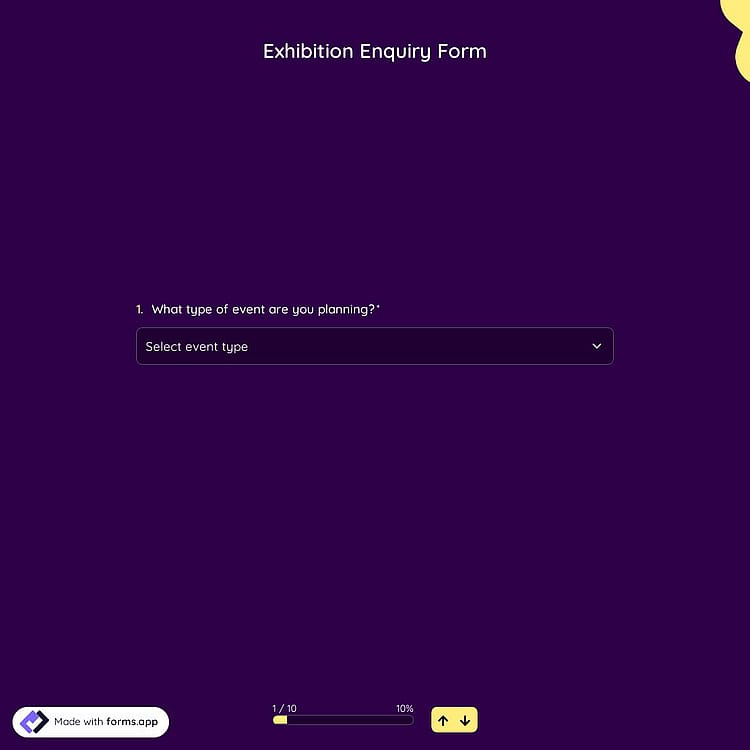
An exhibition enquiry form is an online tool used to collect details from individuals or organizations interested in participating in or organizing an exhibition, such as contact information, space requirements, and specific requests.
Form questions will inquire about:
No, an exhibition enquiry is not considered a reservation. An exhibition enquiry form is used to collect initial details about your event and requirements. It helps the service provider understand your needs, prepare a proposal, and check availability.
A reservation or booking is only confirmed after both parties agree on the terms, pricing, and availability, usually through a signed agreement or contract.
Yes, you can easily embed the form into your website. Simply go to the Share section of your form, choose your preferred embed option, and copy the generated embed code.
After publishing your page, your form will be live and ready to collect submissions directly from your website.
Once an exhibition enquiry form is submitted, you will receive the response immediately in your Results section.
For instant updates, you can enable email notifications to get each submission sent directly to your preferred email address. You can also attach a PDF copy of each response by setting up a template with the built-in PDF editor.
Yes, you can connect the exhibition enquiry form to other apps. forms.app offers many third-party integrations to help you automate your exhibition planning process.
For example, you can connect the form to Google Sheets to automatically track and organize enquiries, or to HubSpot to send contact details directly to your CRM and manage leads, follow-ups, and approvals more efficiently.

Open this exhibition visitor enquiry form template and click “Use template” to start editing it in your account. You can adjust it to match your event type or create your own from scratch.

Use the form builder and its powerful editing tools to add or edit fields. You can include any related questions, so clients can easily fill out the form and submit their requests.

Once your form is ready, share it via a direct link or send it by email so respondents can experience the benefits of organized planning. You can also manage responses with a built-in PDF editor.
Discover similar event planning templates, designed to support a smooth, professional workflow. These fillable templates help you create a straightforward process for collecting event details and organizing services efficiently.
Just describe the details you want to collect for your exhibition project, and forms.app’s AI form generator will instantly build a customized exhibition enquiry form tailored to your event goals.
This exhibition enquiry form template includes all the essential fields and can be easily customized to match your event type, industry focus, and service workflow.
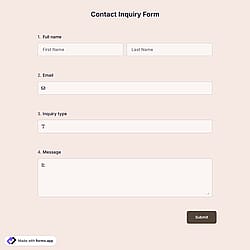
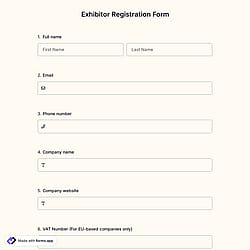
Collect the enquirer’s full name, email address, phone number, and other contact details so you can respond quickly and professionally.
Add a dedicated field to capture the event's planned start date, so you can check availability and prepare accurate proposals.
Include a brief description of the project section to allow exhibition visitors to share key details about their concept, target audience, or technical requirements.
Add your company logo or a custom cover image to reflect your brand identity and create a strong first impression.
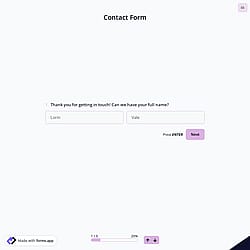
Choose between List View and Step View. Step View helps create a better user experience by dividing the form into clear sections and making it easier to complete.
Pre-populate your forms to make things easier for your respondents and for yourself. Reduce form abandonment and speed up the inquiry process for potential exhibitors.
Categories
This exhibition enquiry form is free and customizable
Categories