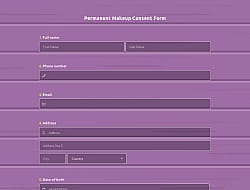
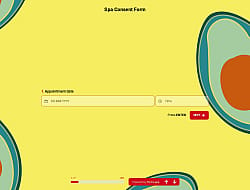
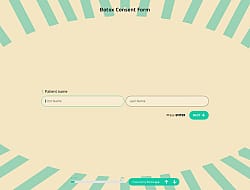
1. Import into your account
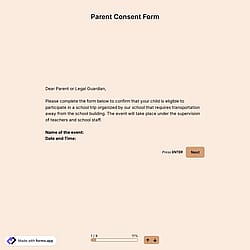
View this esthetician client consent form template and click on “Use template” after making sure this is what you are looking for.

Save up to 60% on yearly plans and enjoy our biggest offer of the year. Limited time only. 🍂
See pricing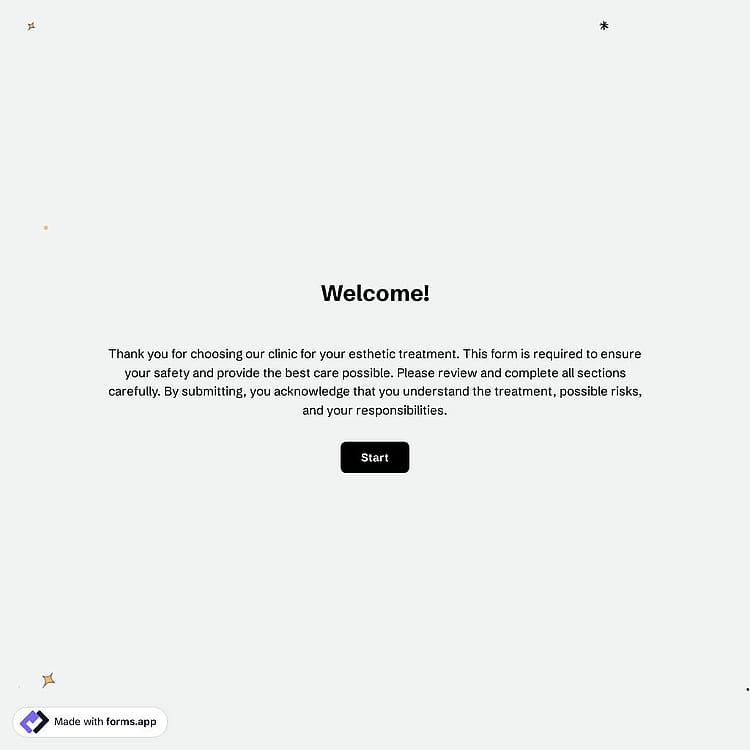
An esthetician consent form is a medical document that clients sign before receiving skincare or beauty treatments, outlining the procedure, potential risks, and more. This free, fully customizable esthetician consent form includes all essential questions and features you need.
Form questions will inquire about:
Features that we thoughtfully included for your needs, such as:
💡 This template comes with pre-set conditions, page breaks, welcome & ending pages, and a ready-made layout that’s applied automatically.
Various professional groups use esthetician consent form templates. Below are 6 groups that use the esthetician consent forms to collect contact information and obtain consent for medical treatment.
Beauty salons use esthetician consent forms to document client approval before facials, waxing, or basic skincare treatments, ensuring safety and transparency.
Skincare clinics collect detailed skin history and medical information to determine whether clients are suitable for advanced skincare procedures and treatments.
Medical spas provide clients with clear explanations of cosmetic procedures, risks, and aftercare instructions while obtaining legally valid consent.
Cosmetic treatment centers standardize the intake process by collecting client information, treatment preferences, and confirmations for various cosmetic enhancement services.
Laser hair removal clinics ensure clients understand the procedure, potential side effects, and the required pre- and post-treatment care, while documenting their consent.
Waxing studios use consent forms to assess skin sensitivities, allergies, and medications that may affect waxing results, and to confirm client approval before proceeding.
Essential form fields include contact fields for client information, a risks & acknowledgment section, open-ended fields for medical history, allergy, and medication, conditional logic fields for personalized questions, and a signature field to complete the legal consent.
Yes, this esthetician consent form template is free to use along with other free consent form templates on forms.app.
Yes, you can! You are free to place your logo in any convenient place for free.
You can collect unlimited responses in the free plan.
Yes, you can integrate this online registration form with 500+ apps. To do this, simply select the app you want to integrate your form with, and then click on “Connect to forms.app’’ or “Connect to Zapier”. Finally, you’ll see some easy-to-follow instructions to create an account and set up the integration.
Yes, collecting signatures with the signature field is free of charge! You can collect digital signatures in any template.
是的! If your audience speaks different languages, you can add multiple languages and let people choose their preferred language when they open up your form. Please note that this feature is available only on Pro and Premium plans.
Yes! forms.app complies with major data-protection laws such as GDPR and uses secure servers in the EU. And what’s more, you retain control over your data, which means you can set form-access permissions.
An esthetician consent form is legally binding only if it includes an electronic signature field and complies with applicable laws (such as IRB application). Electronic signatures can be legally binding if they meet certain conditions, such as identifying the signer and proving that they have access to the private key used.
To boost your form responses, present a simple and short form with conditional logic. Also, ask only essential questions, and make it visually appealing. Use clear instructions, engaging design, and mobile-friendly layouts.
Follow the three easy steps below to easily import the template to your account, customize questions, and quickly share the form on your website or social media.

View this esthetician client consent form template and click on “Use template” after making sure this is what you are looking for.

Add or remove questions through forms.app's drag & drop interface and match your brand style.

Share your form across all social media channels or embed it on your website in 6 different ways.
Looking for something else? Explore similar templates below, or browse our extensive collection of free templates on the templates page.
Just tell us how you would like to have an esthetician consent form template for your specific needs. forms.app’s free AI form builder will create a free template for you in seconds.
Create your esthetician form, including powerful features, and make the consent process simple and clear for everyone.
Have people accept your terms and conditions before submitting their forms, or include a signature field to collect their signature.
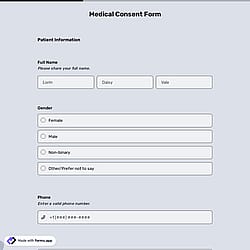
Collect essential participant details like name, email, phone number, address, or more.
Allow patients to upload identification documents or related paperwork securely in any format. Simply drag and drop file upload or image upload fields to your form.
Show or hide specific questions based on previous answers. Keep your informed consent form shorter, more personalized, and easier to complete.
Let patients provide additional comments or specific conditions about their consent by choosing from short text, long text, masked text, and other open-ended fields.
Show your own logo and cover to make your form more personalized. This way, the form will look more trustworthy.
Categories
This esthetician consent form is free and customizable