One question at a time
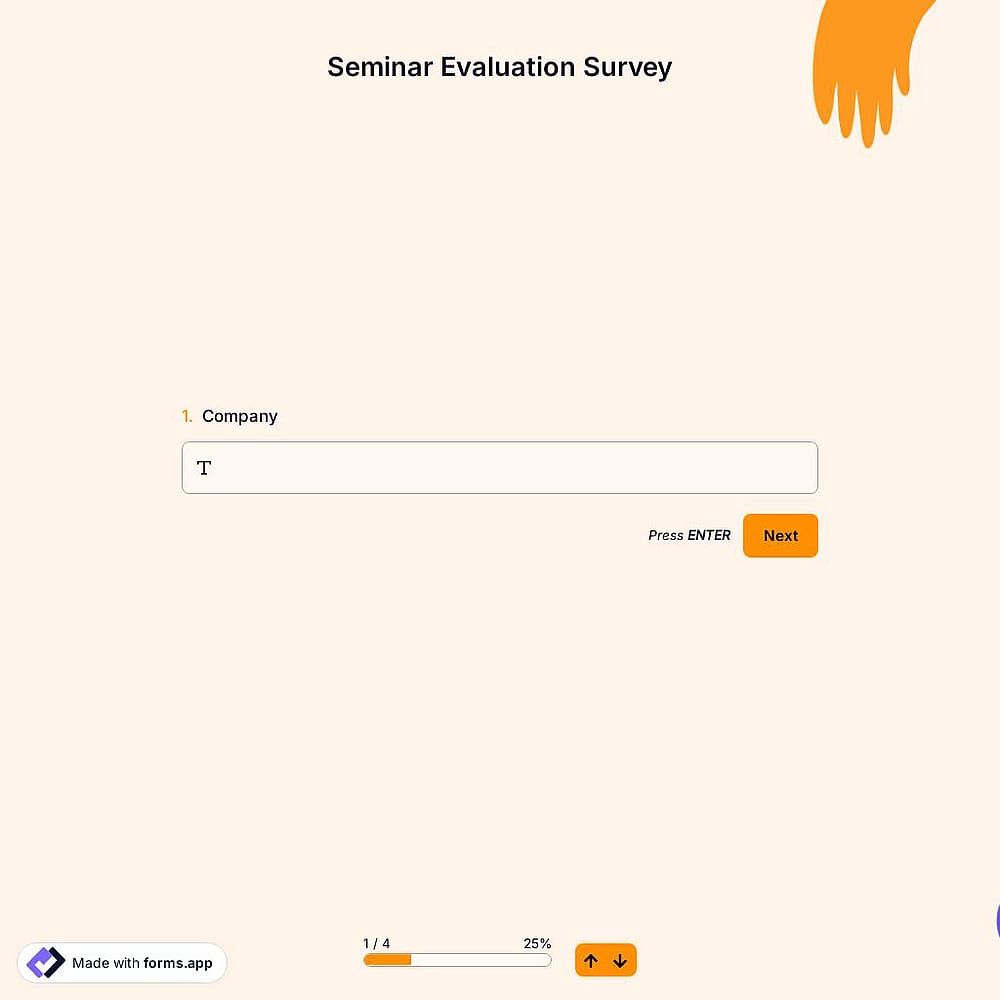
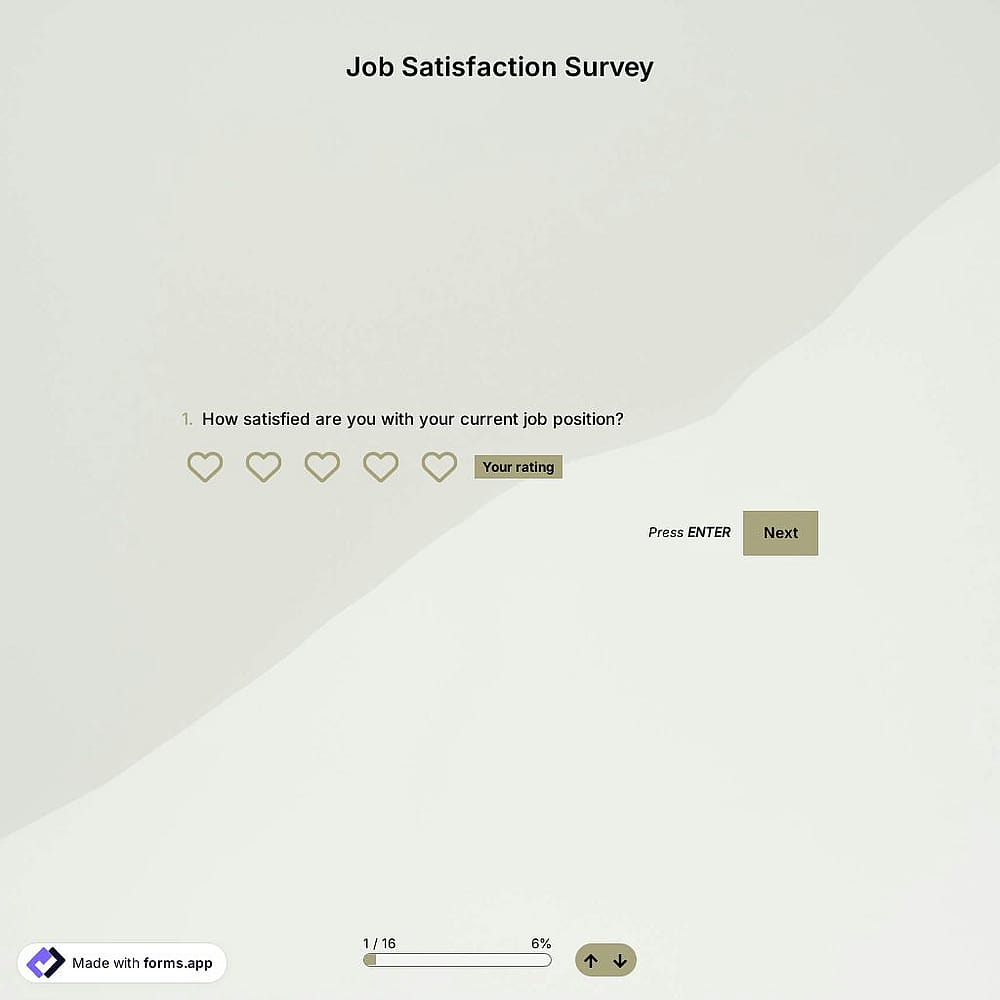
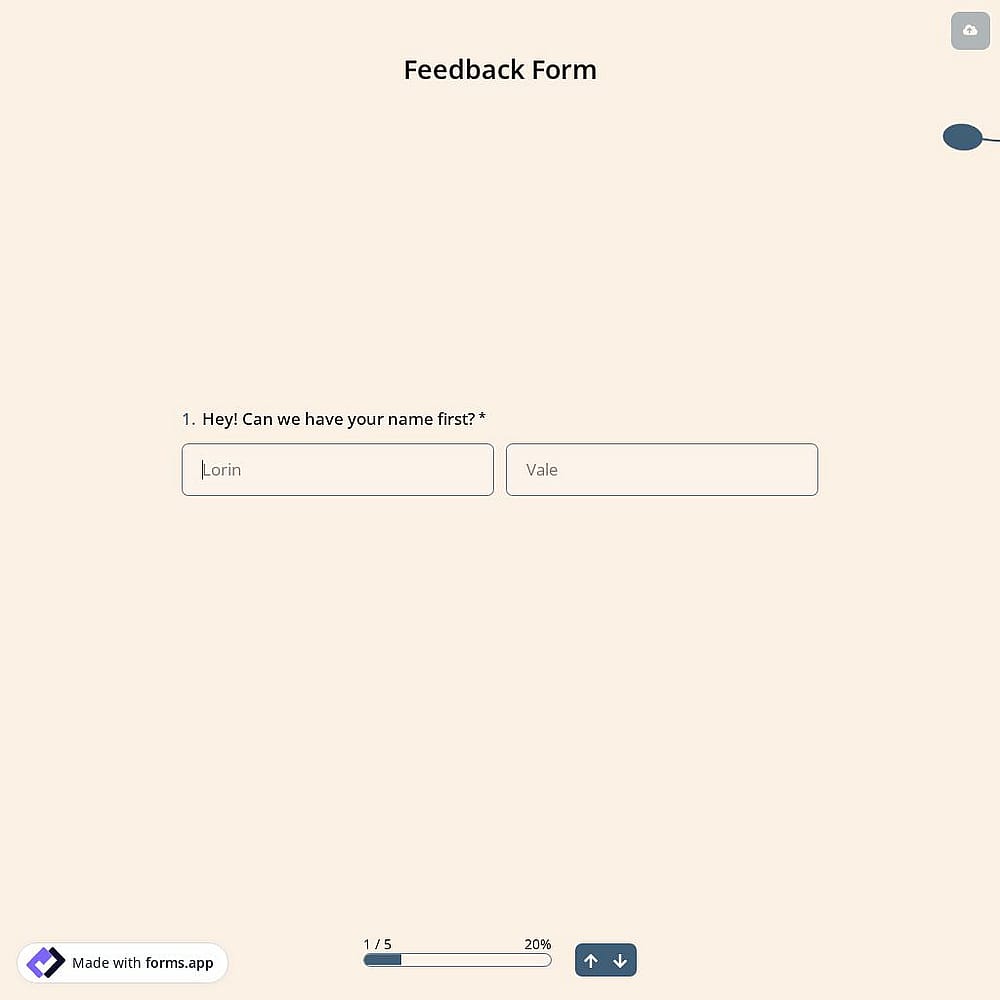
Show your questions one by one in step view so people can focus on a single answer, or list them in list view.


Turn long forms into a step-by-step conversation. With forms.app’s free conversational forms builder, deliver a user-friendly experience and get higher completion rates, with no code needed.
Just tell us the form you’d like to create
Or, choose your goal
Get instant access to:
Unlimited responses
Unlimited team seats
Unlimited views
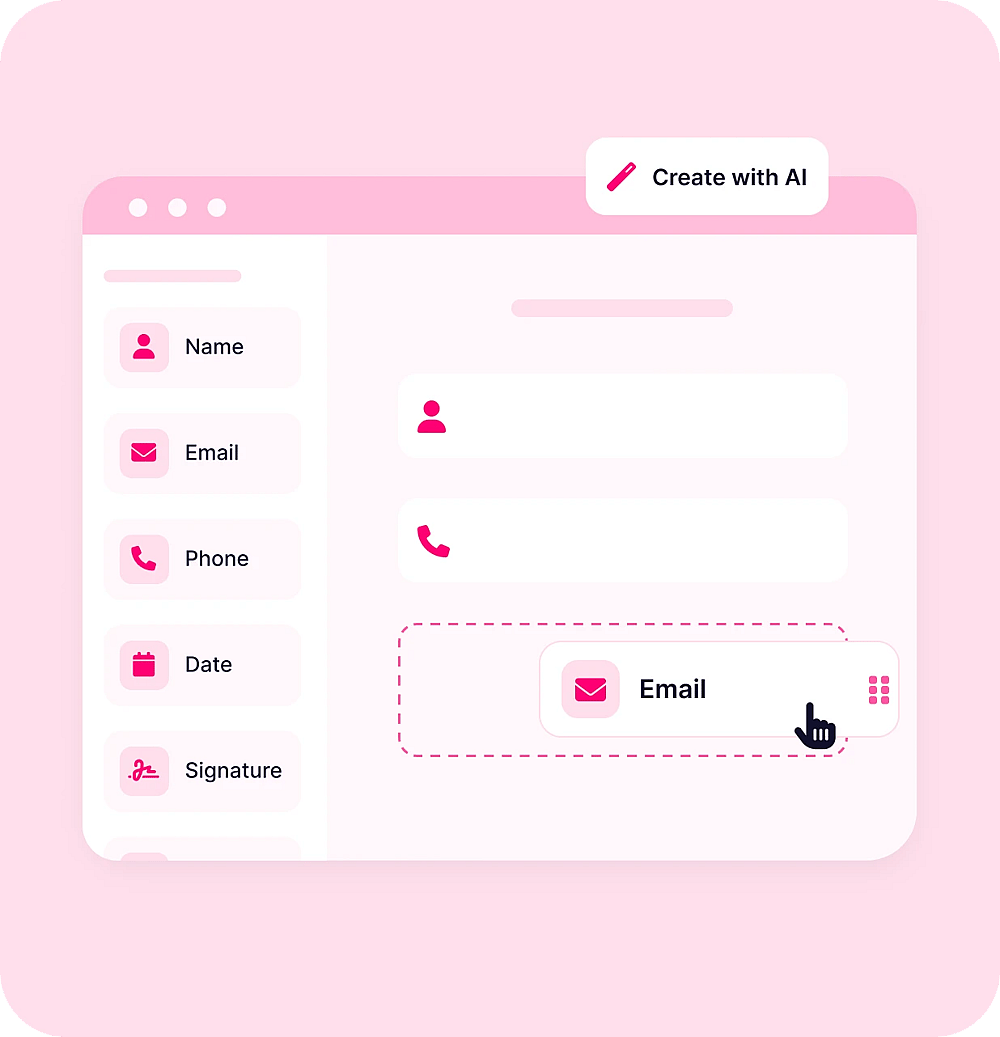
Describe the conversational form you need. forms.app AI understands your use case and creates a free template for powerful forms with an improved user experience.










forms.app makes powerful forms easy to build, so you can create the conversational form you need.
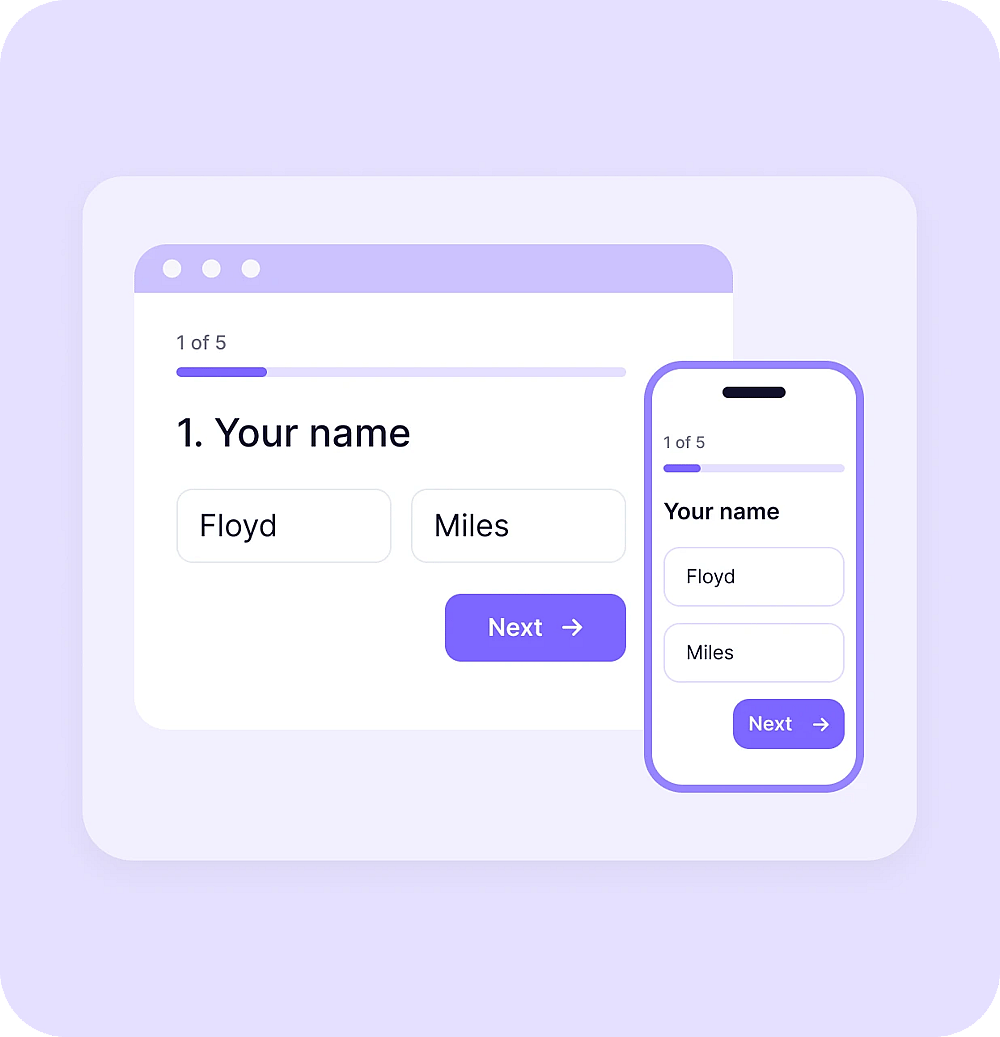
Show your questions one by one in step view so people can focus on a single answer, or list them in list view.
Create multiple endings and show them based on people’s answers, so every form closes with the right message.
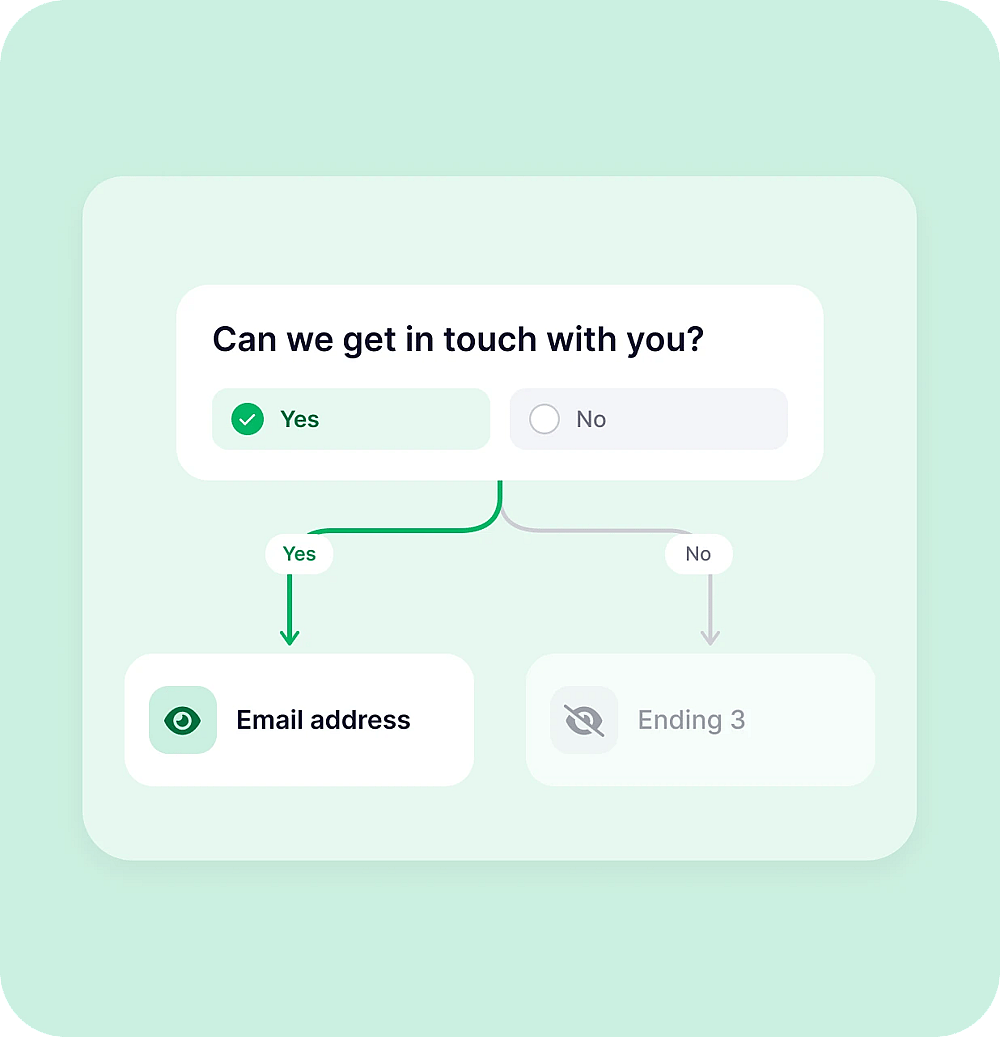
Show or hide questions based on previous answers. Keep each conversation relevant.
Add images or video to your questions and choose from 6 layout options to display them at every step.
From pop-up to full page, you have 6 options. Make your forms blend in with your website or make them stand out.
Want complete control over how your conversational form looks? Use custom CSS to style any part of it.
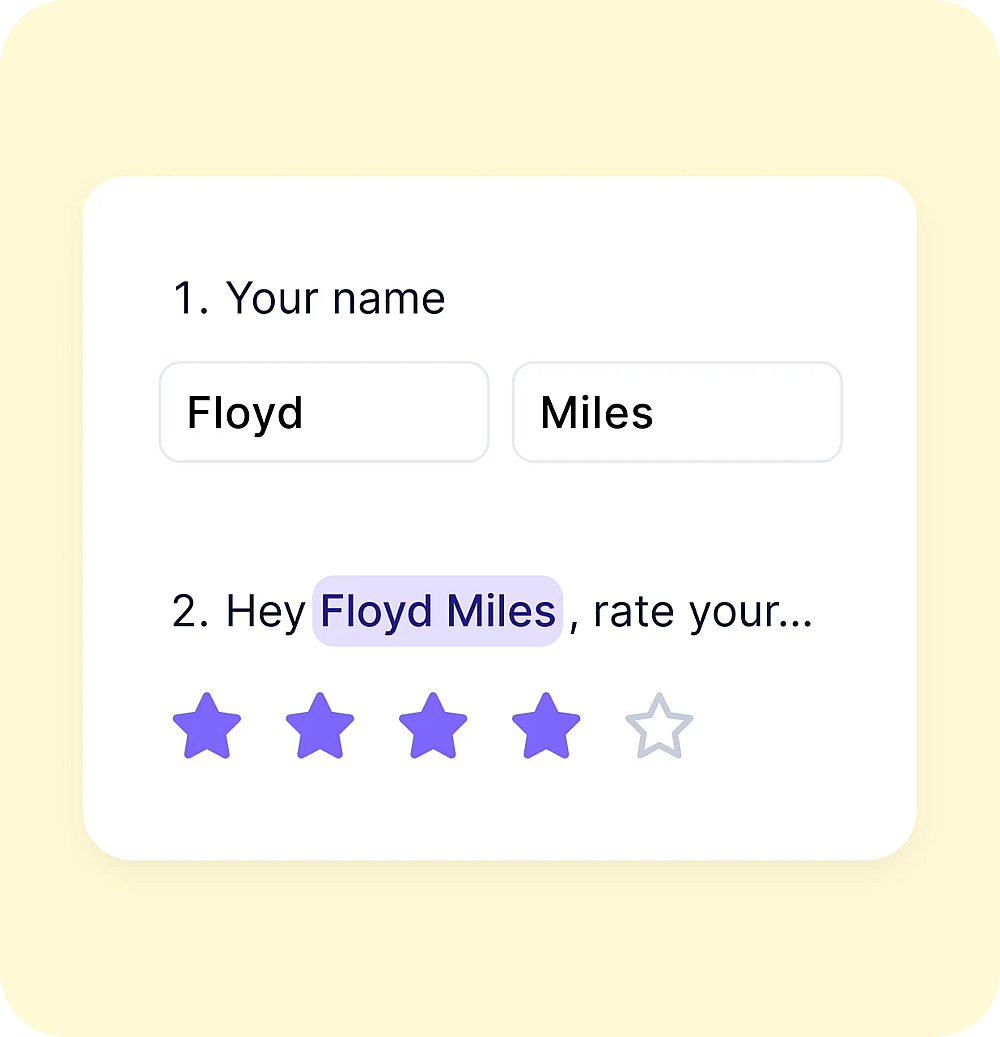
Bring a previous answer into your next questions, so the form feels like a real conversation.
Get notified when someone submits and follow up by email, so the conversation doesn’t end when people press submit.
Let people review their answers before pressing submit. With one question per page, a final summary helps them check everything.
From contact forms to quizzes, turn any form into a conversation. Pick a use case to see examples.
Conditional logic, also known as branching, allows your form to react to each respondent's answers. Conditional logic/branching can show or hide fields, skip pages, display personalized questions, or redirect users, helping you create smarter forms and collect more relevant data.
Yes. Download forms.app from Google Play or the App Store to create forms and manage guest responses on the go. If you’re looking for an RSVP app free to download, forms.app is available on both Android and iOS.
To make a conversational contact form, start from a contact form template or build your own, add the fields you need, and choose step view. Visitors answer one question at a time, from name to message, instead of facing a long contact form.
Yes. You can show or hide questions based on previous answers, so people only see what applies to them. This keeps paths short and helps increase your form completion rate.
No. forms.app is an online forms builder, so you can create, share, and embed forms without a form plugin or code.
No. The easiest way to create a conversational form is step view, which shows one question at a time. You can also use list view and split your form into pages with the Page break field, so people answer several related questions on each page.