1. Import into your account
First, open this wedding questionnaire template and click “Use template” to add it to your account. From there, you can start editing it to match your wedding planning process.

Save up to 60% on yearly plans and enjoy our biggest offer of the year. Limited time only. 🍂
See pricing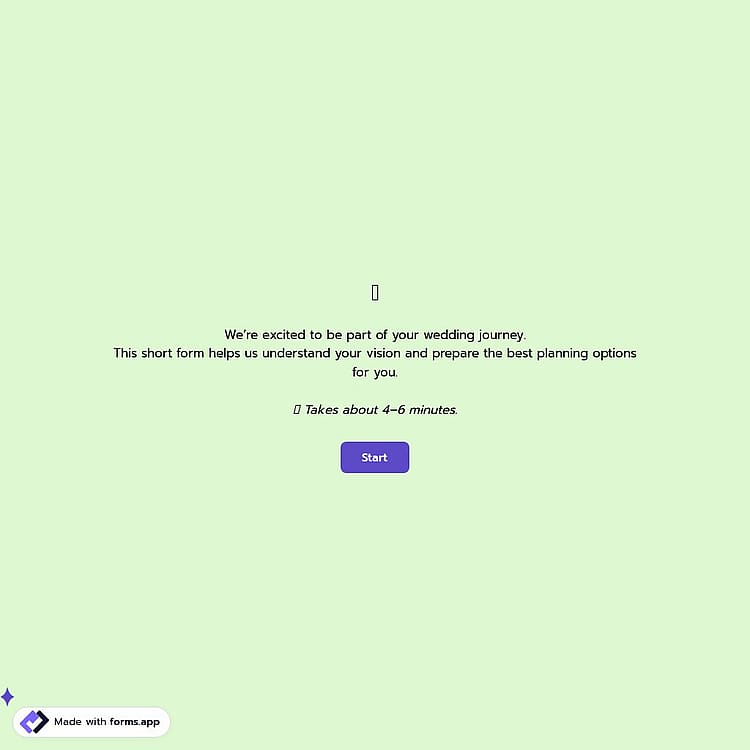
A wedding questionnaire is an online document used by wedding planners to collect essential details about a couple’s wedding day, such as the date, location, budget, style preferences, vendor bookings, and contact information.
Form questions will inquire about:
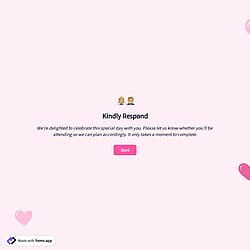
💡 This template comes with pre-set conditions, page breaks, welcome & ending pages, and a ready-made layout that’s applied automatically.
This wedding questionnaire is designed for the early planning stage, when couples are defining their wedding details, and vendors are gathering essential information to understand the vision, scope, and expectations of the event.
It helps wedding organizers:
Yes, you can easily style this template to match your own wedding theme. From the Design section, you can customize the colors, adjust the fonts, and choose from ready-made themes to reflect your wedding style.
You can also upload your own logo and cover image to create a more personal look that aligns perfectly with your event’s aesthetic.
This wedding questionnaire collects both practical and personal details about the couple to support effective planning.
It includes wedding basics (date, location, guest count, style), planning needs (type of service and required support like venue, catering, photography including family photo preferences), vision details (inspiration, colors, budget, booked vendors), and contact information (name, email, phone, preferred contact method), along with any special requests or cultural considerations.
Yes, couples can specify their requests in the questionnaire. You can easily add a Long Text field to collect detailed answers, allowing couples to clearly explain what is essential for them and what they want to avoid. This helps planners understand priorities from the very beginning and prevent misunderstandings later in the process.

First, open this wedding questionnaire template and click “Use template” to add it to your account. From there, you can start editing it to match your wedding planning process.

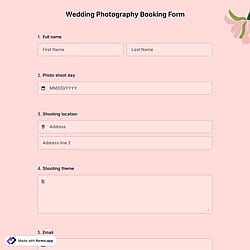
Next, use the form builder to adjust the fields for the wedding day, budget, and services, such as wedding photography. You can also tailor the design, colors, and layout to reflect your brand.

Once your form is ready, share it via email, social media, or embed it on your website. This allows couples to easily share their wedding vision and helps you gather all the essential details.
Explore similar wedding or other event planning templates. Use them to gather event preferences, vendor details, and special requests in one place, making it easier to plan and deliver a seamless celebration experience.
Tell us what fields you want to include, and forms.app’s AI form builder will instantly generate a free wedding questionnaire tailored to your organization, helping you collect everything you need.
This wedding questionnaire template includes all the essential fields and can be easily customized to match your wedding planning workflow and client communication process.
Collect key “About You” details such as full name, email address, and phone number. This ensures smooth communication throughout the wedding planning journey.
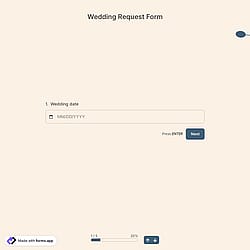
Include a dedicated wedding date field to clearly define the timeline and availability for the wedding day.
You can display inspiration details only if the couple indicates they already have ideas, and reveal vendor-related questions if bookings have been made.
Add your wedding organization’s logo or a custom cover image to create a polished and professional first impression for couples.
Organize the questionnaire using page breaks to separate sections such as wedding details, services needed, vision, and contact information.
Choose from beautiful, ready-made themes to create a warm and elegant experience that reflects the emotion and importance of the wedding day.
Categories
This wedding questionnaire is free and customizable
Categories