1. Import into your account
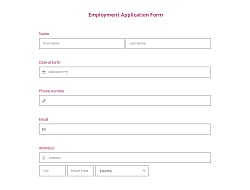
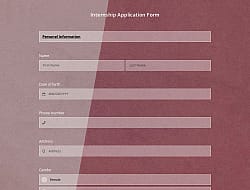
View this online CV application form and click on “Use template” after ensuring it is what you are looking for.

Save up to 60% on yearly plans and enjoy our biggest offer of the year. Limited time only. 🍂
See pricing

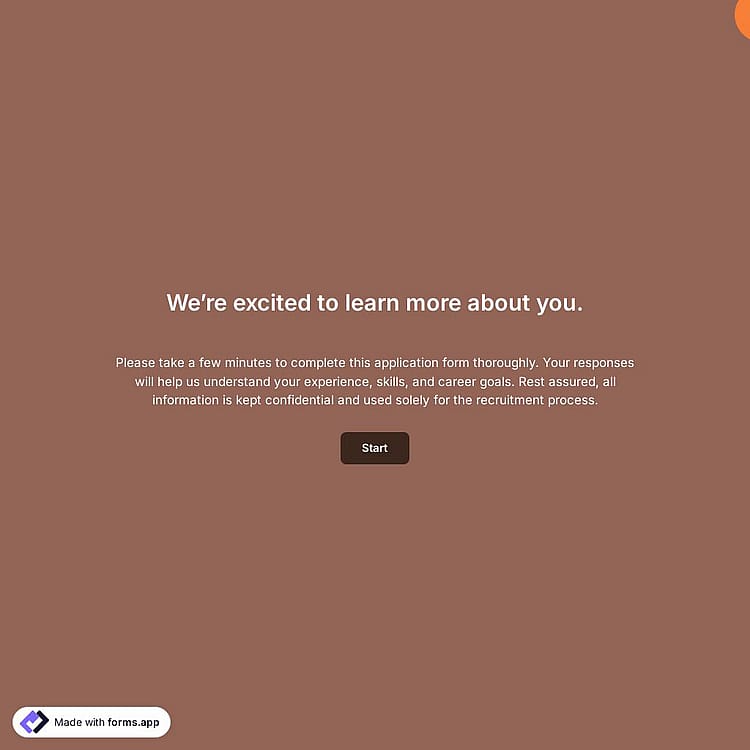
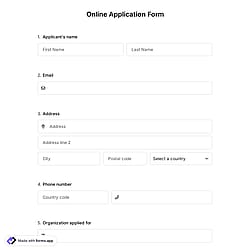
A curriculum vitae (CV) application form is an online document employers use to collect information about a job applicant’s personal background, education, professional experience, etc.
Form questions that ask about:
Features that we thoughtfully included for your needs, such as:
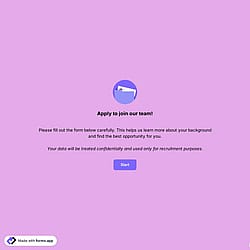
💡 This template comes with pre-set welcome & ending pages, and a ready-made layout that’s applied automatically.
The questions to ask in a membership application form can vary depending on the department or position for which you collect CVs. However, the questions below are easy to read & fill out, and they will be enough for most applications and CV formats to get started:
Yes! This CV application form template is designed to help you collect CVs, cover letters, and other supporting documents directly from applicants. With file upload fields, you can ask candidates to submit their documents in any format and review them in one place.
Yes! This CV application form template is available for free use, along with other free application templates on forms.app.
Yes, collecting signatures with the signature field is free of charge! You can collect digital signatures in any template.
Once you have completed your form, you’ll have a dedicated results page. There, you will have access to AI insights, Statistics, and Responses. Here is what you can do with them:
AI Insights is a feature (like an application tracking system) that enables you to analyze form responses with AI. You can get general trends, related charts, key points, and suggestions, as well as ask more questions about the analysis.
Statistics offers a number of valuable information for you, as a form owner. Once you are in Statistics, you will be able to see data about your form, respondents, and answers. Additionally, you will have access to data on device types, platforms, locations, scores, and more.
In the Responses section, you have two viewing options: List and Grid view. After selecting and viewing a submission, you can print it, add a note, or send it to the trash. You can view the percentages and get a general idea of the submissions on the statistics page. Also, you can download your data as .xls or .csv files.
Follow the three easy steps below to easily import the template to your account, customize questions, and quickly share the form on your website or social media.

View this online CV application form and click on “Use template” after ensuring it is what you are looking for.

Add or remove questions, fields, and anything you see through our user-friendly drag & drop interface that matches your brand style.

Share your form across all social media channels and embed it on your website in 6+ different ways.
Looking for something else? Explore similar report templates below, or browse our extensive collection of free templates on the template page.
Just tell us how you would like to have an application form for your specific needs. forms.app AI form builder will create an online form for you in seconds.
Create your CV application form with powerful features and make the application process simple and straightforward for everyone.
Collect applicants' contact information, such as phone number and email address, in case further communication is needed.
Allow candidates to upload their CVs, cover letters, or portfolios directly through the form in any format.
Easily ask questions about job position preferences, experience levels, or skill categories using dropdowns, checkboxes, or yes/no options.
Give applicants space to write their intentions and motivations by offering short, long, masked, and other open-ended fields.
Show relevant questions based on the applicant's answers to have more detailed information, or just hide irrelevant ones.
Customize the form to showcase your business’s branding and convey a professional, official image.
Accepting online applications is a norm for nearly all businesses, today. Whether it is job applications, internships, or scholarship applications, using online applications can save you time and great effort. But how do you accept online applications, what is the best way? The answer is online forms. By using an online form builder, like forms.app here, you can easily create an application or submission form for gathering applicant information.
An application form is a general name for a document used to collect information from your applicants to evaluate them. A typical application form can include questions regarding work experience, education, contact information, military service, background check, phone number, and other relevant details for the open position. Then, this online form for accepting applications can be shared with the target audience or embedded on the organization’s website.
forms.app is an intuitive form creator that can help you create your own application forms. You can use many form fields to ask your questions or use conditional logic to make your forms complex and user-friendly at the same time. Data collection is much easier with forms.app. Here are the simple steps you should follow to build your online application form:
Whether you are creating a job application form or a membership registration form, forms.app offers you premium-quality templates for free. These application form templates come with common questions or form fields you would probably like to include in your form. Naturally, this will save you time and help you create better forms and surveys in a shorter time. So, choose one of our free form samples to create professional online forms today.
Categories
This cv application form is free and customizable