1. Import into your account
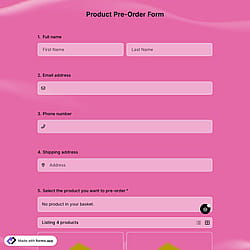
First, open this free pre-order t-shirt form template and click “Use template” to start editing it in your account.

Save up to 60% on yearly plans and enjoy our biggest offer of the year. Limited time only. 🍂
See pricing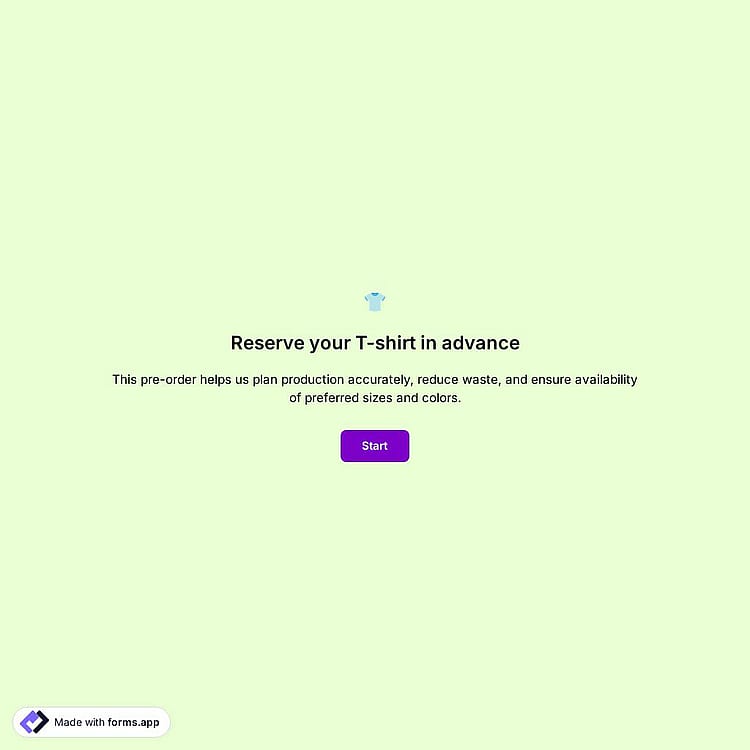
A t-shirt pre-order form is an online tool used by organizations to collect t-shirt orders in advance. It collects key details such as size, color, quantity, and delivery preferences, making it easier to organize orders and distribution.
Form questions will inquire about:
💡 This template comes with pre-set conditions, welcome & ending pages, and a ready-made layout that’s applied automatically.
You can limit orders to a specific pre-order period by using the Scheduling feature on forms.app.
If you have a set timeframe for collecting pre-orders, go to the Settings tab of your form and open the Scheduling section. There, you can define when your t-shirt pre-order form should be published and when it should be unpublished automatically. After the form is unpublished, customers will no longer be able to place new orders.
No. forms.app does not charge any fees on the payments you collect. Please note that PayPal applies its own processing fees, which vary depending on the currency received. You can learn more about PayPal’s processing fees on their official page.
Yes, you can use the t-shirt pre-order form for limited-edition or campaign merchandise. The form allows you to collect orders within a specific time frame, customize product options like sizes and colors, and manage quantities efficiently.
Additionally, by using the Product Basket field, you can configure stock settings to manage limited product quantities and ensure a smooth, fair, and effective ordering experience.
Yes, the t-shirt pre-order form is fully mobile-friendly. The form link you create works seamlessly across all devices, including desktop computers, mobile phones, and tablets, allowing customers to place their pre-orders easily from anywhere.
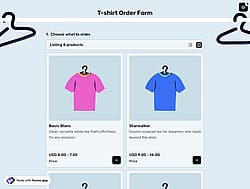
Yes, you can add your own products to the t-shirt pre-order form. By using the Product Basket field, you can add the specific t-shirt products you need, set prices, and include detailed descriptions and images. This helps you create a clear, engaging, and smooth ordering experience for your customers.

First, open this free pre-order t-shirt form template and click “Use template” to start editing it in your account.

Next, use the intuitive form builder to adjust fields, set t-shirt options, and personalize the design with your preferred colors and fonts.

Once your form is ready, share it via social media or use other sharing and embedding options to start collecting pre-orders.
Discover similar templates that can help you manage your pre-orders. Use them to easily collect preferences, delivery details, and customer information, and organize orders faster for your events.
Simply tell us what you want to include in your t-shirt pre-order form, and forms.app’s AI form generator will create a free template to help you manage pre-orders more easily.
The t-shirt pre-order form template already has the essential elements and can be easily customized to match your product details and ordering requirements.
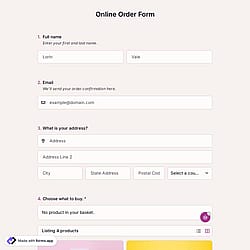
Collect client details for the order, such as full name and email address, to manage pre-orders and confirmations fast.
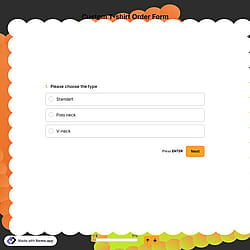
Use selection fields for t-shirt size, color, fit, and quantity to speed up ordering and reduce input errors.
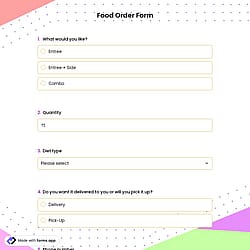
Show or hide delivery-related questions based on the selected delivery option to create a smoother ordering experience.
Add your brand logo or a custom cover image to match your style and make the form look professional and on-brand.
Include terms and conditions with a pre-order acknowledgment option to clearly confirm customer consent.
Automatically notify customers and your team when a pre-order is submitted, helping you stay organized and responsive.
Categories
This t-shirt pre-order form is free and customizable