

Create an RSVP with unlimited responses
forms.app's free RSVP link creator helps you build an online RSVP, share it anywhere, and see who's coming in real time. Create your free event page in seconds, with unlimited responses.
Free forever. No credit card required.


Based on 5.000+ reviews
Will you be joining us?
Thanks for replying!
Guest list
Unlimited responses
-
You now
-
 Noah Kim
now
-
AC Ana Costa now
-
TB Tom Becker now
-
 Priya Nair
now
-
JL James Lee now
-
 Maya Chen
now
-
 Daniel Brooks
1m
-
EK Elif Kaya 3m
-
 Sofia Martins
8m
Create your RSVP
Generated for you
Templates you might find interesting
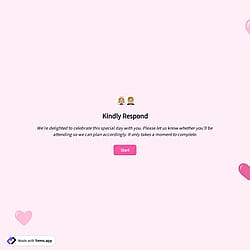
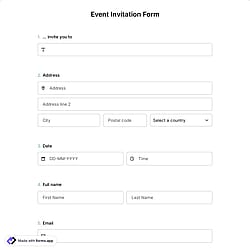
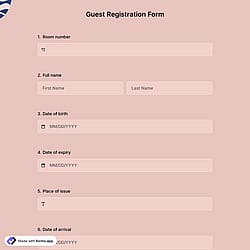
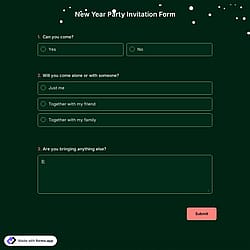
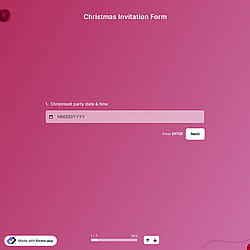
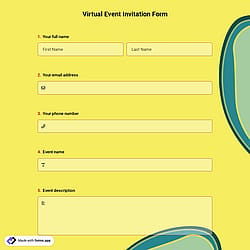
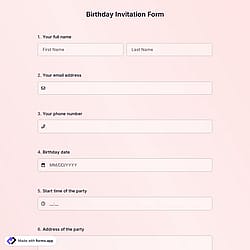
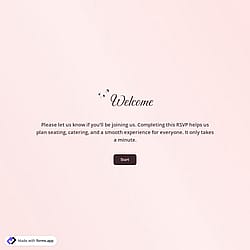
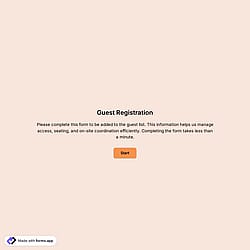
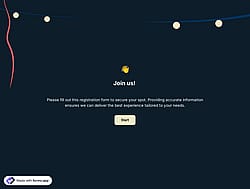
Make your event RSVP with a free template
Choose from ready-made RSVP forms for weddings, parties, and corporate events, then customize them in a few clicks.
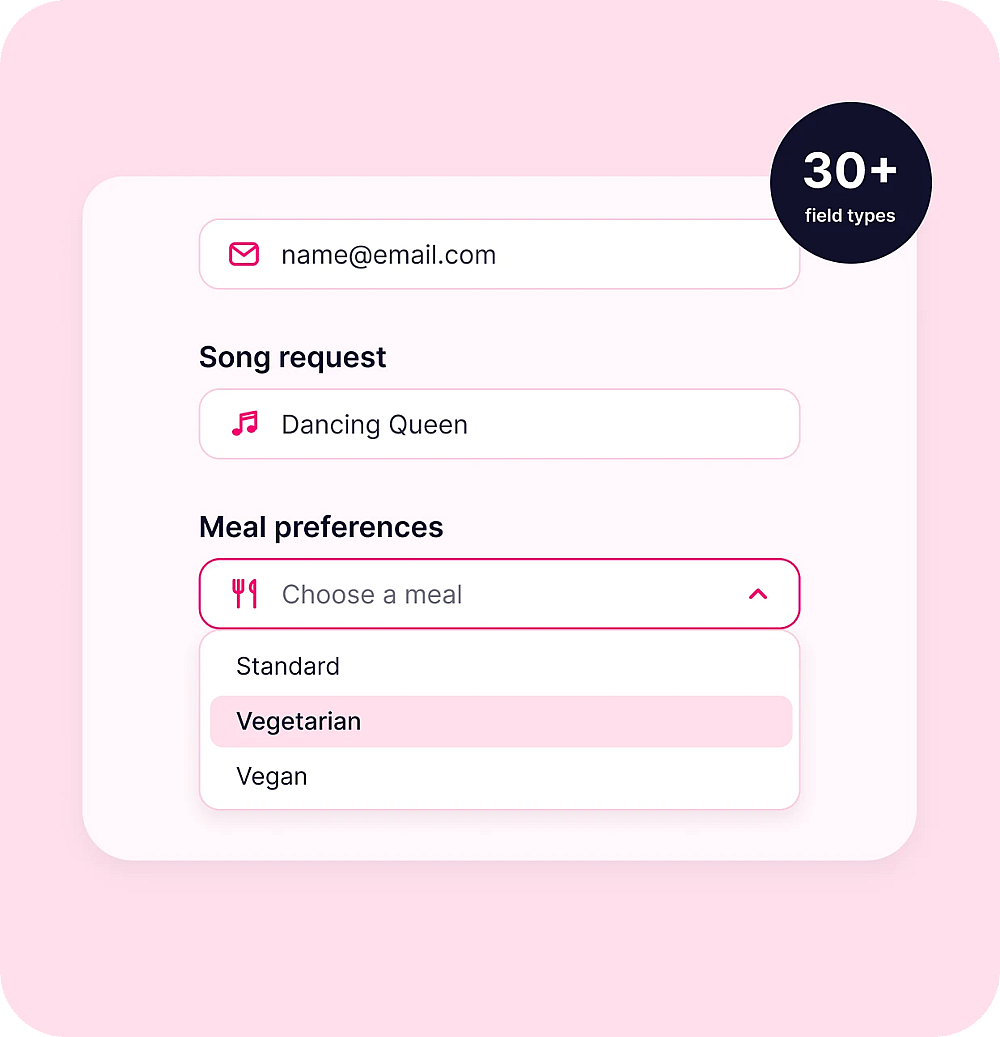
Free RSVP creator with custom questions
30+ advanced RSVP fields
- Gather dietary restrictions
- Collect song requests
- Ask about +1
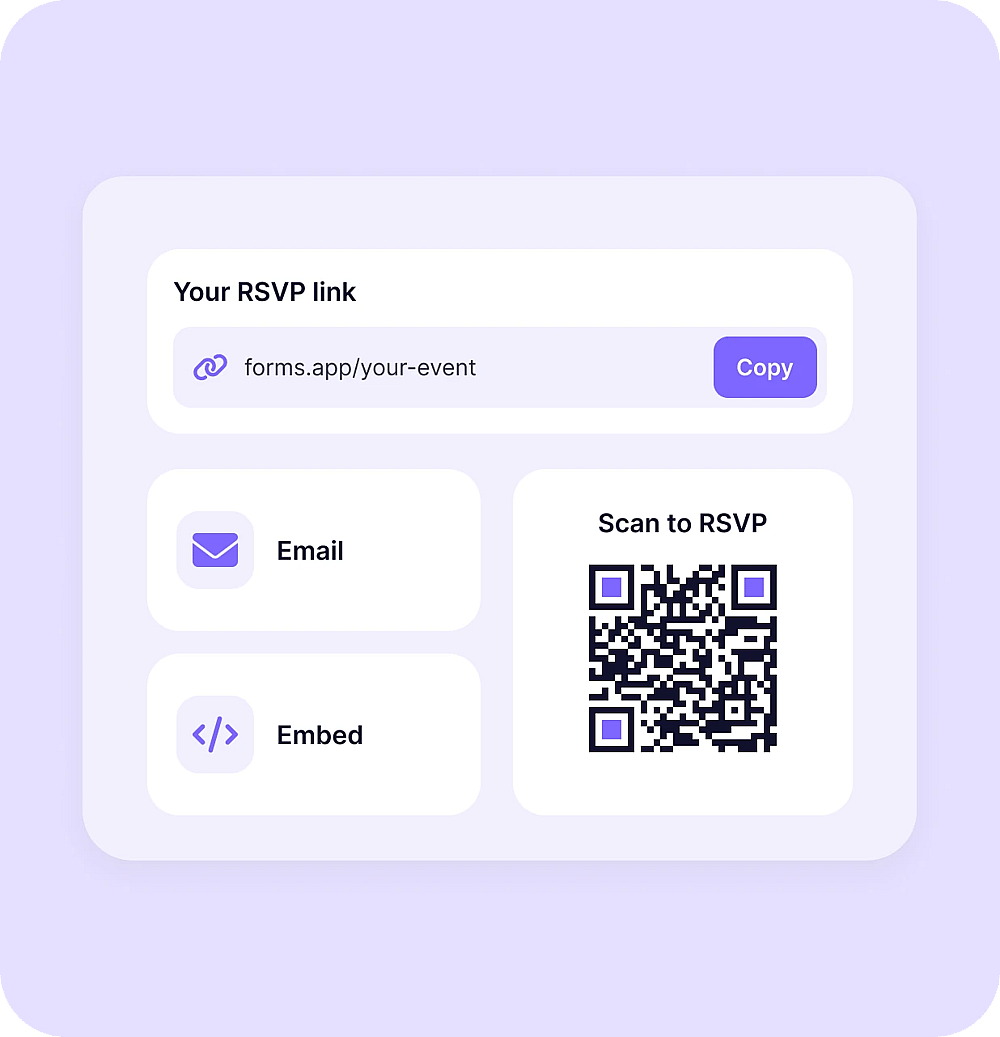
Multiple ways to share your RSVP for easy event planning
Share your RSVP link anywhere
- RSVP link in email invitations and social media
- QR code for printed invitations
- Embedding in 6 different ways
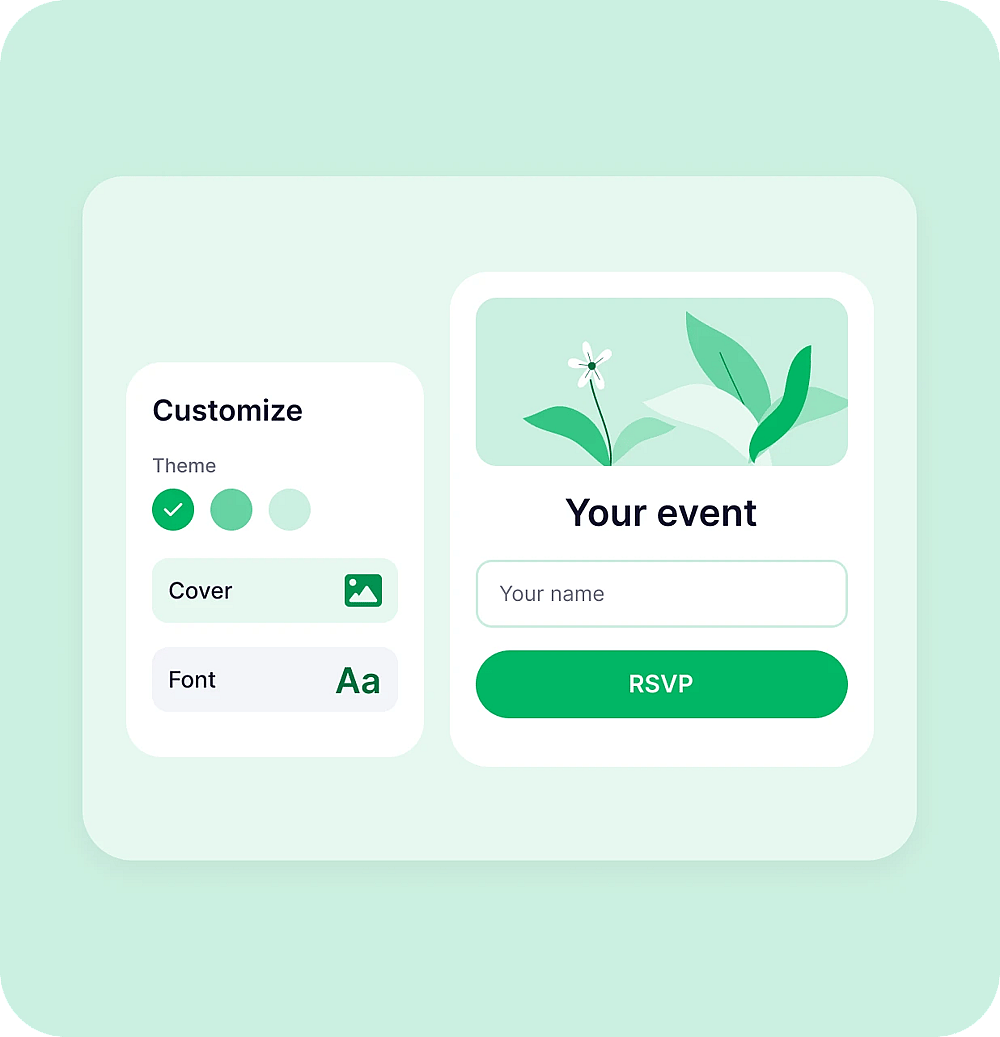
Customize the form your way and highlight all your event details
Free RSVP website with customization
- Upload images and videos
- Add your logo and a cover
- Change fonts and colors
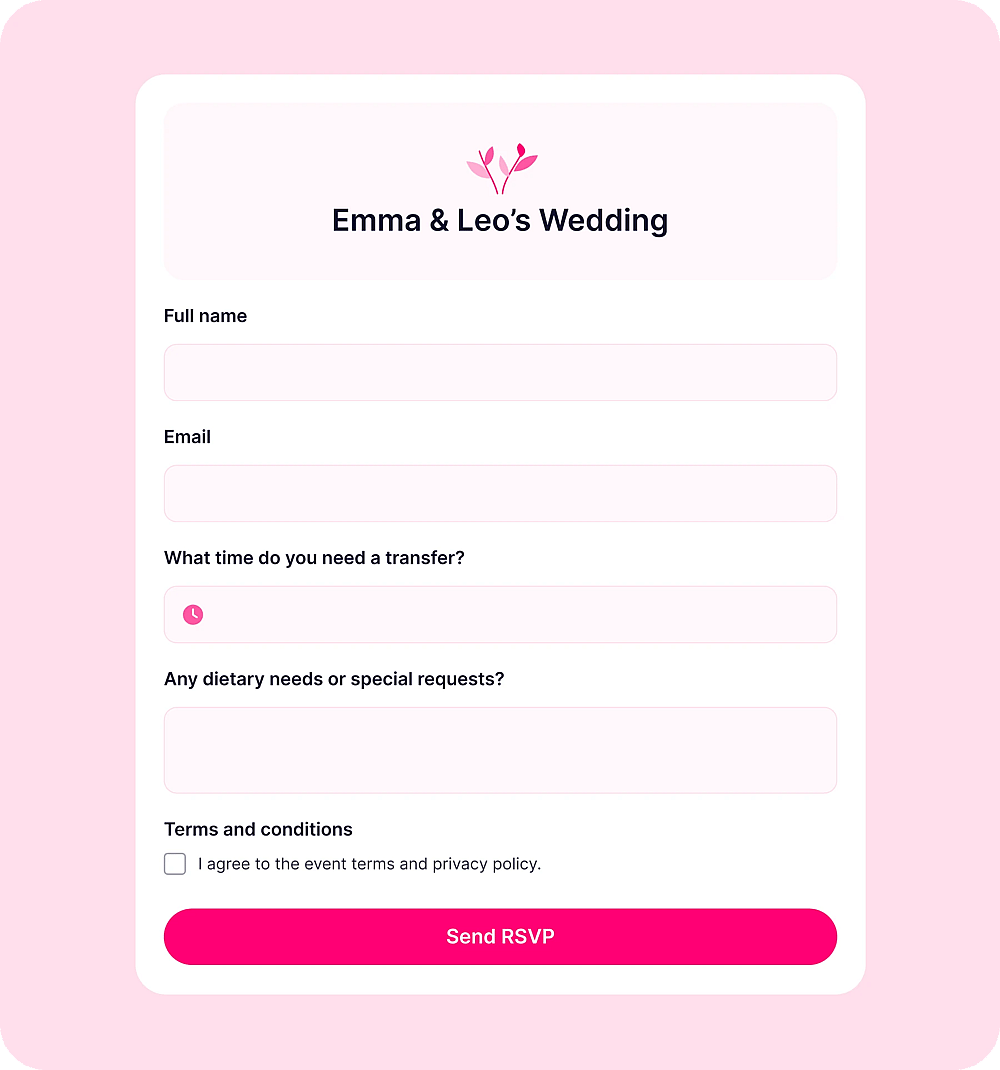
Fields to add to your RSVP form
- 1.
Full name
The full name field turns your Responses tab into a guest list manager, so you can match every RSVP to an invitation from the first reply.
- 2.
Email
Collect each guest's email address to send confirmations, venue changes, and reminders. It's also an easy way to keep every guest in the loop during event planning.
- 3.
Date & time
Let guests choose the day or time slot that suits them, or confirm when they'll arrive. It works well for events with several sessions or flexible schedules.
- 4.
Long text
Give guests free space to write special requests, accessibility needs, or a message for the host, so no important detail gets lost in a group chat.
- 5.
Terms and conditions
Ask guests to accept your event rules, privacy policy, or photo consent before they submit, so you have their agreement on record.
Frequently asked questions
Yes. The free plan includes unlimited responses, views, and team members.
Build your RSVP form on forms.app, open the Share section, and copy your link to send anywhere.
Yes. Add selection fields or custom questions to collect meal choices and dietary restrictions.
Yes. Every form is responsive by default and adjusts automatically to any screen size.
To embed your form, you need to create and customize a form. After that, access the Share section, select the embed option, and copy the embed code to place it on your website. For detailed steps, check how to embed forms on your website.
Yes. Download forms.app from Google Play or the App Store to create forms and manage guest responses on the go. If you’re looking for an RSVP app free to download, forms.app is available on both Android and iOS.