How to create a GDPR-compliant form: 8 practical steps
Summarize with
From working with online forms, I’ve seen how easy it is to collect more information than you actually need or add a generic consent statement without considering what happens to the data afterward. If your form collects personal data from people protected by the General Data Protection Regulation (GDPR), you need to think about what you collect, why you collect it, how you inform respondents, and how you handle their data.
In this guide, I'll show you how to create a GDPR-compliant form using an online form builder, what fields and settings to include, and what to check before publishing your form.
This guide provides practical information about creating online forms and isn't legal advice. GDPR requirements can vary depending on your organization, processing activities, and the type of information you collect.
What should a GDPR-compliant online form include?
A good GDPR consent example may include these, depending on your use case:
- Only the personal information you actually need
- A clear explanation of how the information will be used
- A link to your privacy policy
- A separate consent field when consent is the appropriate legal basis
- Clear and specific consent language
- Unchecked consent boxes
- Separate fields for consent and terms & conditions
- A way for respondents to contact you about their personal information
- Appropriate confirmation and notification settings
You don't necessarily need every item on every form. For example, a simple contact form and a medical consent form will have very different requirements. The goal is to configure your online form according to what you're collecting and why.
How to create a GDPR form
The easiest way to approach GDPR when building a form is to think about the entire data-collection process. Before publishing your form, consider what you're collecting, why you're collecting it, what you're telling respondents, and how you'll handle their information afterward.
Here are the steps I recommend following.
1. Choose a template or start with AI
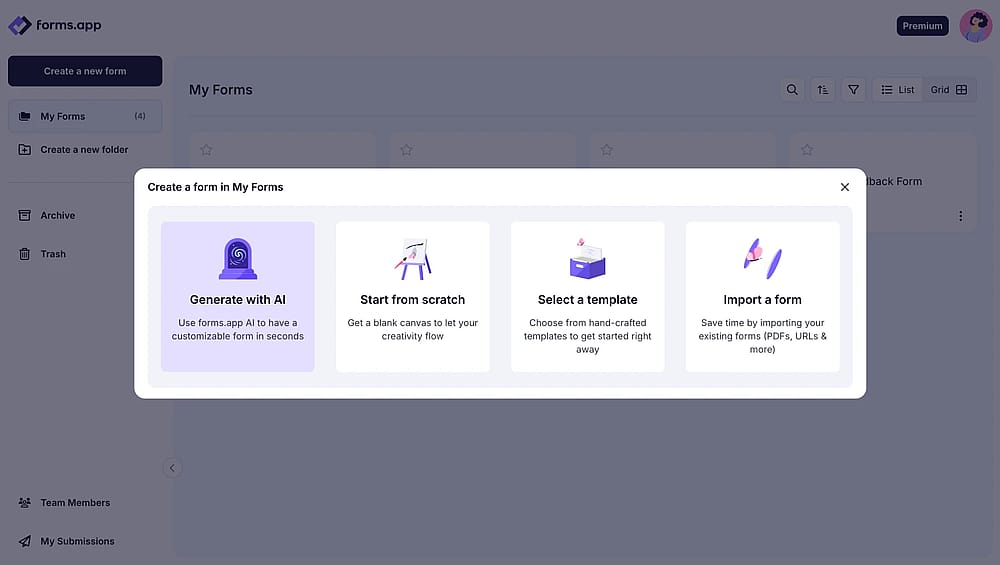
Choose a way to start
Based on your needs or preferences, you can start by choosing a ready GDPR example consent form. If you want, you can generate a GDPR complient form in seconds that meets legal requirements and aligns with European Union regulations.
2. Add only the fields you actually need
Choose a way to start
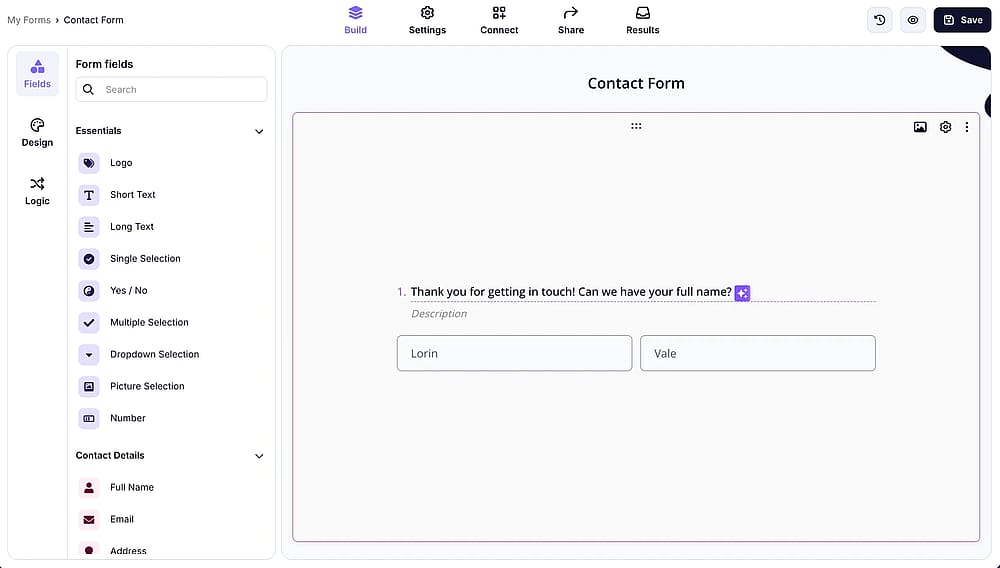
Add fields that genuinely serve the purpose of your form. For example, if it’s a contact form, include relevant contact fields; if it’s an application form, add fields that are relevant to the application. Tailor the fields to the specific type and purpose of the form.
3. Add the terms and conditions field
Adjust Terms and Conditions settings
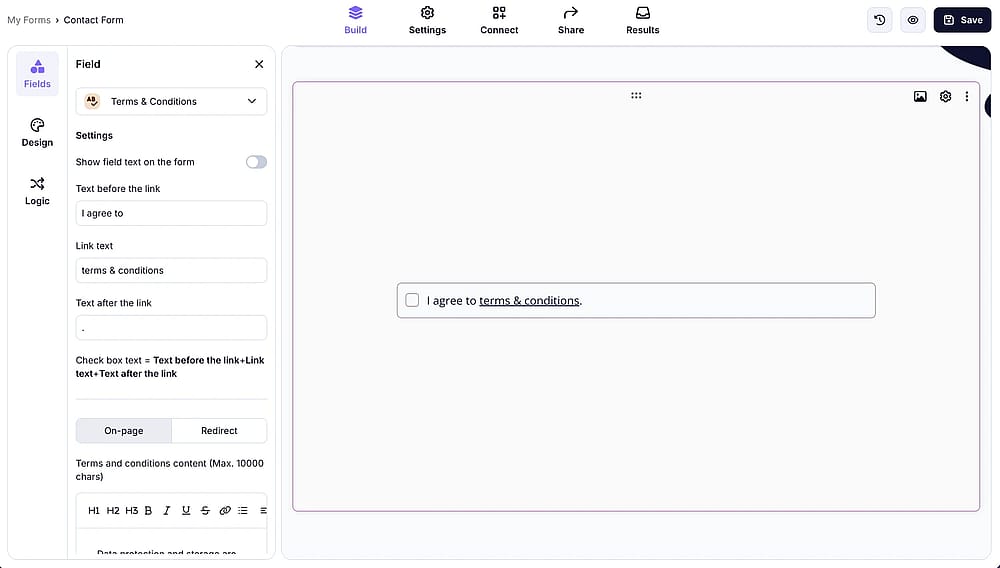
You can add GDPR-compliant explanations that align with your form’s context through a Terms and Conditions field. The text in this field is fully customizable, so you can tailor it to your needs. You can also divide the content into headings, number the clauses, or present them as individual items. Most importantly, you can make this field required.
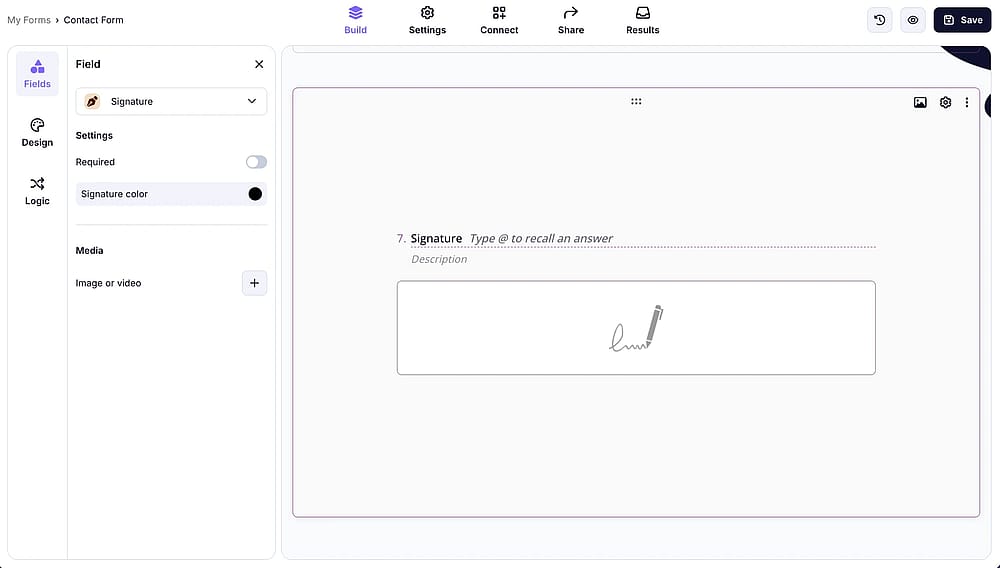
Let users sign the terms and conditions to create a clearer record of their consent and acknowledgment. You can easily add a signature field alongside your Terms and Conditions.
Add a signature field if needed
4. Customize the form
Style your form
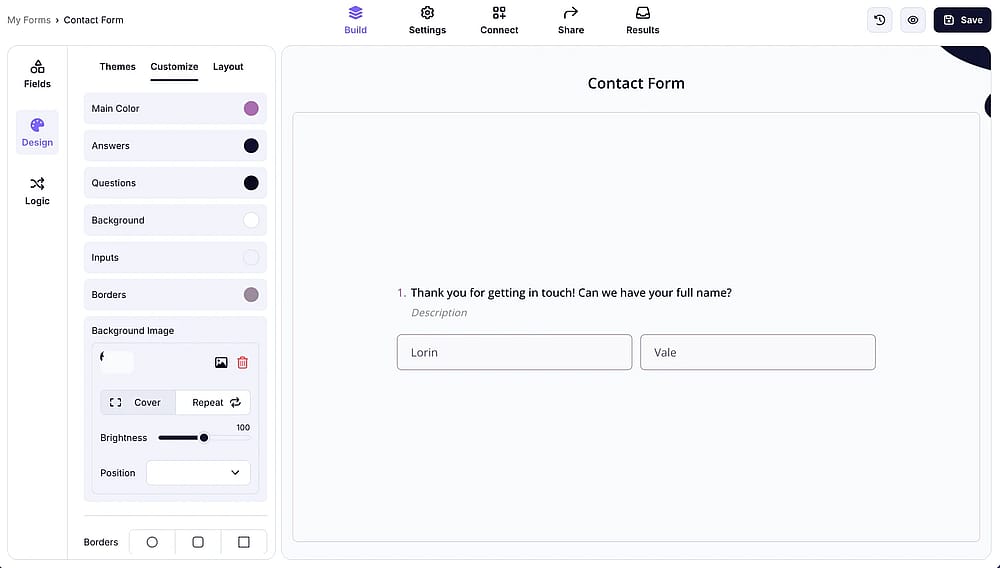
You can customize every detail of your form for free, from the background and colors to the text style and whether you use Step View or List View. You can also add your own logo to give the form a more personalized look.
5. Embed & share
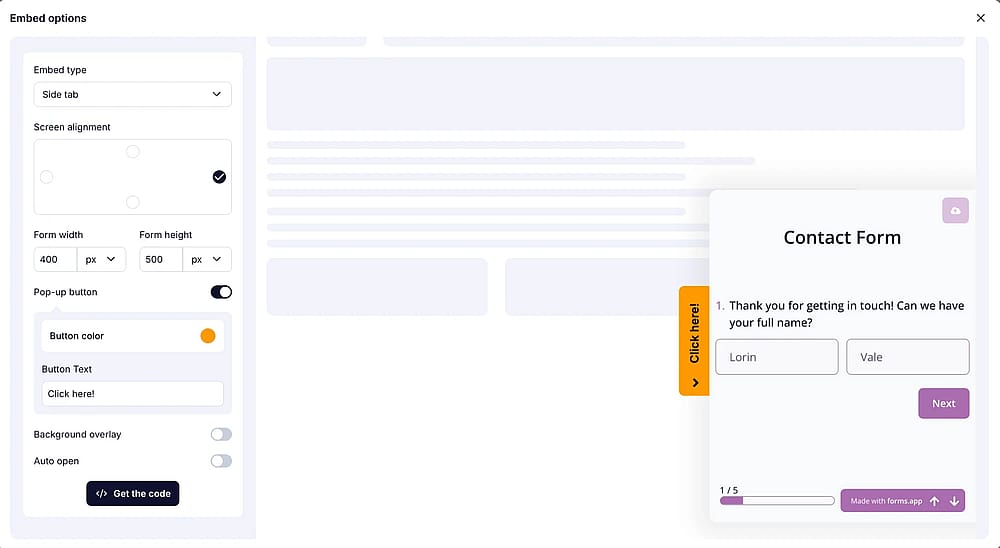
Embed your form
You can easily embed any form on your website with no code required. If you prefer, you can also share it directly using a link or other standard sharing options.
6. Test & preview
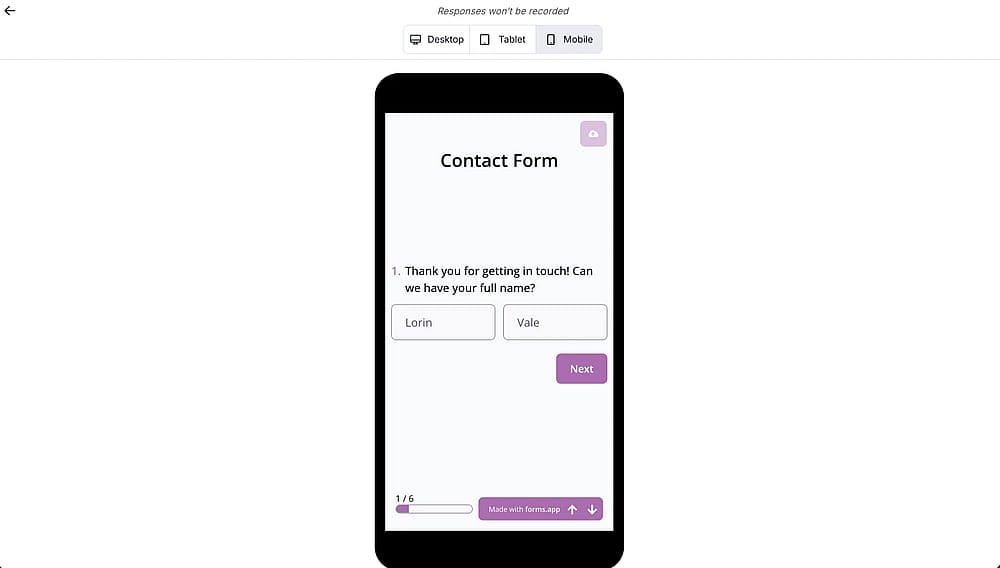
Test your form
Before sharing your form, you can preview how it looks on tablet and mobile devices. You can also run a quick test before publishing, which helps catch potential issues early and prevent bigger problems later.
7. Make sure notifications are on
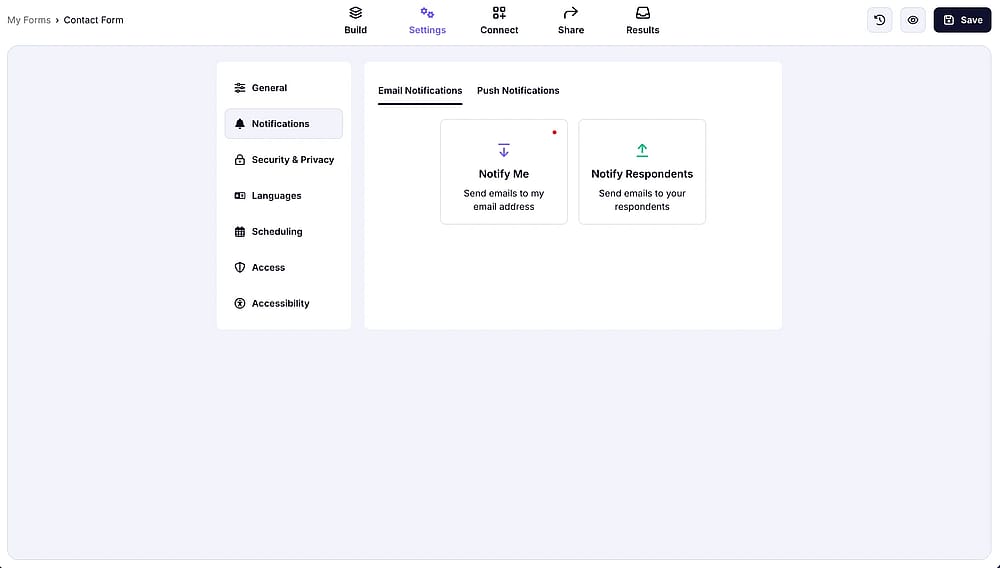
Adjust notification settings
You can enable notifications to stay informed whenever someone submits your form. Keeping them on helps you respond quickly and stay on top of new submissions without constantly checking the form.
8. Check your collected consents
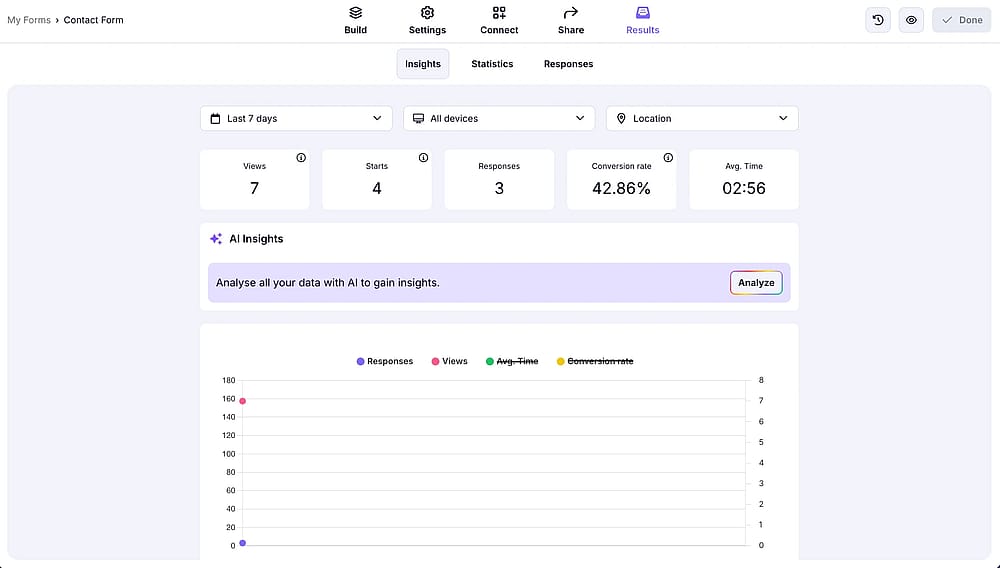
Check your responses
Once you’ve collected consent, you can use AI to analyze responses or explore statistics for the bigger picture. This can help you review affirmative action, understand processing operations, and keep your data practices aligned with guidance from a data protection authority.
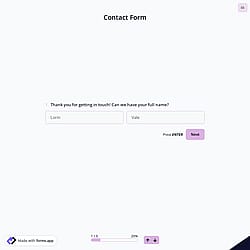
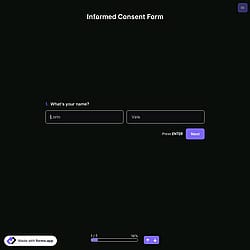
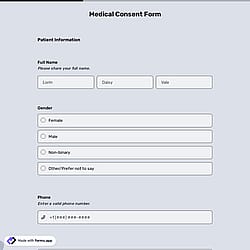
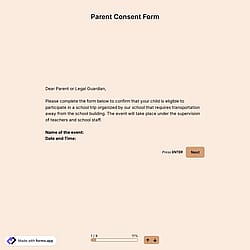
GDPR consent form examples
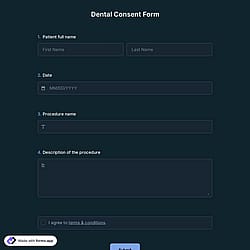
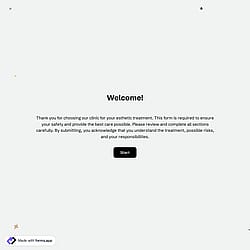
These GDPR consent form examples are starting points, not universal legal wording. Your final form should reflect what your organization actually does with the collected information.
Bonus: GDPR-Compliant Form Checklist
Before publishing your online form, check that:
✅ You've tested the complete form before publishing it.
✅ You only collect the personal information you need.
✅ Your privacy policy is easy to find.
✅ Your privacy information is clear and easy to understand.
✅ Your consent statement clearly explains its purpose.
✅ Consent is freely given, specific, and informed when consent is required.
✅ Consent isn't pre-selected.
✅ Signature fields are used only when appropriate.
✅ Your confirmation email address doesn't unnecessarily expose personal information.
✅ Your notification settings have been reviewed.
Frequently asked questions
A GDPR-compliant online form should collect only the information necessary for its purpose, provide appropriate privacy information, and use a valid consent mechanism when consent is the applicable legal basis. The exact requirements depend on how the information is collected and processed.
Depending on the purpose, it may include relevant personal information fields, a privacy policy link, clear consent language, a separate consent checkbox, Terms & Conditions, and an electronic signature or other acknowledgment field where appropriate.
A simple example is:
“I agree to receive marketing emails from [Company] about products and special offers.”
The statement is specific about what the respondent is agreeing to rather than using a vague "I agree" statement.
Yes. With forms.app, you can create a GDPR sample consent form for free and customize it to your needs. Add consent fields, Terms and Conditions, signature fields, and other elements to create a sample GDPR consent form that fits your data collection process.
Contributors
Researched & written by
forms.app, your free form builder
- Unlimited responses
- Unlimited questions
- Unlimited team members