1. Import into your account
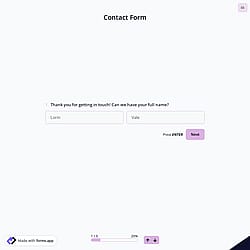
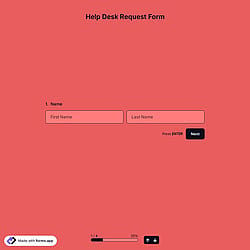
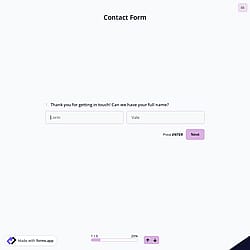
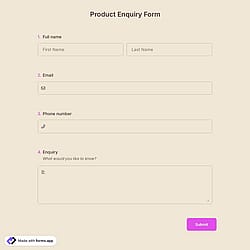
To start, open this free business inquiry form template and click “Use template” to add it to your account and begin editing it.

Save up to 60% on yearly plans and enjoy our biggest offer of the year. Limited time only. 🍂
See pricing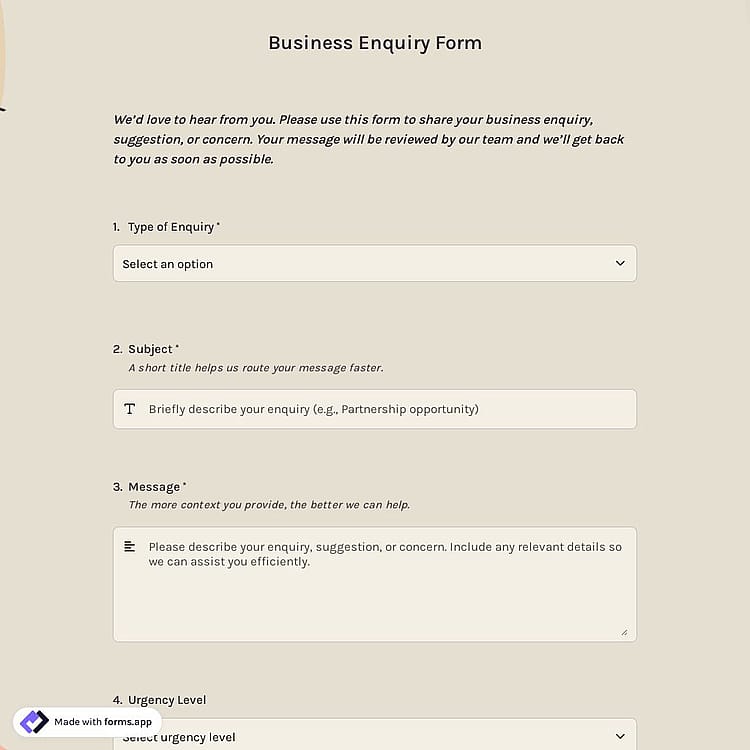
A business enquiry form is a structured online document that allows individuals or organizations to send business-related questions, requests, or proposals to a company. It helps businesses collect essential details about the inquiry.
Form questions will inquire about:
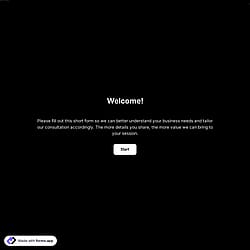
💡 This template comes with pre-set conditions, welcome & ending pages, and a ready-made layout that’s applied automatically.
A business enquiry form is used by companies to collect messages, requests, or questions from potential clients, partners, or organizations in a structured way. The form is used to:
It allows companies to gather partnership requests, service questions, or general business messages from individuals or organizations.
By collecting enquiry details such as subject, urgency level, and contact information, teams can review and manage requests more easily.
With structured form fields, businesses can quickly understand the inquiry and respond to the right person promptly.
You can qualify leads using a business enquiry form by adding fields that reveal the respondent’s needs and priorities.
Multiple-choice questions, such as the type of enquiry or urgency level, help identify and prioritize serious requests, while collecting company details like company name and job title helps you understand the respondent’s role. You can also include a Long text field so respondents can explain their request in detail.
Yes, you can automatically route enquiries to different departments. You can enable the Notify Me email notifications and add the email addresses of your colleagues from different departments.
This way, once the form is completed, everyone you added will receive the notification, allowing each team to review and respond to the enquiry quickly.
You can reduce spam in your enquiry form by enabling CAPTCHA in your form settings. CAPTCHA helps verify that the respondent is a real person, not an automated bot, preventing spam submissions and making your enquiry responses more reliable.

To start, open this free business inquiry form template and click “Use template” to add it to your account and begin editing it.

Use the drag and drop form builder to add or remove form fields. Since forms are important for managing inquiries, you can also tailor the form to match your brand and workflow.

When your form is ready, share it via a direct link or embed it on your website to collect form submissions and review them in real time.
Discover other inquiry forms that can help you manage work communication more effectively. Use them to organize customer service requests, collect details, and handle incoming messages more effectively.
Explain what you need in your business enquiry form and forms.app’s AI form generator will create a free form template to help you collect and manage inquiries more efficiently.
The business enquiry form template already includes the essential fields you need, and it can be easily customized to support your communication workflow and customer service process.
Collect important contact details such as full name, email address, phone number, company name, and job title so your team can respond to enquiries and maintain clear communication.
Add a consent checkbox for collection and processing. This helps ensure transparency and allows respondents to confirm that they accept your privacy and data processing terms.
Use conditional logic to show or hide fields based on the answers. For example, you can display the phone number field only if the respondent selects phone as their preferred response option.
Include multiple-choice questions for the type of enquiry and urgency level. This helps your team quickly categorize incoming enquiries and prioritize responses.
Use a custom domain or subdomain to make your form URL look more professional and aligned with your brand.
Enable automatic email notifications to receive instant alerts when a new enquiry is submitted and send confirmation messages to respondents.
Categories
This business enquiry form is free and customizable
Categories