
Save up to 60% on yearly plans and enjoy our biggest offer of the year. Limited time only. 🍂
See pricing

Online Invitation Maker & Unlimited Responses
Create beautiful invitations in minutes with our online invitation maker. Whether you're planning a birthday, wedding, party, or business event, our free online invitation creator helps you design, customize, and share. Prefer AI? Try our online invitation creator to get started even faster.
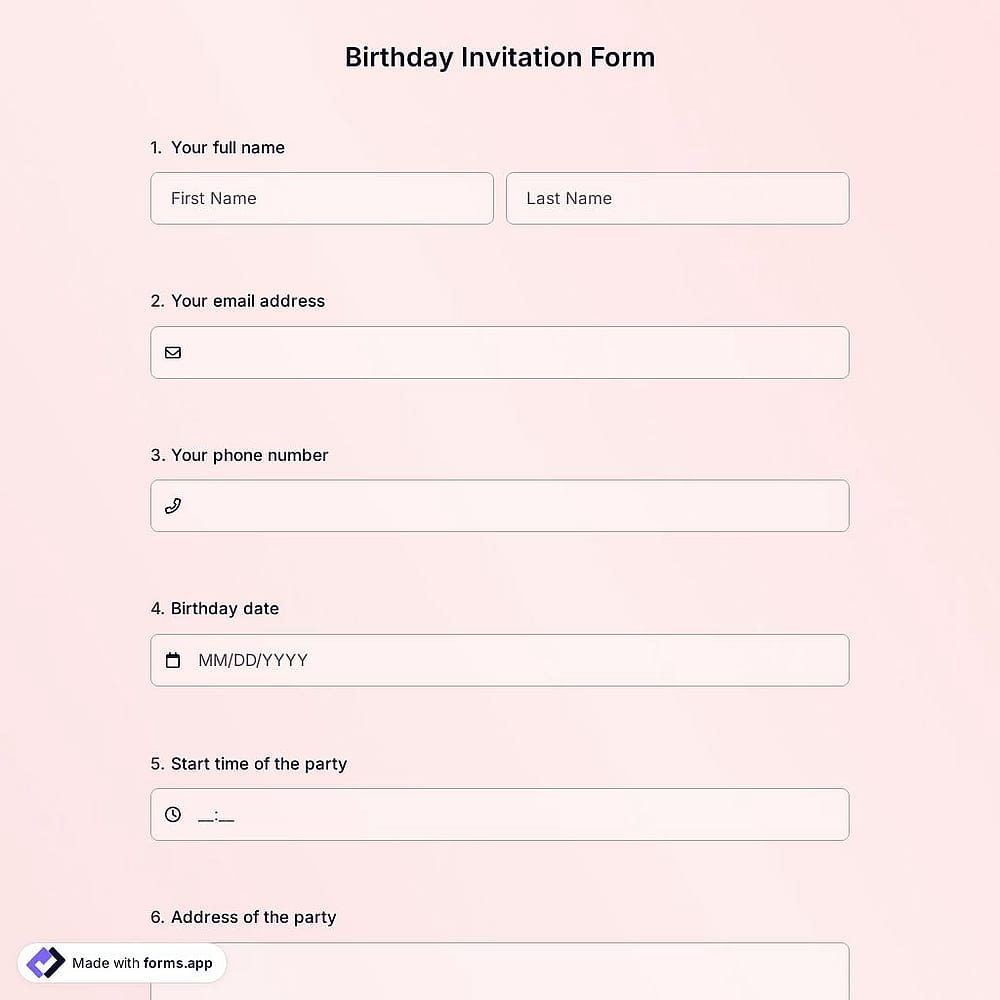
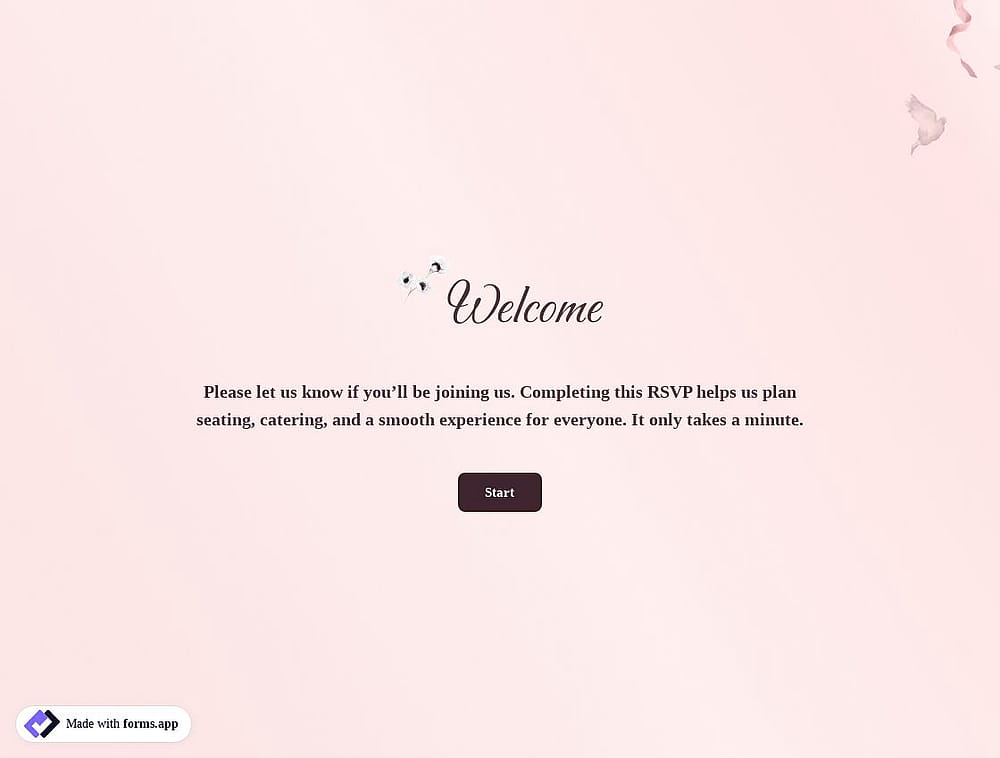
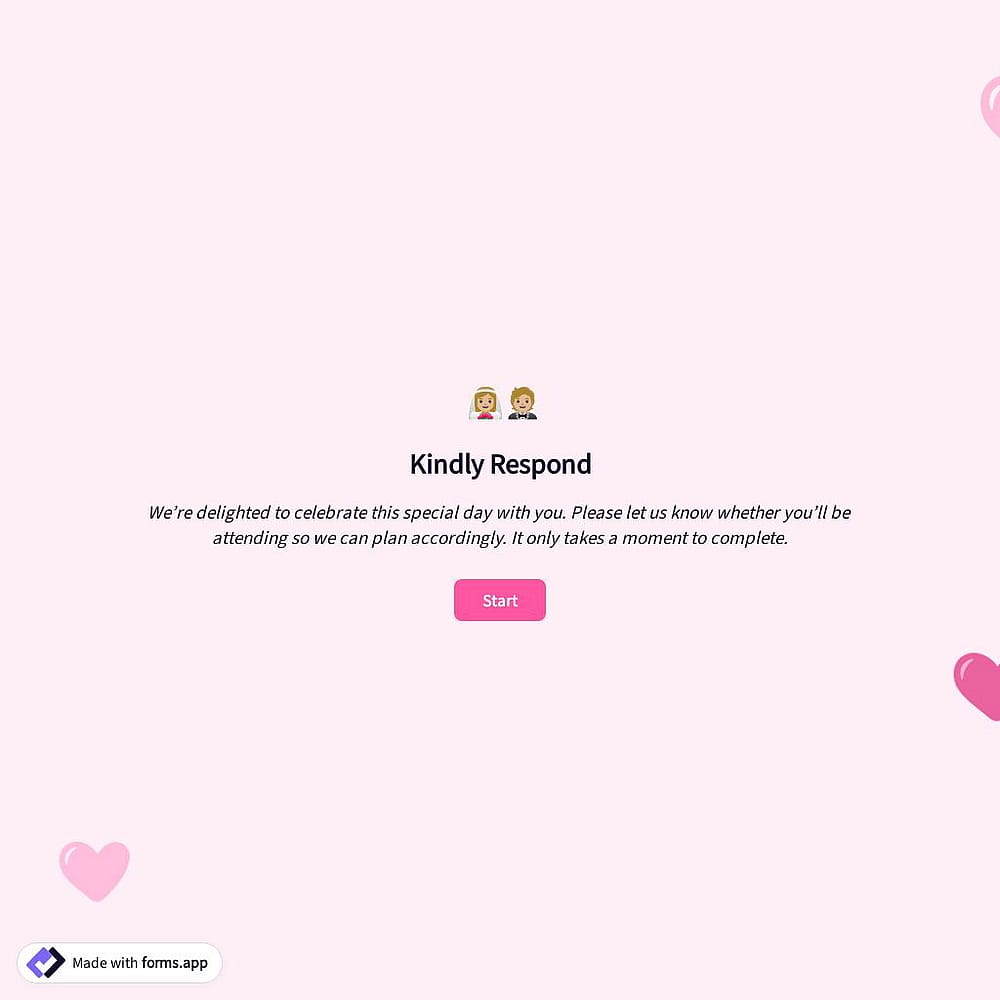
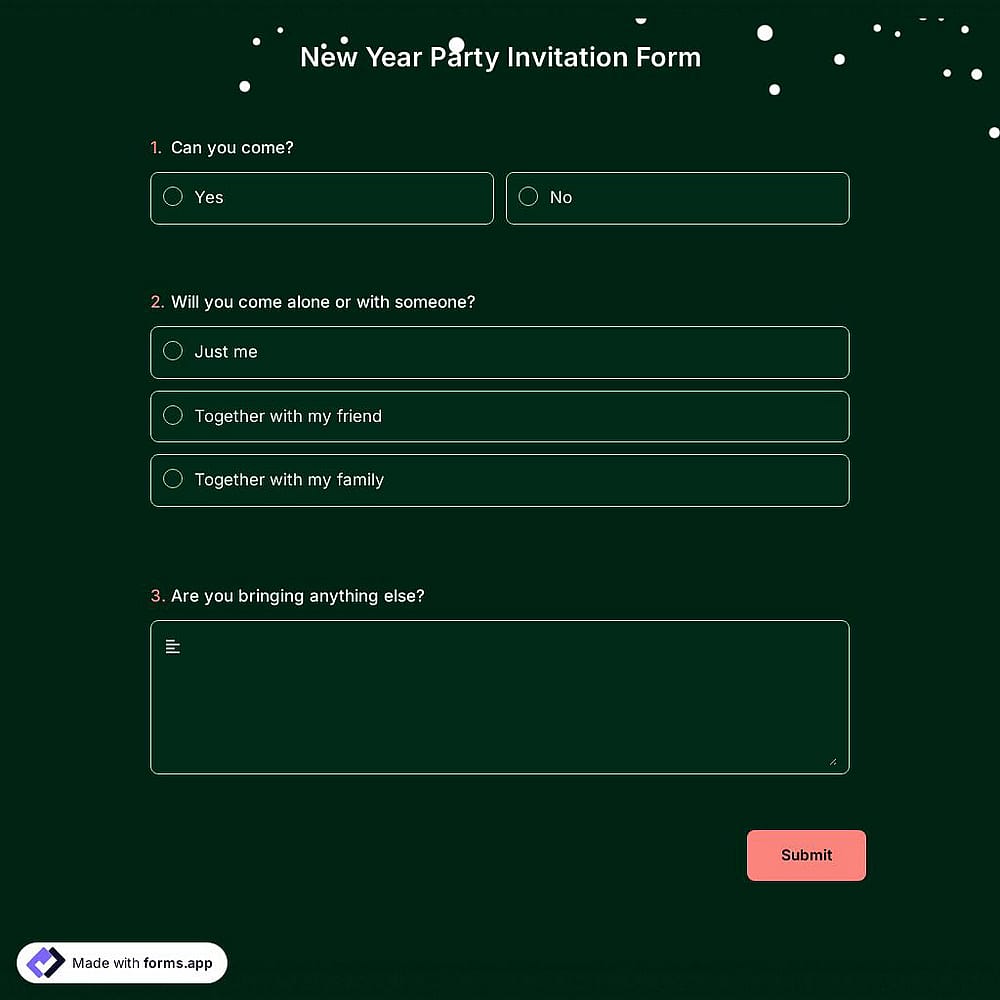
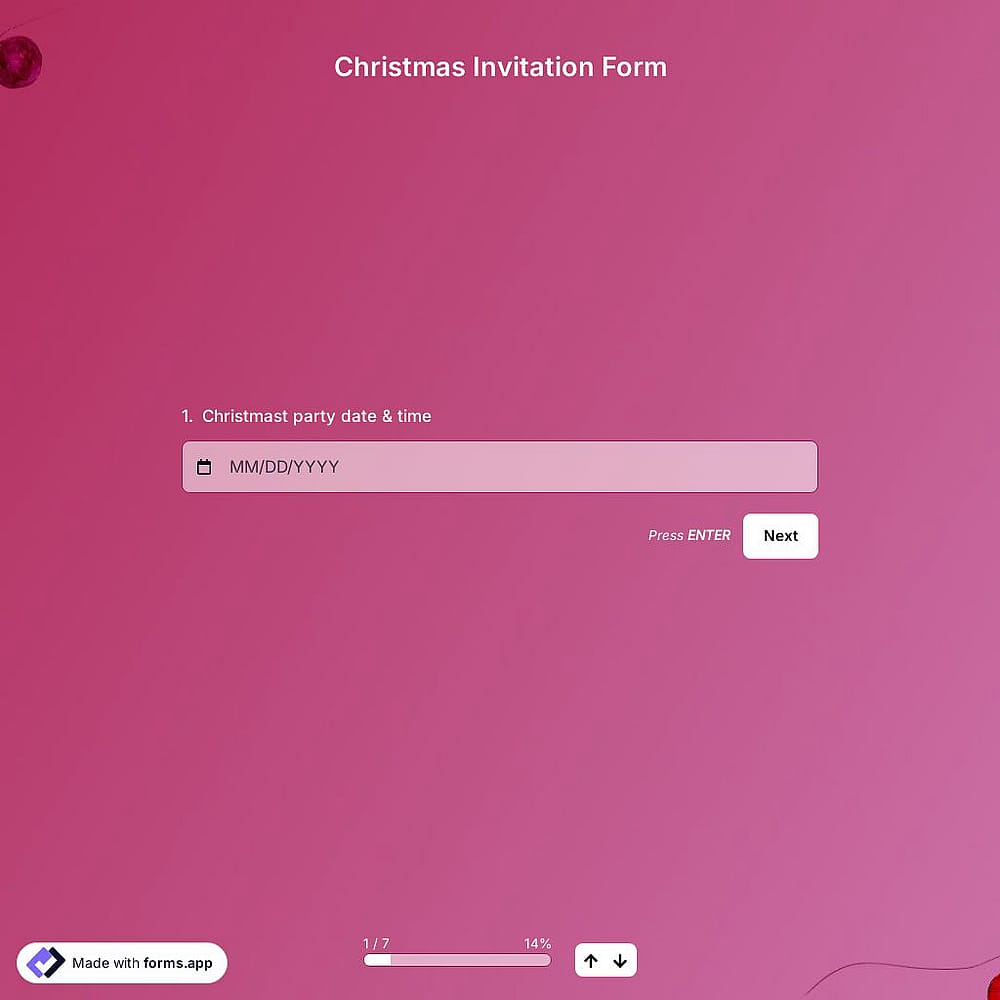
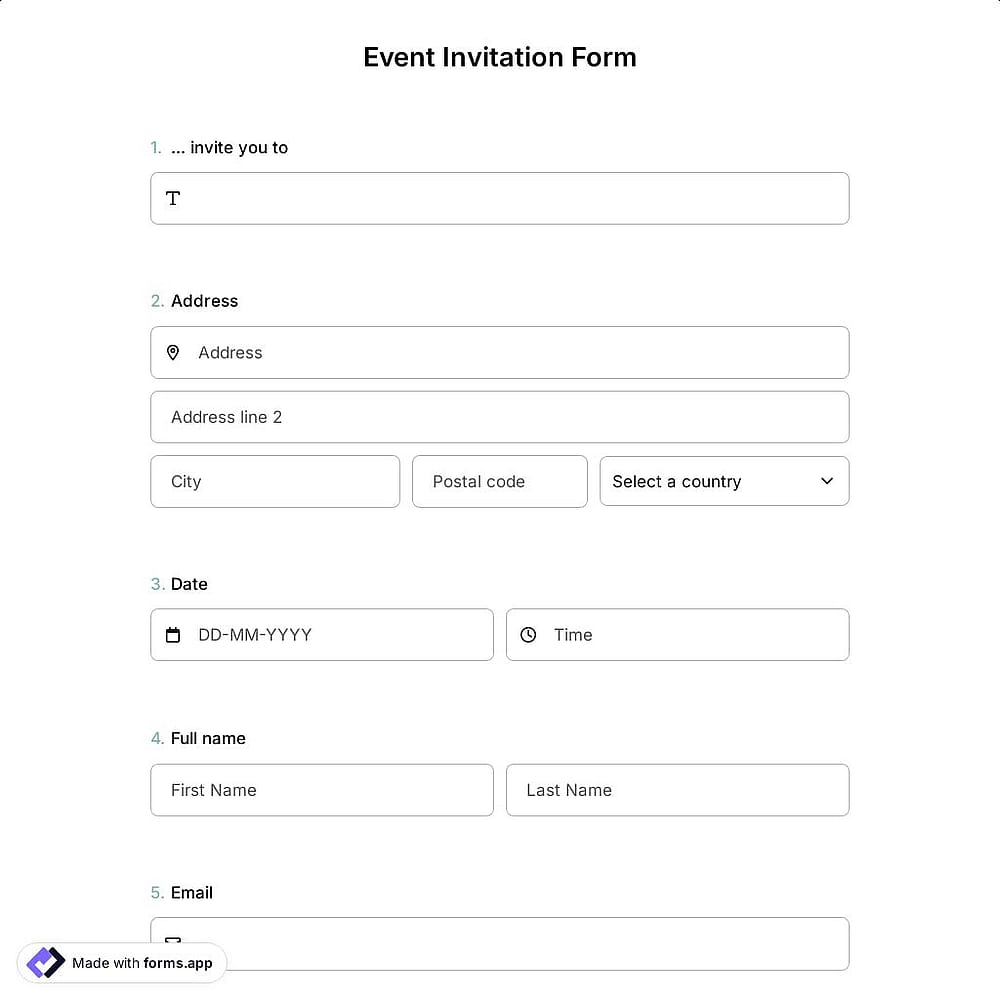
Popular template categories
It is simple and user-friendly. I have used it for data collection and event RSVPs, and it has been so straightforward and customizable.

Create your free online invitation in 5 simple steps
- 1.
Start with a template or use forms.app AI
Create an online invitation maker free in seconds by choosing a professionally designed template, describing your event to AI, or starting from scratch.
- 2.
Personalize your invitation
Add your event details, customize the text, upload photos, and create personalized invitations with colors, fonts, and layouts that match your style.
- 3.
Make it stand out
Design eye-catching and custom invitations by adding your logo, background images, videos, or other visual elements to leave a lasting impression.
- 4.
Set up RSVP and preferences
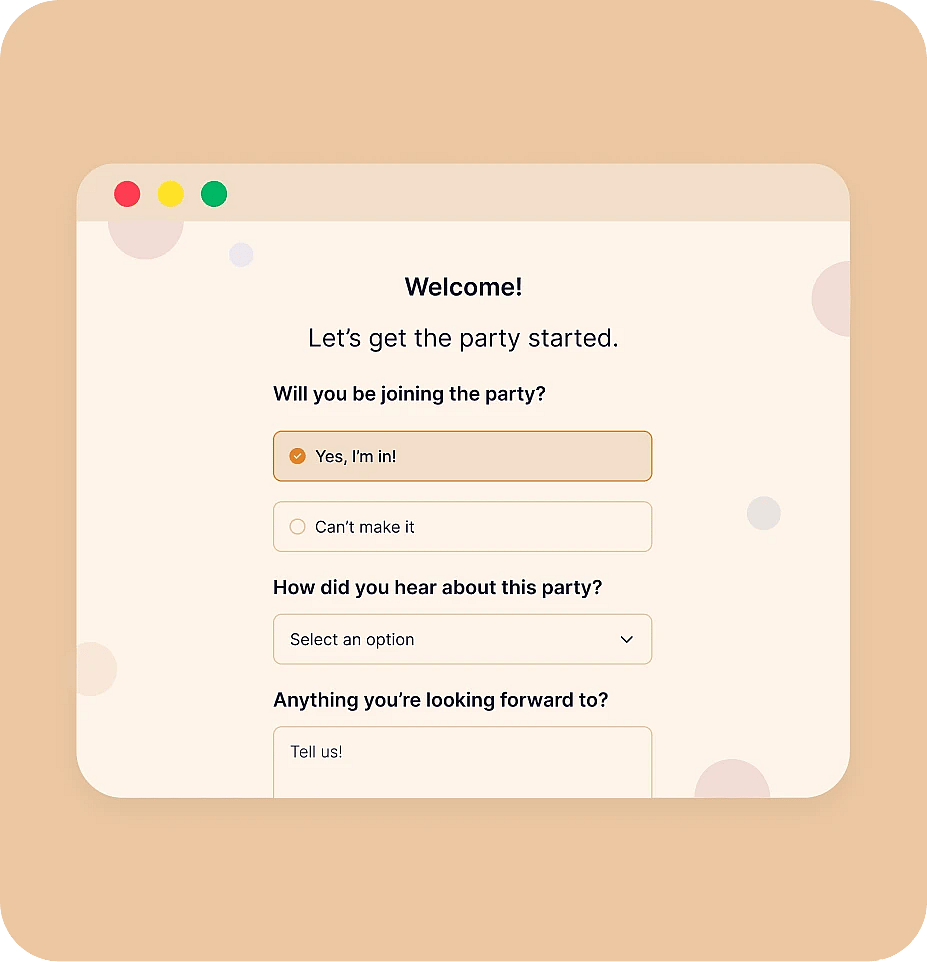
Collect guest responses by adding vital fields, contact information, meal preferences, or any other questions you need for your event.
- 5.
Share your invitations and track responses
Use forms.app as your invitation making website to share your invitations via a link, QR code, email, or embed them anywhere. Then, monitor responses in real time.
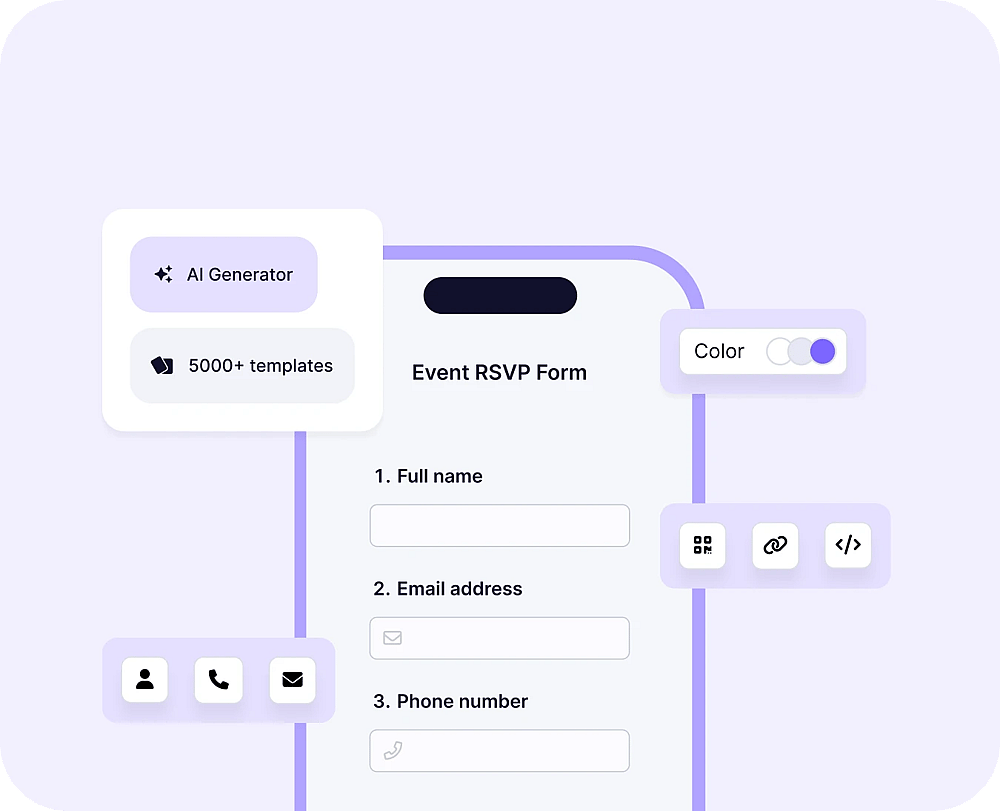
Birthday Invitations
Celebrate
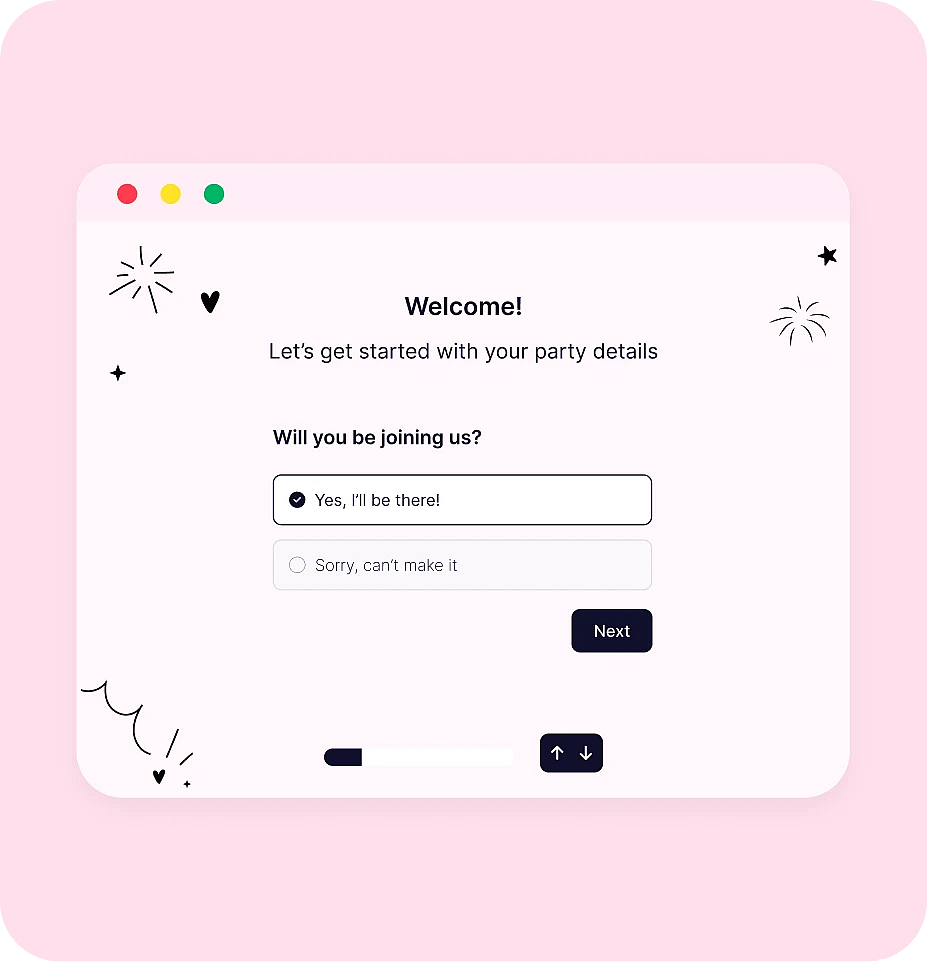
Wedding Invitations
Your Big Day
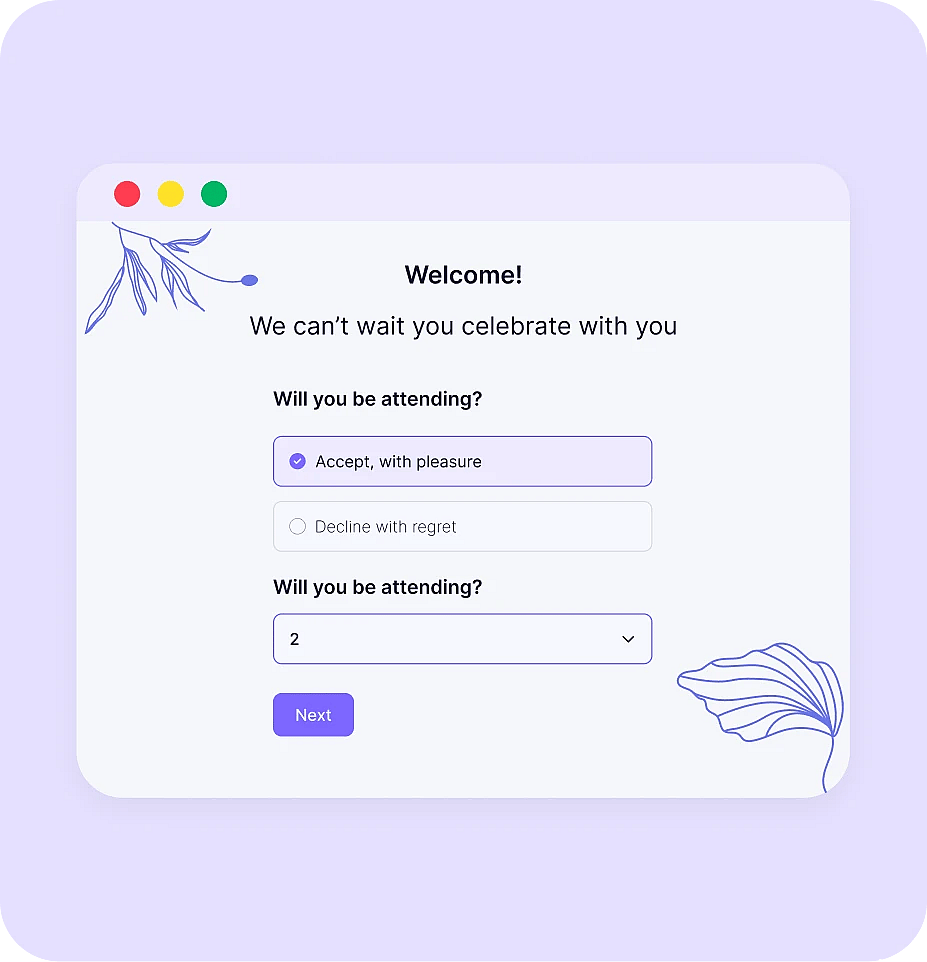
Graduation Invitations
Achievement
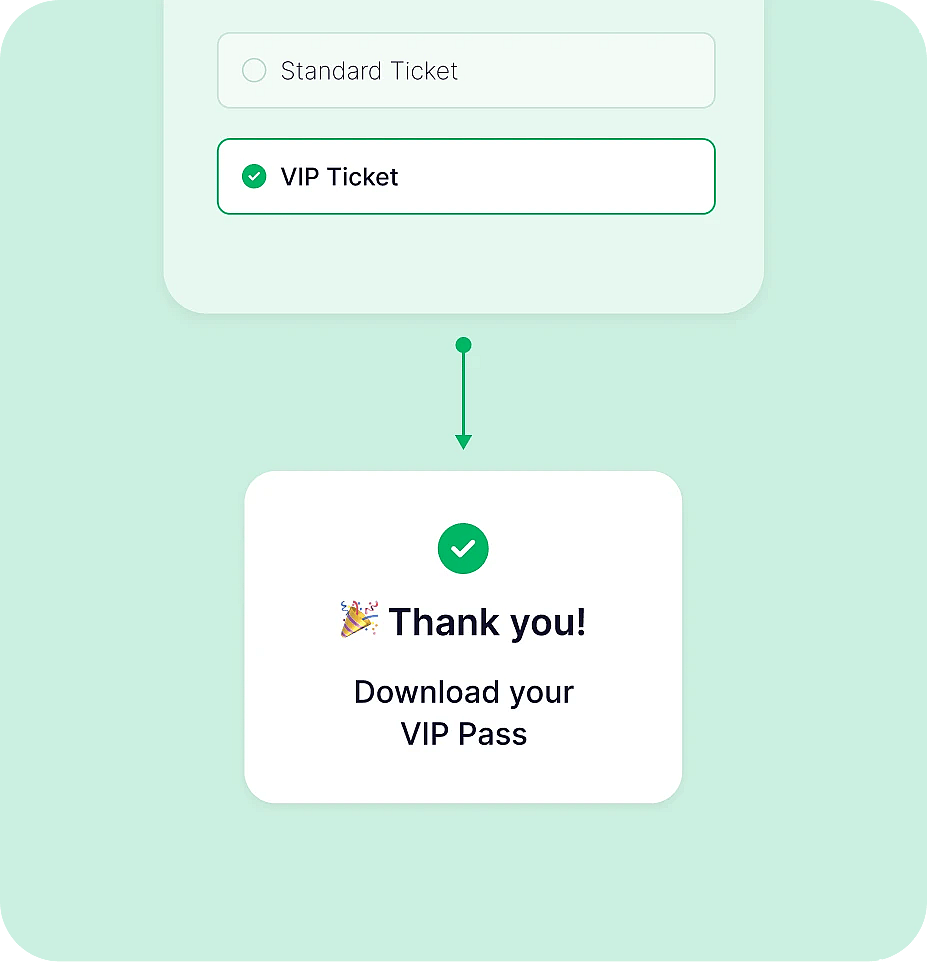
Baby Shower Invitations
Growing Family
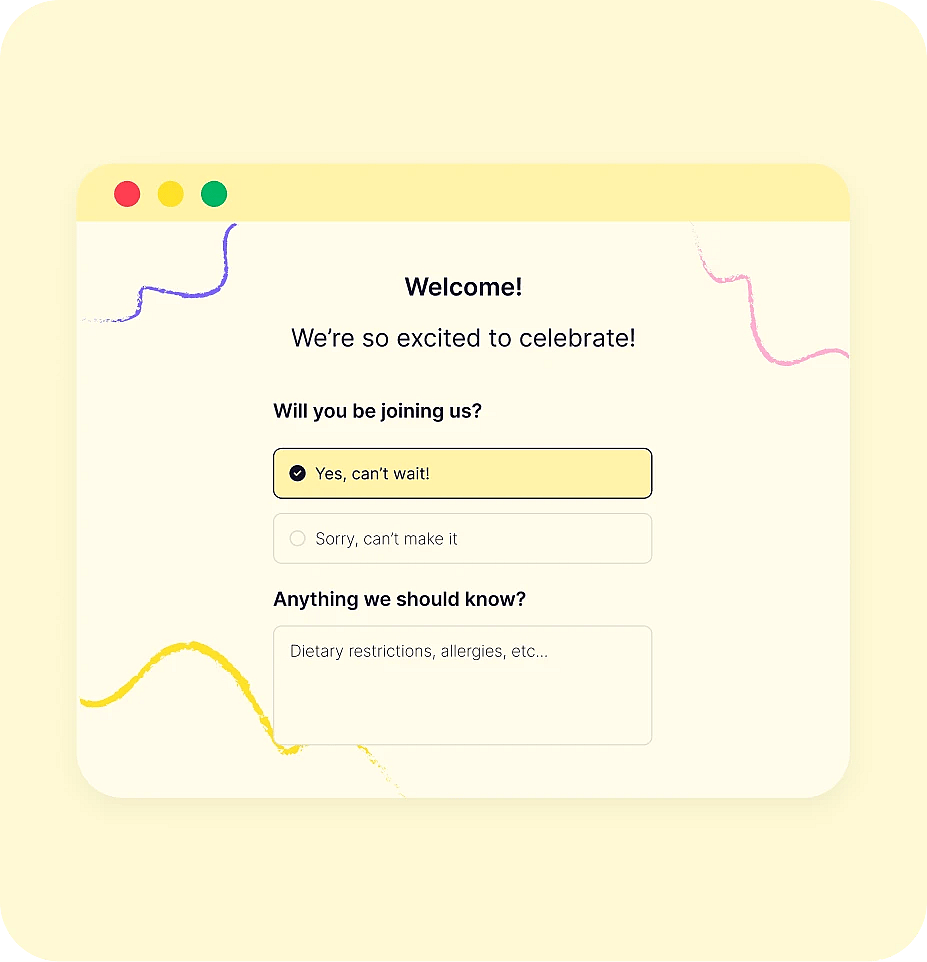
Business Event Invitations
Professional
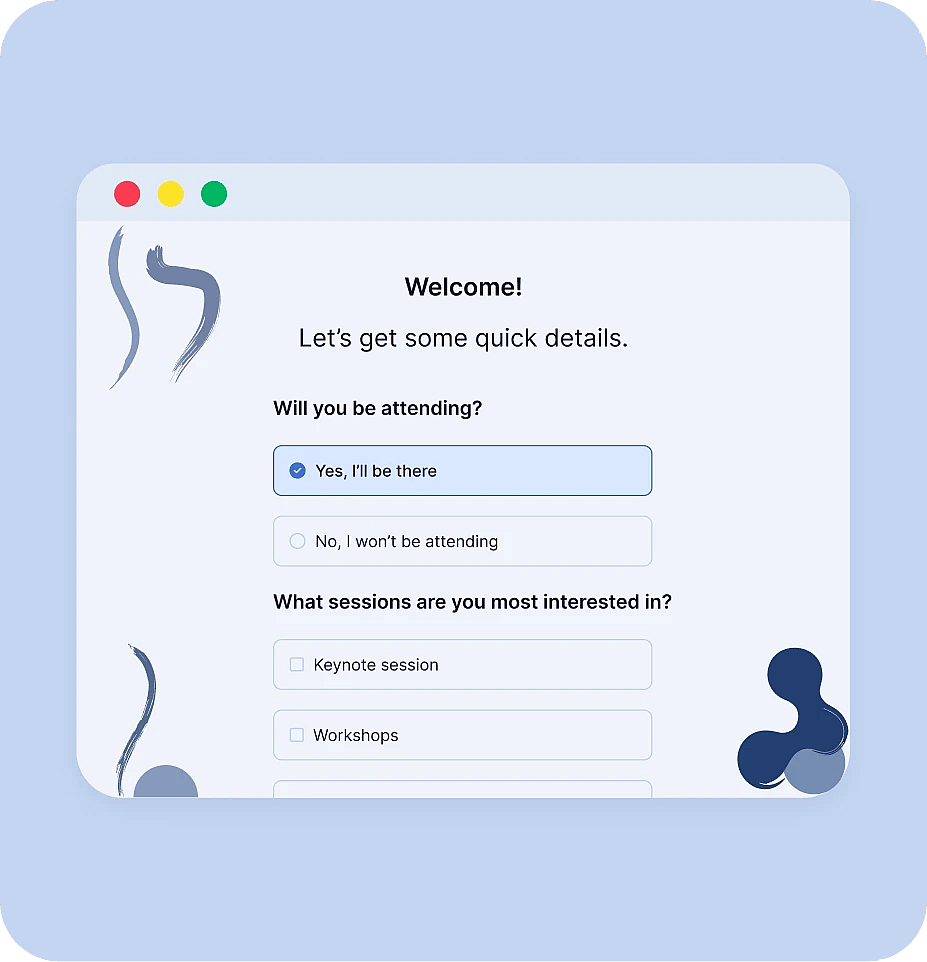
Party Invitations
Special Moments
Frequently asked questions
Yes. You can collect unlimited responses for your invitation, whether you're hosting a small gathering or a large event. You can also invite unlimited team members to collaborate, making it easy to manage invitations, track invitations, and organize your event together.
Yes. You can set opening and closing dates for your invitation to control when guests can access and respond to it. This is especially useful for time-sensitive events, helping you accept RSVPs only during your preferred registration period.
Absolutely. forms.app supports multiple languages, allowing you to create invitations for guests around the world. You can translate your invitation, customize button labels, messages, and other text elements, providing a localized experience for every attendee.
Yes. You can share your invitation on your favorite social media platforms by simply copying and sharing its link. Since every invitation created with forms.app is full mobile-friendly, your guests can easily view it on any device.
Yes. On the share tab, you can simply click the QR icon to generate a QR code for your invitation. You can then download it or share it with your guests for quick and easy access.