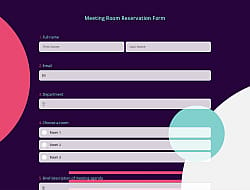
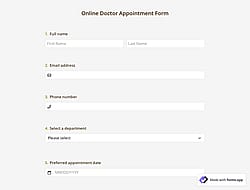
1. Import into your account
View this online reservation form template and click on “Use template” after making sure this is what you are looking for.

Save up to 60% on yearly plans and enjoy our biggest offer of the year. Limited time only. 🍂
See pricing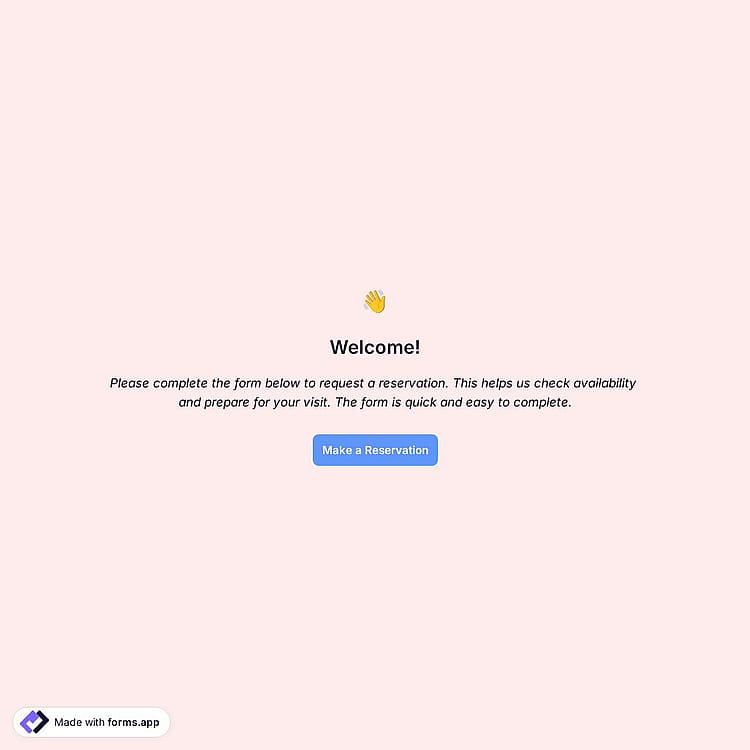
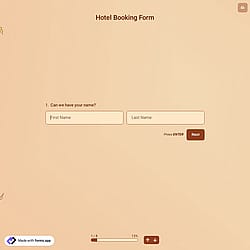
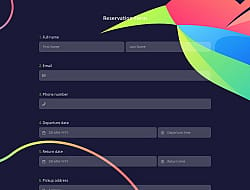
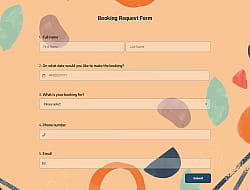
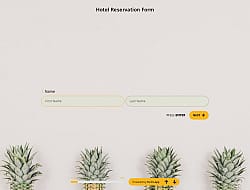
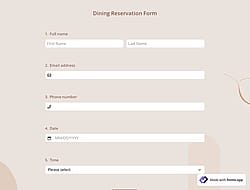
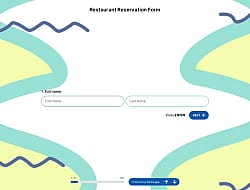
An online reservation form is a digital tool that lets users book appointments, services, or spaces in advance. It collects essential details such as date, time, contact information, and specific requests and helps businesses manage availability, reduce manual coordination, and confirm reservations efficiently. This free online reservation form template offers you all the fundamental fields and questions you will need:
Form questions that inquire about:
Form fields and features we thoughtfully included, such as:
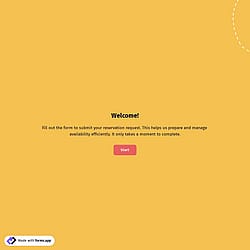
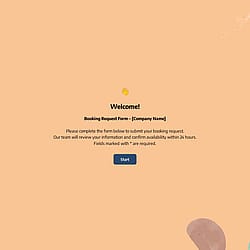
💡 This template comes with pre-set field groups, welcome & ending pages, and a ready-made layout that’s applied automatically.
To set available dates and time slots for the people, you can simply use the grid to show and collect them separately. Simply type and select the “Grid” option in the Form Fields search section. In the Grid’s settings, you can assign the date and time data types for each column and fill your preferred days in rows, or the other way around.
Yes, all templates on forms.app are optimized for all devices, whether it’s desktop, tablet, or mobile.
Yes, you can easily collect special requests or notes from customers. By adding open-ended fields to your form, respondents can share specific preferences, instructions, or additional details related to their reservation. This helps you better understand customer needs and deliver a more personalized service experience.
Yes. With forms.app, you can easily collect specific reservation details by using customizable fields such as date and time pickers, service selection options, contact fields, and open-ended questions. This allows you to gather exactly the information you need for each reservation, including preferences, special requests, or additional notes.
Yes, the customers can receive automatic reservation confirmations. To do this, you should enable email notifications for respondents and customize them as needed.
Yes! forms.app complies with major data-protection laws such as GDPR and uses secure servers in the EU. And what’s more, you retain control over your data, which means you can set form-access permissions.
是的! If your audience speaks different languages, you can add multiple languages and let people choose their preferred language when they open up your survey. Please note that this feature is available only on Pro and Premium plans.
Yes, you can embed your forms on your website flexibly without coding with forms.app. After you choose one of the handy embed options, you can make the necessary adjustments, such as height, width, button colors, etc., and place the code into your website!
Using an online reservation form instead of manual scheduling helps you save time, reduce errors, and manage appointments more efficiently. With forms.app, people can book available time slots anytime, and all responses are collected in one organized place. This prevents double bookings, automates data collection, and creates a smoother experience for both you and your customers.
Follow the three easy steps below to easily import the template to your account, customize questions, and quickly share the form on your website or social media.

View this online reservation form template and click on “Use template” after making sure this is what you are looking for.

Add or remove questions through forms.app's drag-and-drop interface and match your brand style.

Embed it on your website in 6 different ways or share your form across all social media channels.
Looking for something else? Explore similar form templates below, or browse our extensive collection of free templates on the templates page.
Just tell us how you would like a custom online reservation form tailored to your specific needs. forms.app’s AI form builder will create a free online form template for you in seconds.
Create your online reservation form with powerful features and make the booking process simple and clear for everyone.
Let users select available dates and time slots for their reservation directly from a calendar. Also, you can add a timer to your forms to count up or count down.
Collect essential personal details like name, email address, and phone number for confirmation.
Allow users to choose services, packages, or options via single or multiple selection, dropdowns, pictures, yes/no options, and more.
Display the booking types and prices, allow people to add them to their basket, and collect secure online payments through your forms.
Email and push notifications for you or your audience. Receive email notifications when a reservation is made and send custom confirmation notifications for each response.
Get agreement to terms and conditions or collect digital signatures if required for cancellation policies, refund rules, liability waivers, or service confirmations.
Categories
This reservation form is free and customizable