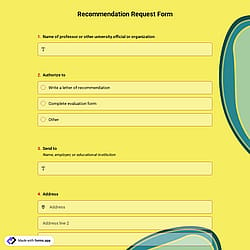
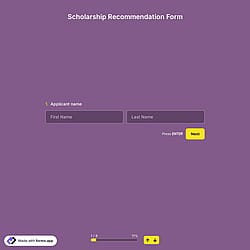
1. Import into your account
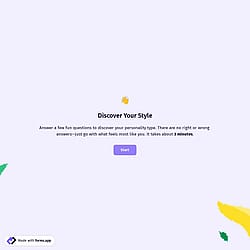
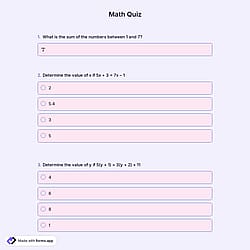
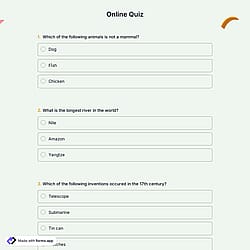
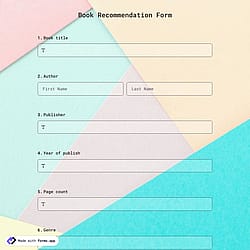
View this product recommendation quiz and click on “Use template” after making sure this is what you are looking for.

Save up to 60% on yearly plans and enjoy our biggest offer of the year. Limited time only. 🍂
See pricing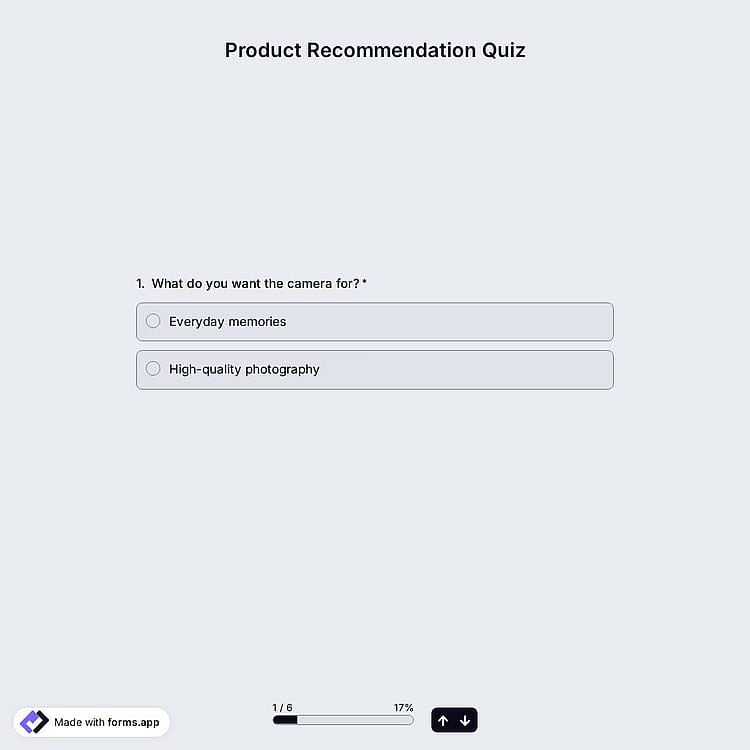
A product recommendation quiz is an interactive online quiz that asks users a series of simple questions about their needs, preferences, lifestyle, or goals and suggests the most suitable product or service. This free and fully customizable product recommendation quiz offers all the necessary questions and form fields you will need:
Form questions will collect information about:
Form fields and features we thoughtfully included, such as:
💡 This template comes with a pre-set calculatır, an ending page, and a ready-made layout that’s applied automatically.
This template can help your business by guiding customers to the right products, boosting sales, boosting conversions, and improving user experience. It reduces the decision fatigue of potential customers and collects valuable data about their preferences.
To have visually appealing quizzes, you can add images, videos, and custom media layouts to your questions. Use page breaks, step view, and engaging designs; customize colors, fonts, and themes to match your brand, keep the people on the landing page, and increase completion rates.
Yes, this product recommendation quiz template is free to use along with other free recommendation form templates on forms.app.
Yes, the Calculator feature is free to use along with hundreds of free features on forms.app.
Yes, you can. You are free to place your logo in any convenient place for free.
Yes, you can easily add your products’ images to the form. Simply click on one of the product templates and drop your files there.
After creating your product recommendation quiz on forms.app, you can share across all the digital platforms such as Instagram, X, Facebook, and even WhatsApp. Also, you can change the meta image and description as you wish.
是的! If your audience speaks different languages, you can add multiple languages and let people choose their preferred language when they open up your form. Please note that this feature is available only on Pro and Premium plans.
Once you have completed your quiz, you’ll have a dedicated results page. There, you will have access to AI insights, Statistics, and Responses. Here is what you can do with them:
AI Insights is an innovative feature that enables you to analyze form responses with AI. You can get general trends, related charts, key points, and suggestions, and ask more questions about the analysis.
Statistics offers a number of valuable information for you, as a form owner. Once you are in Statistics, you will be able to see data about your form, respondents, and answers. Additionally, you will have access to data on device types, platforms, locations, scores, and more.
In the Responses section, you have two viewing options: List and Grid view. After selecting and viewing a submission, you can print it, add a note, or send it to the trash. You can view the percentages and get a general idea of the submissions on the statistics page. Also, you can download your data as .xls or .csv files.
Follow the three easy steps below to easily import the template to your account, customize questions, and quickly share the form on your website or social media.

View this product recommendation quiz and click on “Use template” after making sure this is what you are looking for.

Add or remove questions through forms.app's drag-and-drop interface and match your brand style.

Embed it on your website in 6 different ways or share your form across all social media channels.
Looking for something else? Explore similar templates below, or browse our extensive collection of free templates on the templates page.
Just tell us how you would like to have a personalized product recommendation quiz for your specific needs. forms.app’s free AI quiz builder will create a free template for you in seconds.
Build your product recommendation quiz with powerful features and make the entire quiz process simple and clear for you and quiz takers.
Automatically calculate the score and display custom messages at the end. Show them the best product based on their score.
Show or hide questions and product recommendations based on answers for a personalized quiz flow.
Single or multiple selection, dropdown, pictures, yes/no, and more. Ask users single or multiple selection questions to determine preferences.
Make your quiz more engaging and organized by using page breaks, product image contents, custom endings, and more.
List all your questions on pages, or simply show them one by one. Choose the view type that works best for you.
Collect user details such as name, email, address, phone number, and more to send personalized product recommendations.
Categories
This product recommendation quiz is free and customizable