1. Create your form
Start from a blank form, pick one of our templates, or generate one with our AI form generator.

Save up to 60% on yearly plans and enjoy our biggest offer of the year. Limited time only. 🍂
See pricingforms.app helps businesses create the best popup on a website and turn collected data into impactful results. Build your free popup form in seconds!
Just tell us the form you’d like to create
Or, choose your goal
Get instant access to:
Unlimited responses
Unlimited team members
Unlimited views
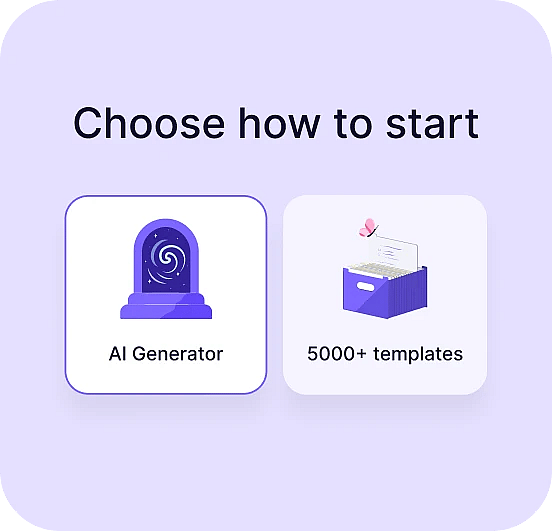
Start from a blank form, pick one of our templates, or generate one with our AI form generator.
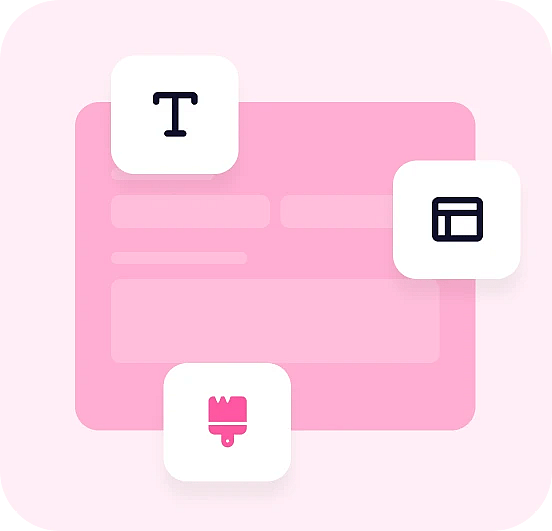
Drag in the form fields you need and design the form to enhance user experiences.
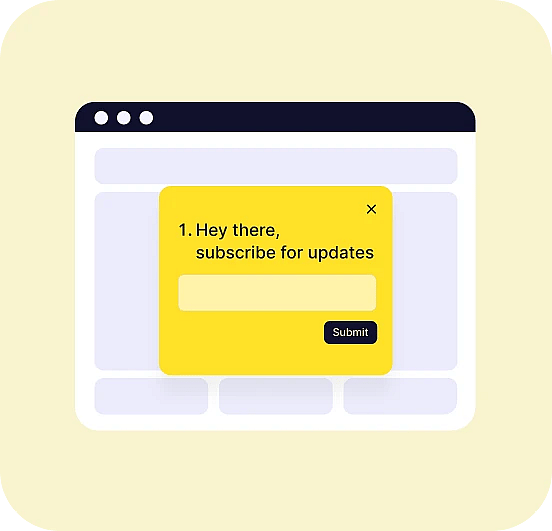
Check the embedding options and how it appears to website visitors, and copy the code.

4.5/5

4.6/5

4.6/5







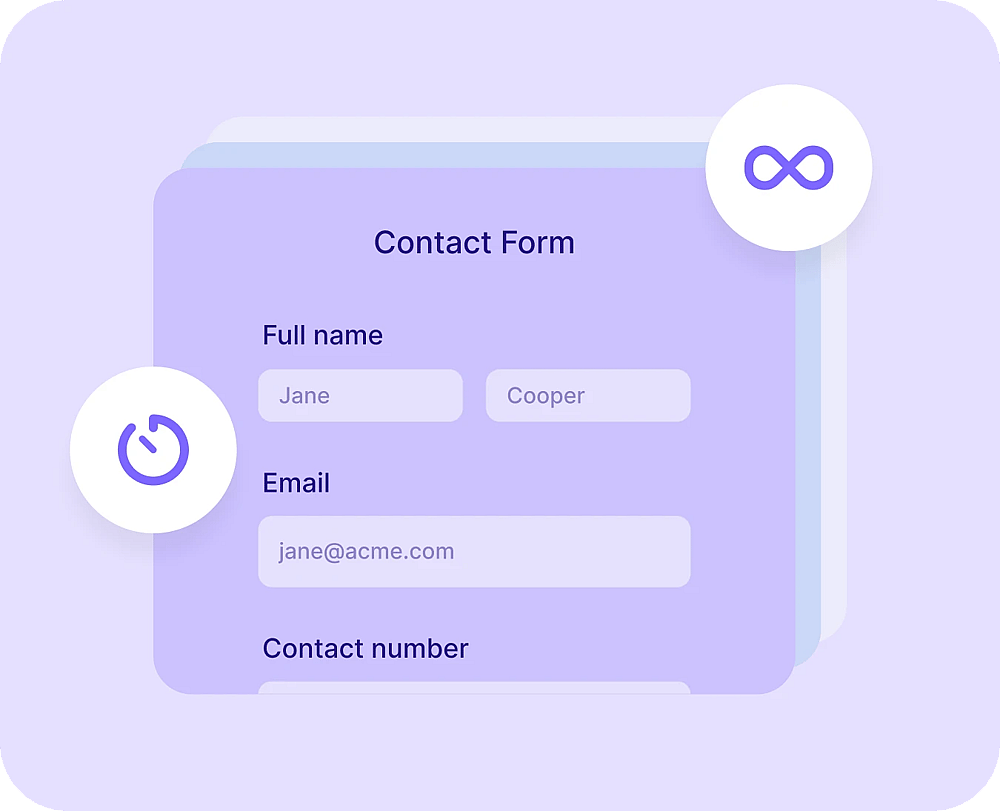
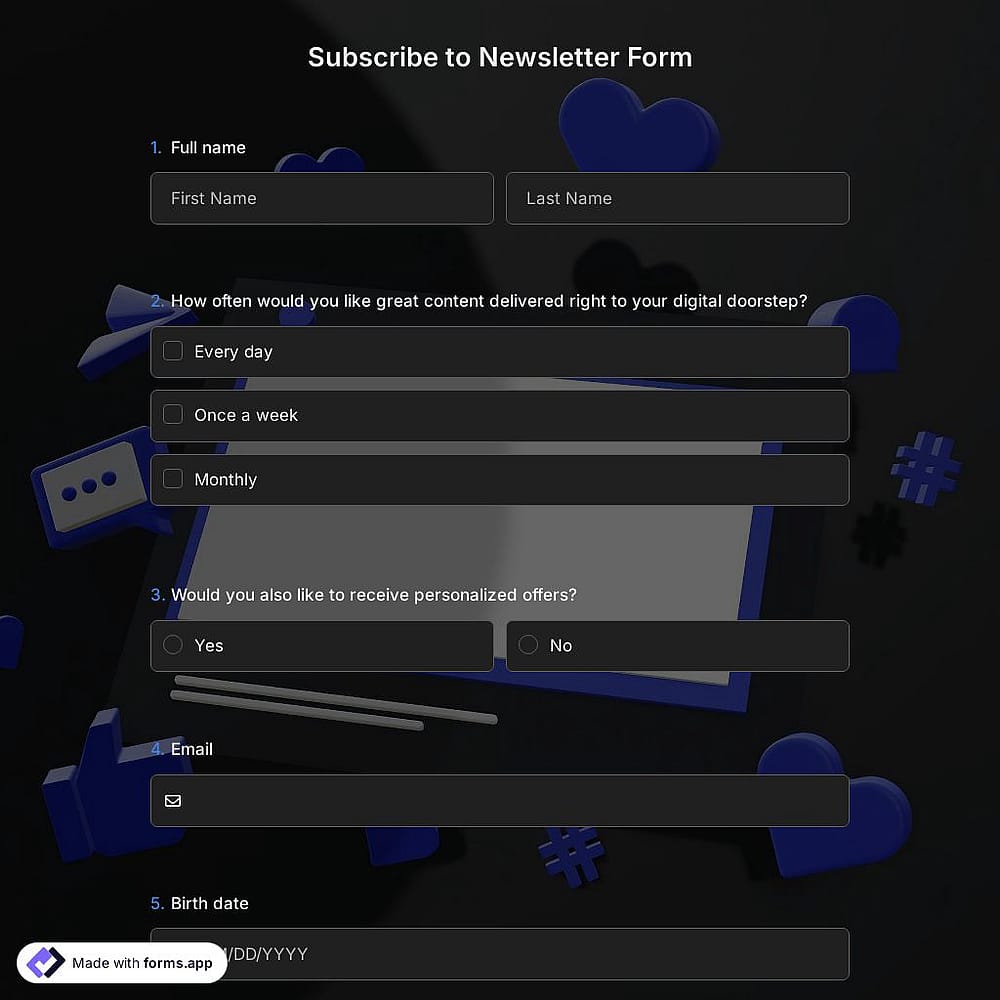
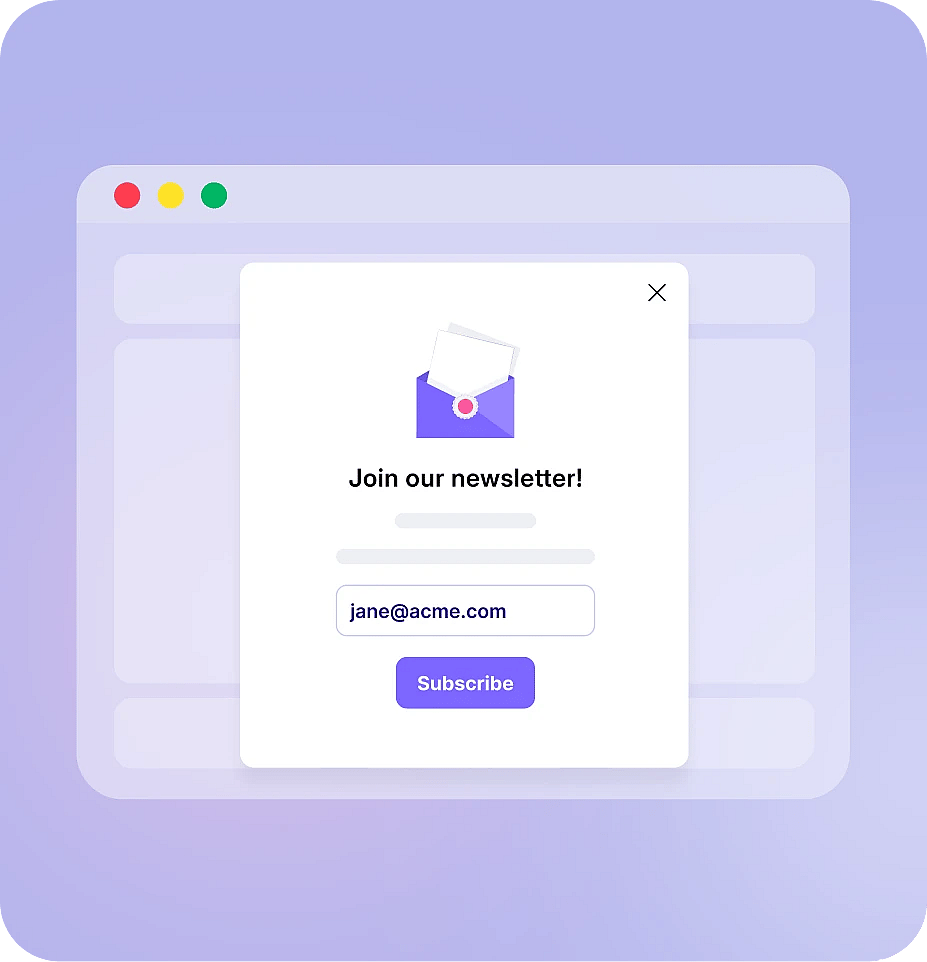
Trigger a simple opt-in after a set time on page or page scrolls, and grow your email list by offering something in return, a discount, a guide, or early access.
NPOs can embed a donation or volunteer sign-up pop-up on their homepage or blog, triggered on page scrolls or exit intent, to catch supporters at the moment they're most engaged.
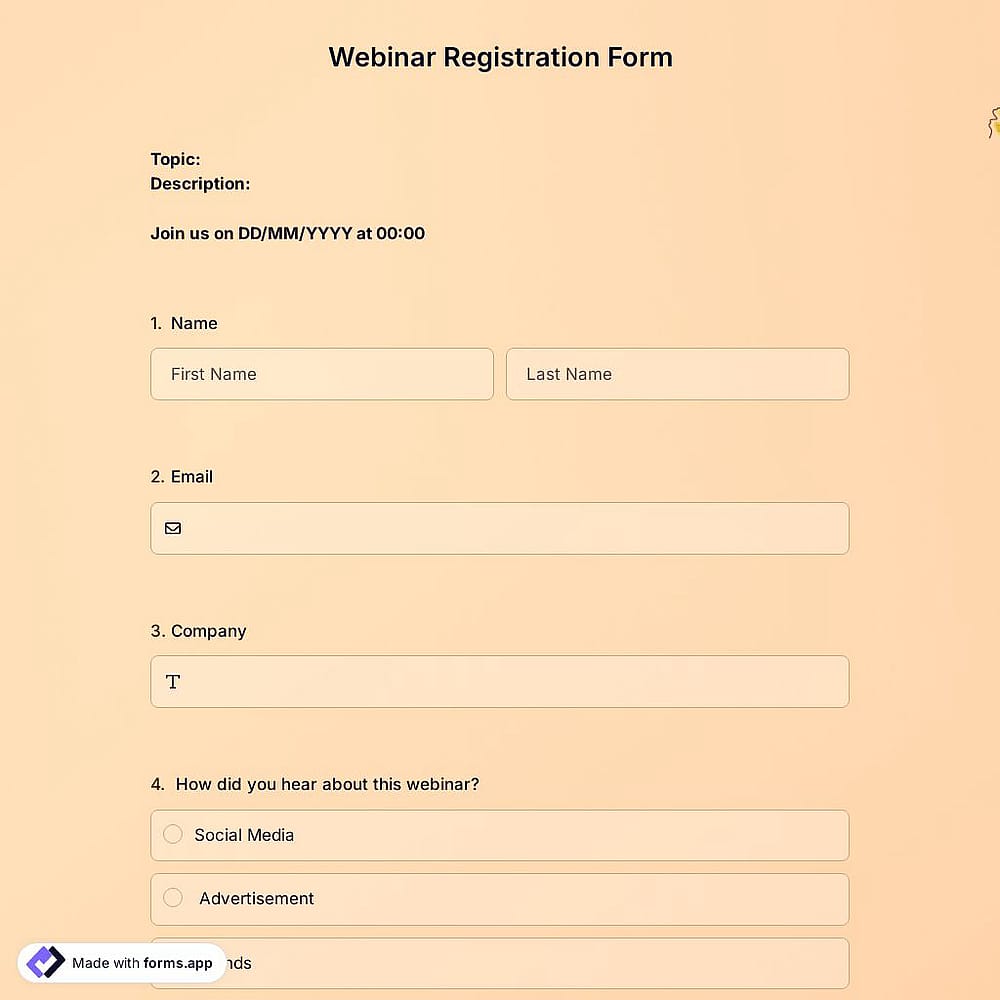
Let visitors register the moment they're interested, with just a name and email address, right on the page they're already reading.
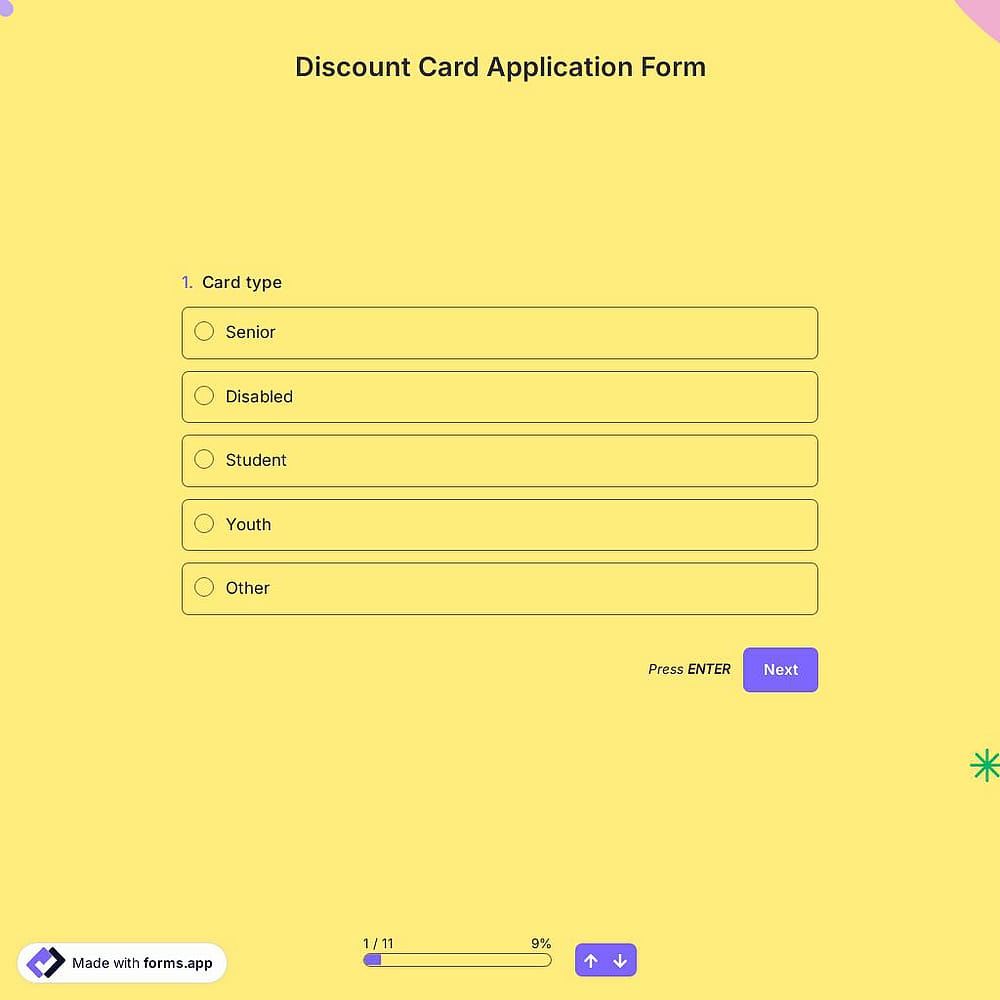
Ask "Was this page helpful?" after a visitor has spent some time on the page, and collect answers in real time to improve your content.
forms.app makes advanced features easy for everyone. So, you can build the pop-up you need, in one click or another.
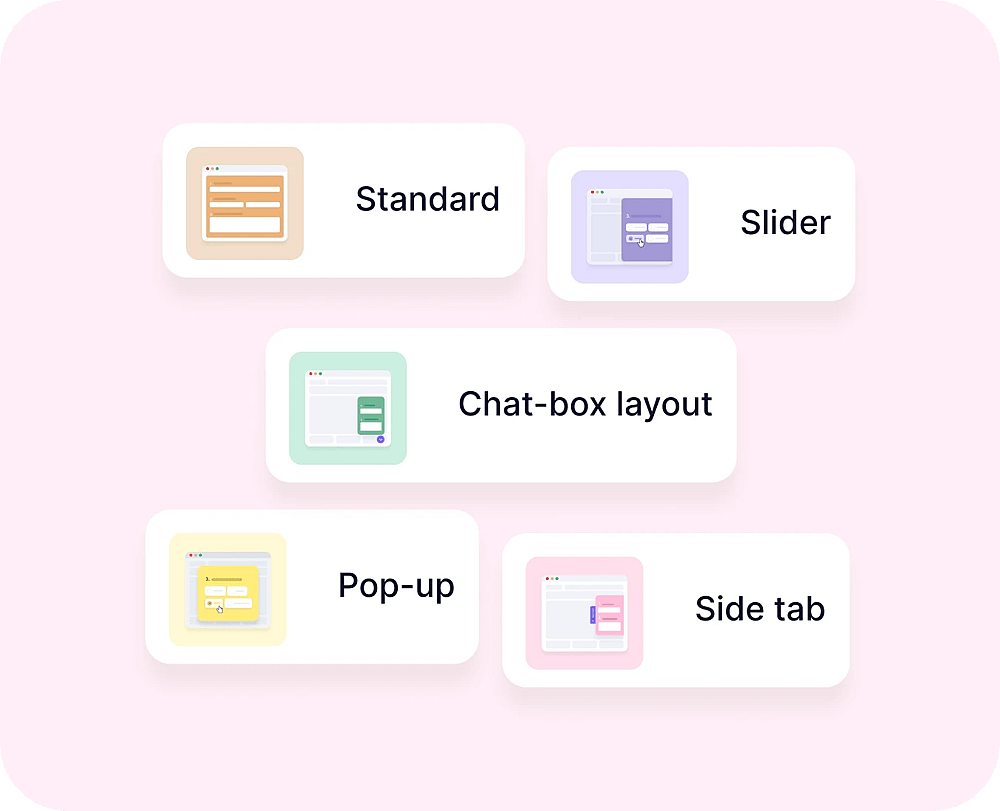
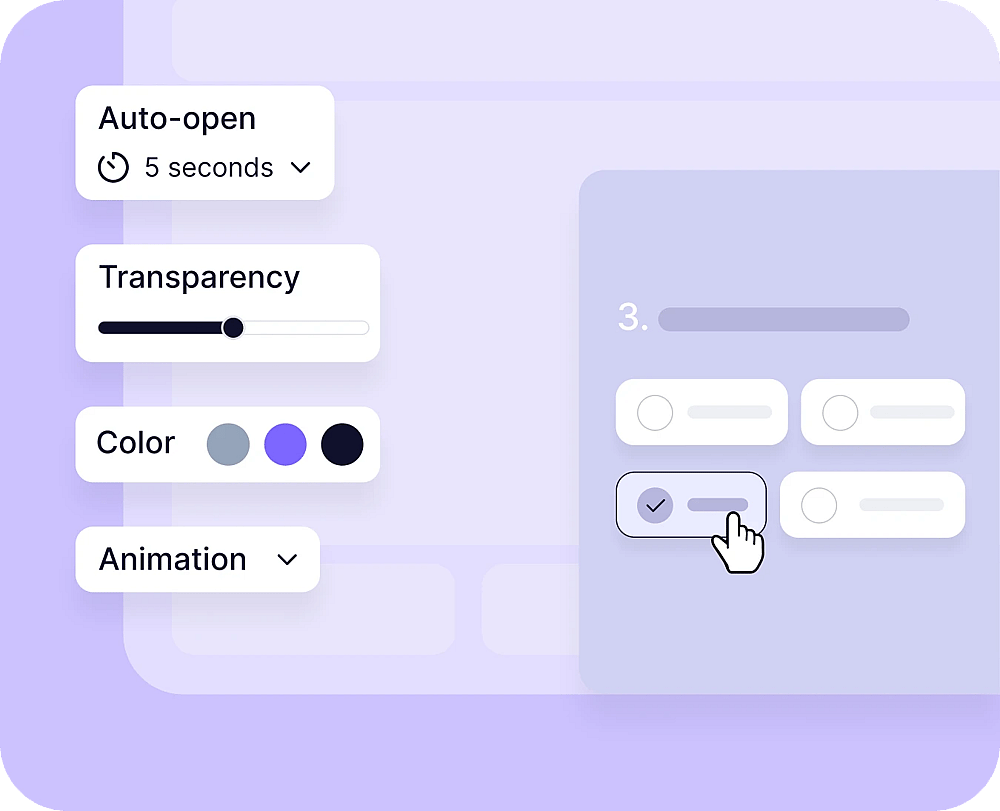
Go from a corner pop-up to a full-screen overlay with 6 embedding options. Make your pop-up blend in with your website or make it stand out.
Want complete control over how your pop-up looks? Use custom CSS to style any part of it exactly the way you want.
Change how your pop-up looks in one simple click. Choose from simple, crafted, or animated themes on forms.app.
Display your brand logo and upload a cover image, so it feels like a natural part of your site instead of a generic overlay.
Alongside colors, borders, and button styles, match your pop-up's font to your website by choosing from over 100 fonts.
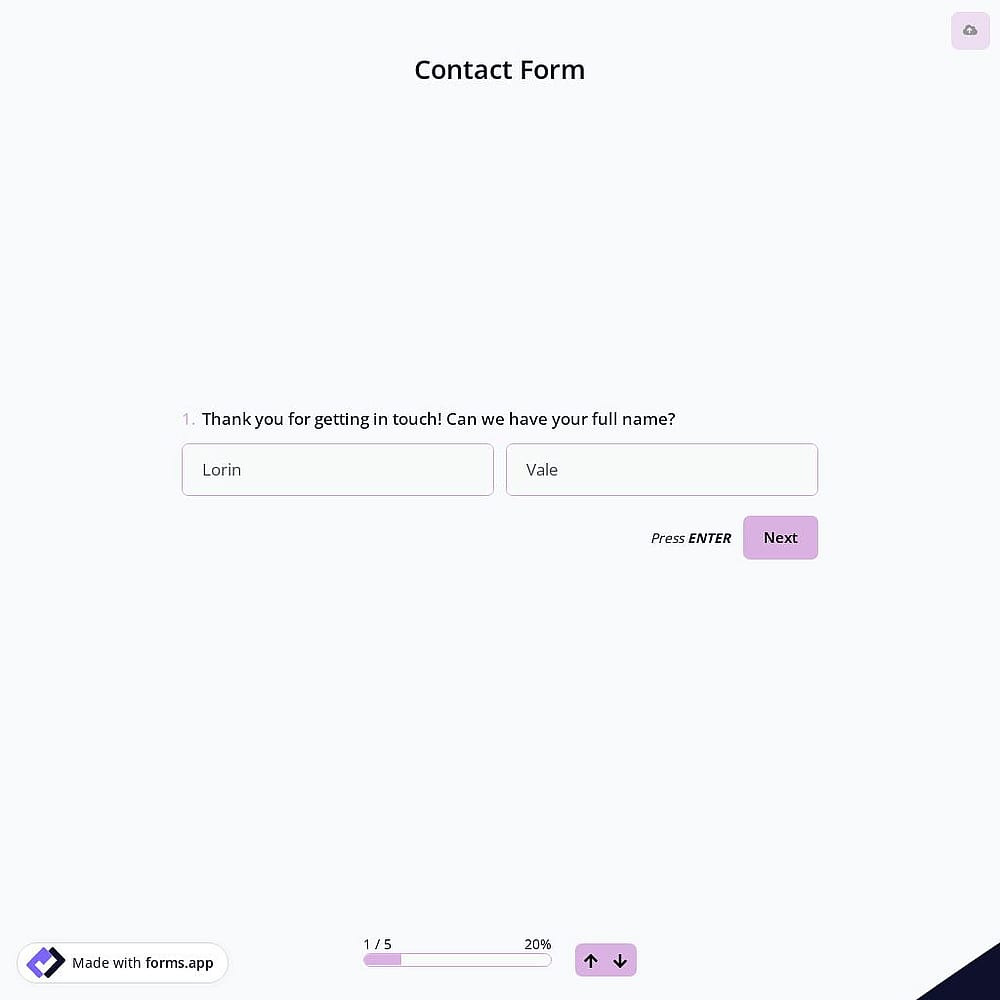
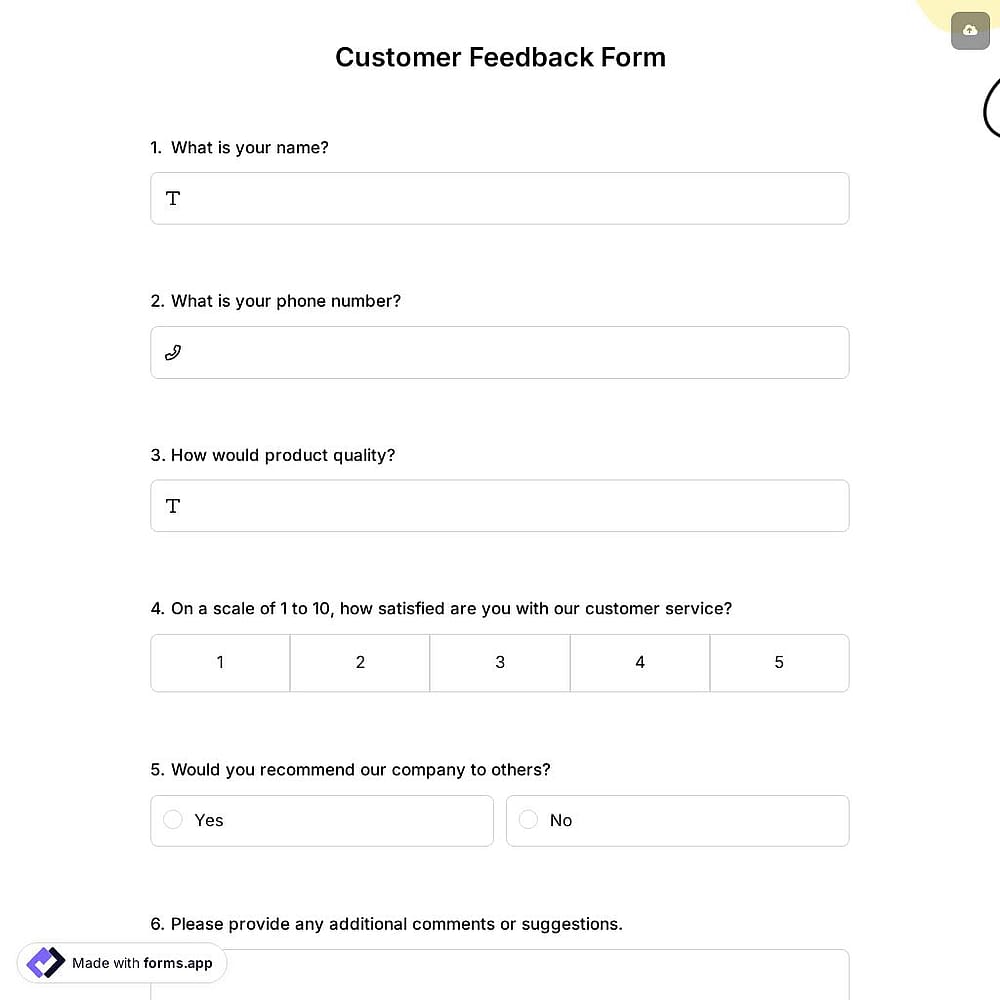
Gather essential information from site visitors the moment they engage with your pop-up: name, email, phone number, and more.
Set your popup to open automatically after a scroll, a timer, or a click, so it reaches visitors without asking them to leave your website first.
Choose how your popup enters the screen for a smoother first impression that helps boost customer satisfaction.
Set your popup for multiple languages, so visitors everywhere can respond and you can grow your subscriber list beyond one market.
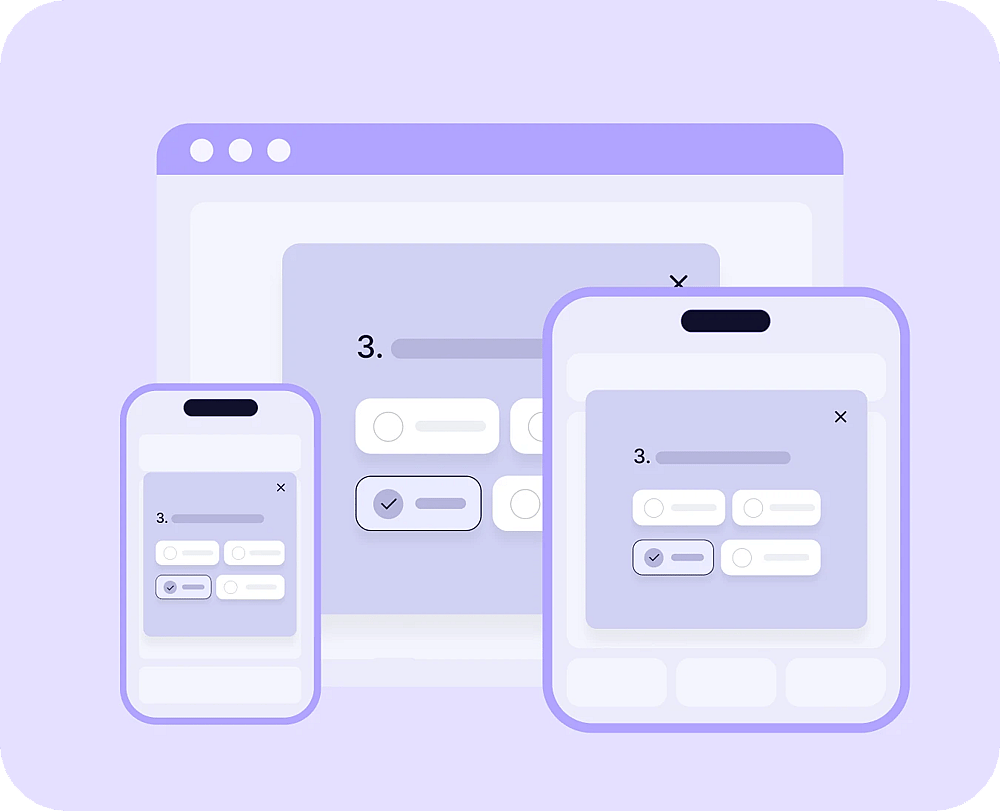
Yes. Every popup is responsive by default and adjusts automatically to any screen size.
Yes. You can build an NPS form using the Star rating field, embed it as a popup, and ask visitors how likely they are to recommend you.
Yes, there's a free plan with no response or view limit.
Yes, with forms.app popup maker and its intuitive interface, you can make a popup, no coding skills needed.
To embed your form, you need to create and customize a form. After that, access the Share section, select the embed option, and copy the embed code to place it on your website. For detailed steps, check how to embed forms on your website.