How to control the data retention period
On forms.app, you have the option to delete the collected data automatically after a certain period. This reduces manual work and helps you meet regulatory requirements.
Once you create a form and go to settings, simply choose Security & Privacy. Then, toggle on the data retention option and set a time.
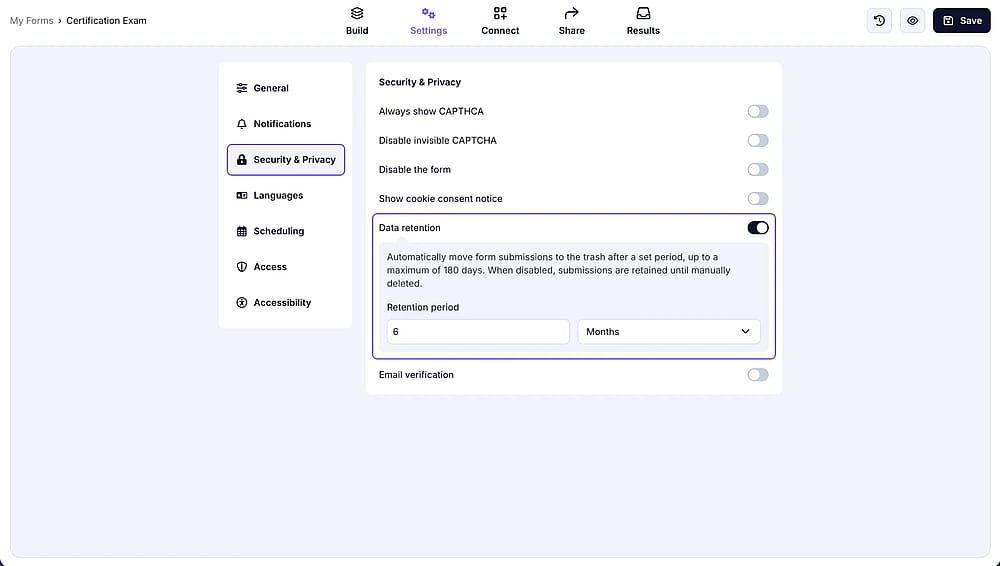
The data retention setting on forms.app, toggled on and set to 6 months
After responses are moved to the trash, they remain in the trash folder for 30 months, then are deleted permanently.
The data retention feature is available on Pro plan and above. See Pricing for more.