Describe or pick
Tell AI what you need or choose a ready-made waitlist template.


Use forms.app’s free waitlist app to collect signups for launches, events, and appointments. Pick a waitlist template or let AI build it, and give every person a smooth customer experience from the first click.
Just tell us the form you’d like to create
Or, choose your goal
Get instant access to:
Unlimited responses
Unlimited team seats
Unlimited views
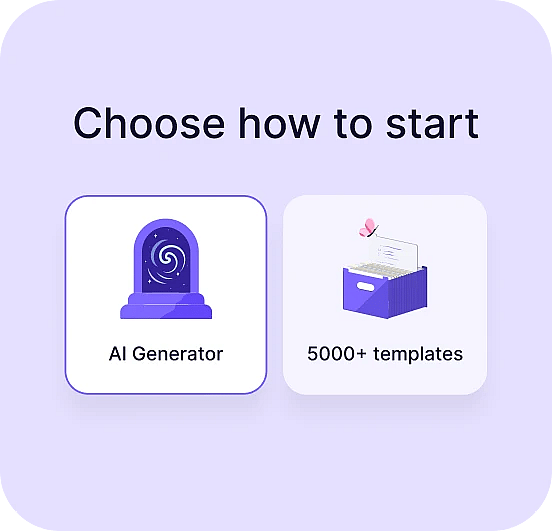
Tell AI what you need or choose a ready-made waitlist template.
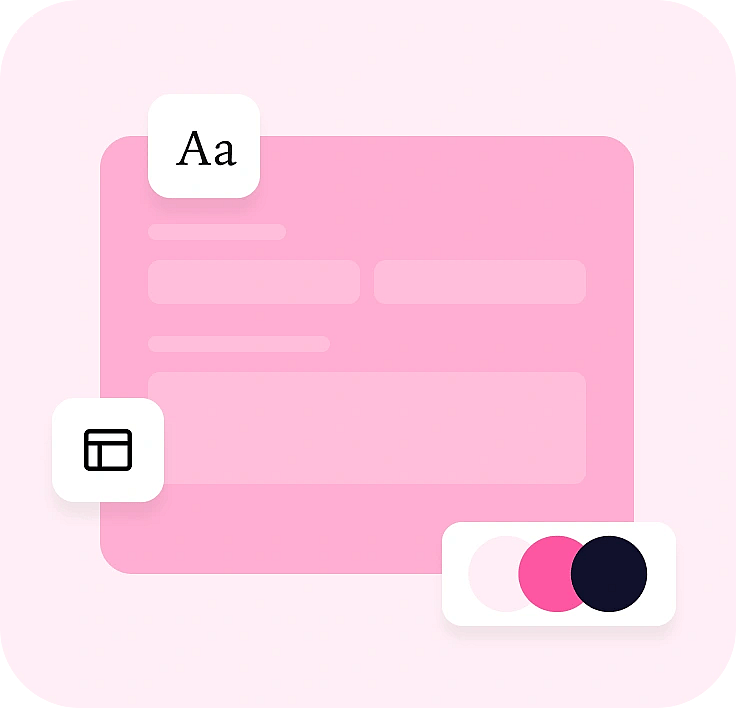
Edit fields, add logic, and match your brand with drag and drop.
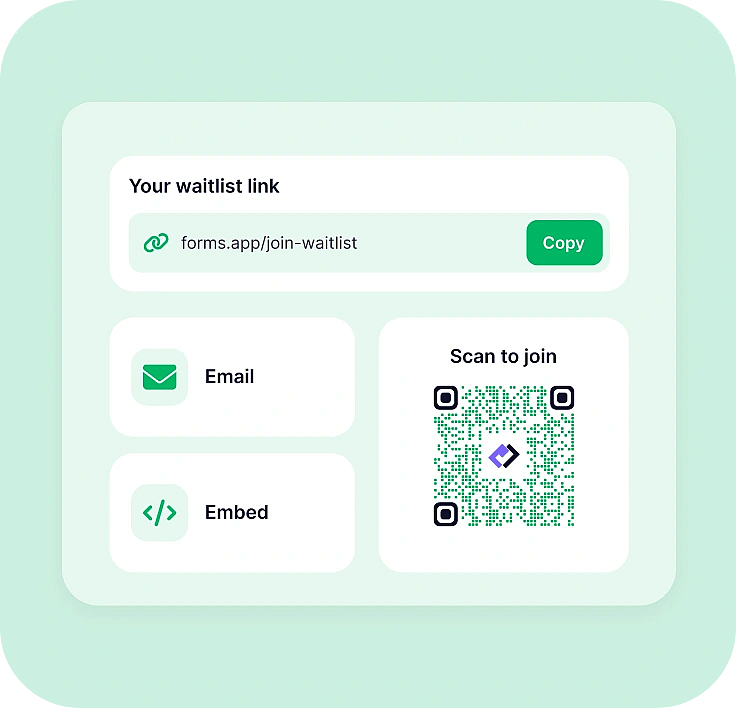
Send a link, QR code, or pop-up and watch signups arrive in real time.
Describe what you’re launching and forms.app AI creates a waitlist form with the right fields. Edit anything you like, then publish.
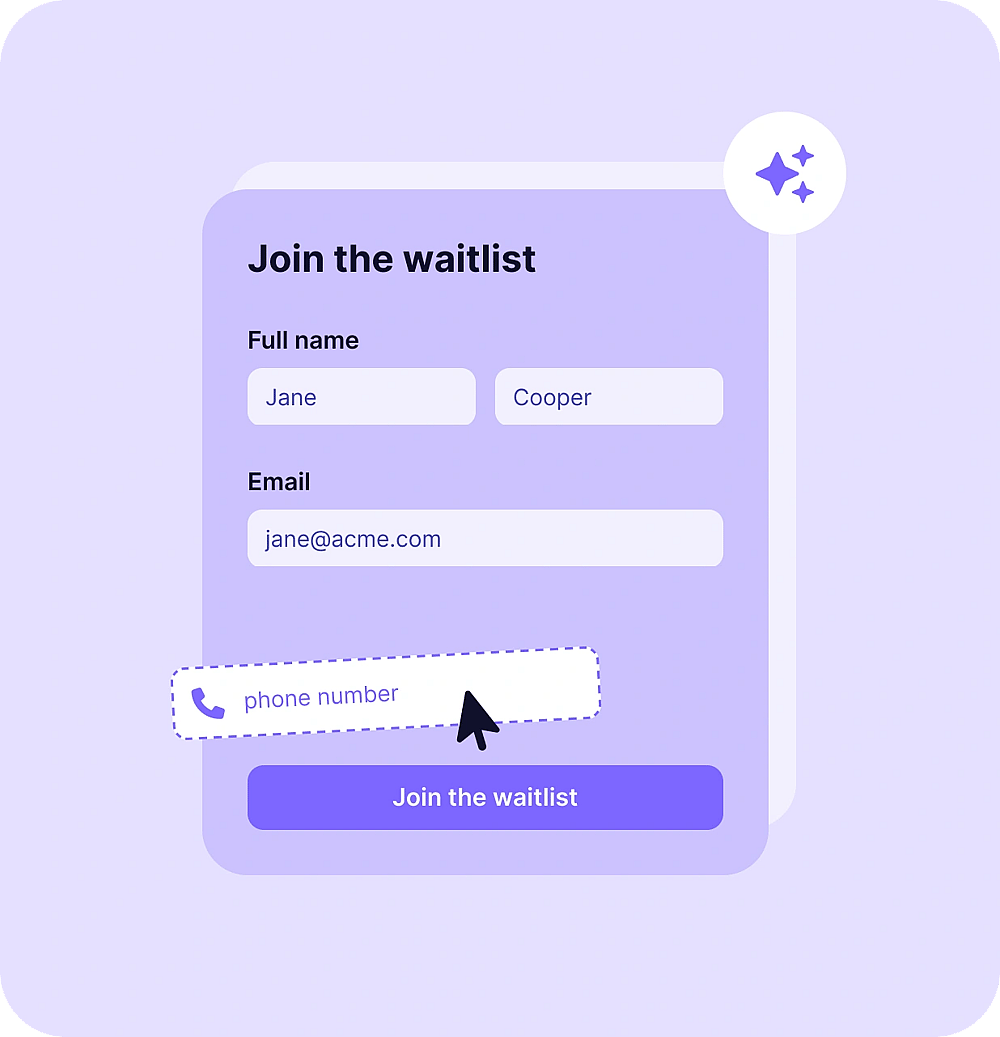
forms.app is a form builder made for easy waitlist management, from the first signup to the last follow-up.
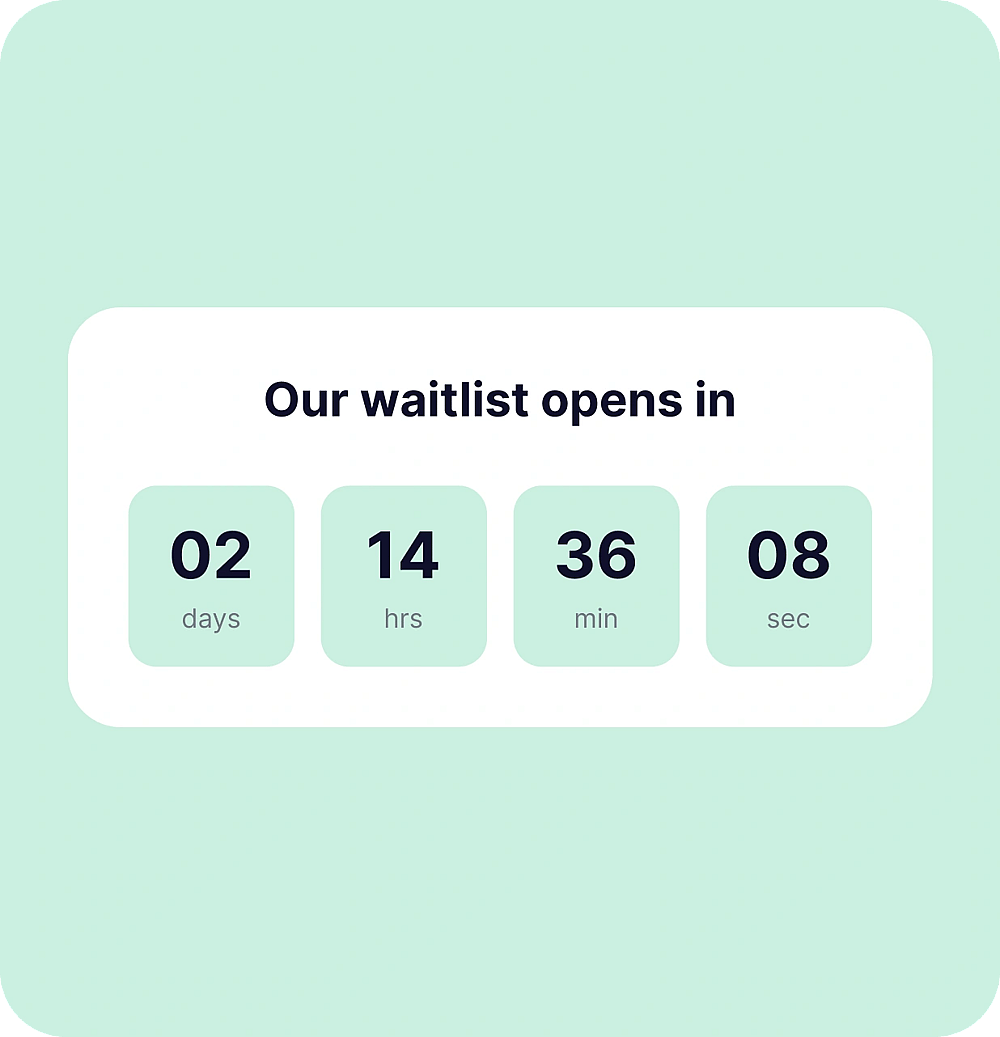
Set an opening date with a countdown page and a closing date with your own message.
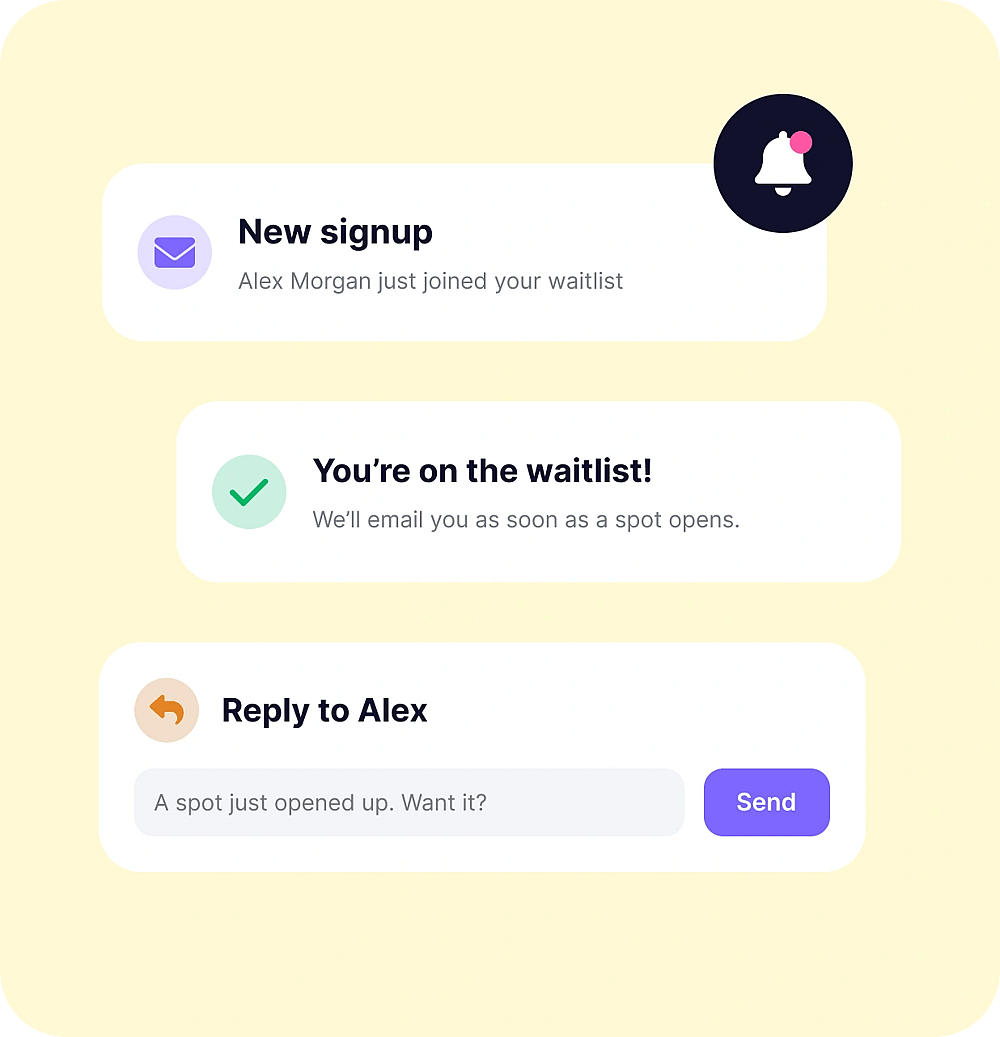
Get notified about every new signup and send a confirmation to people who join.
Ask follow-ups only when they apply, like a phone number for VIP early access.
Every response has a unique submitter ID, so you can check each entry easily.
Show your waitlist as a pop-up on your website, or pick from 5 other embed types.
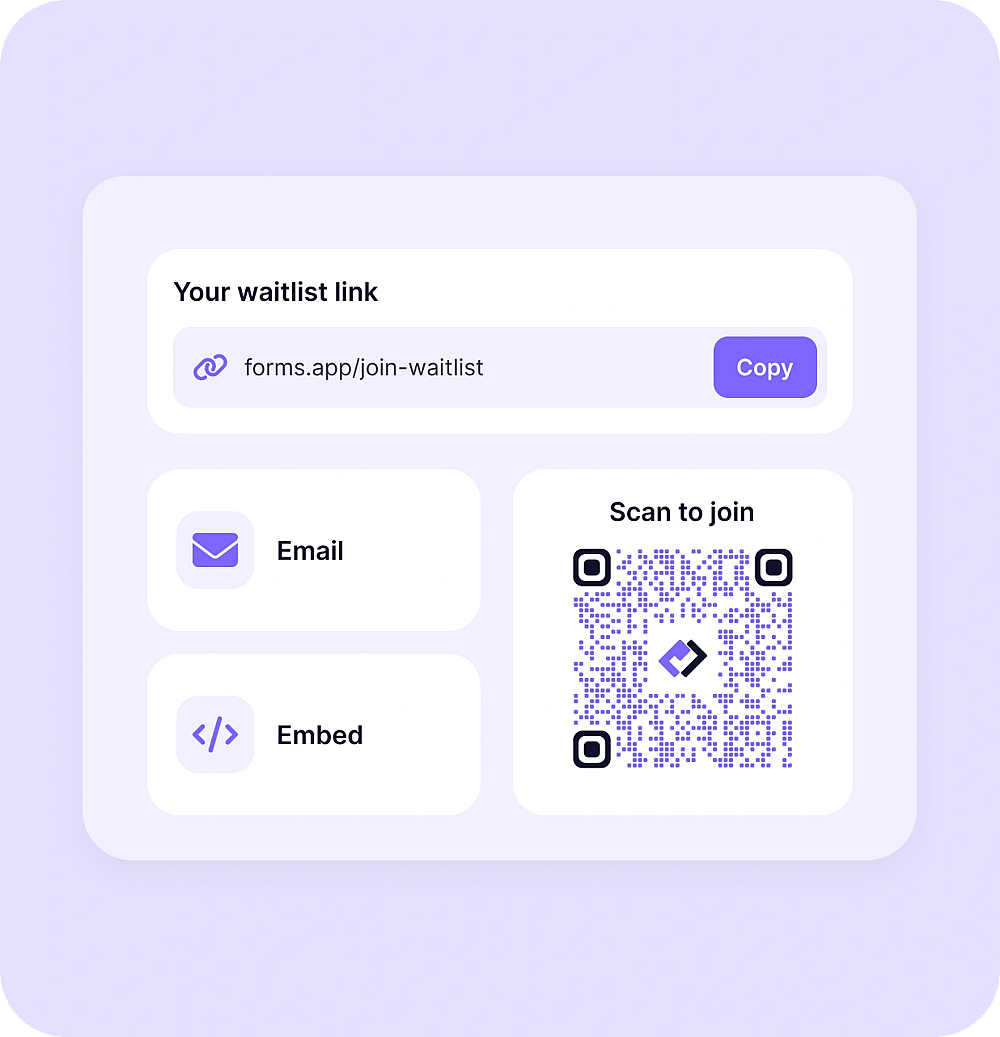
Turn your waitlist into a QR code for posters, flyers, and events.
Reply to people on your waiting list by email, right from your results page.
Collect a deposit or pre-order by credit card with Stripe or PayPal to secure a spot.
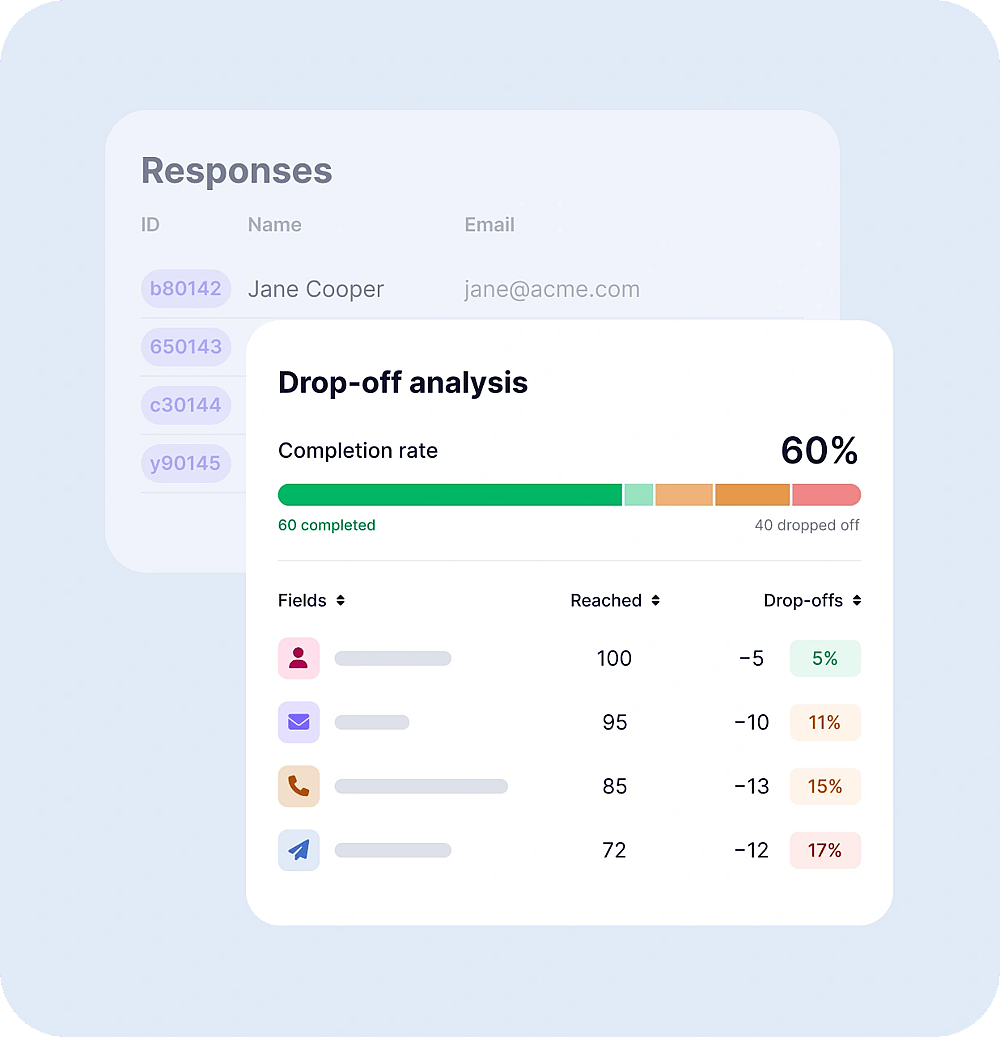
See which question makes people leave, then fix it to get more signups.
Yes. Download forms.app from Google Play or the App Store to create forms and manage guest responses on the go. If you’re looking for an RSVP app free to download, forms.app is available on both Android and iOS.
A waitlist form collects details from people who want to join a waiting list for a product, event, class, or service. With forms.app, you can create one with AI, a waitlist template, or drag and drop.
Yes, there's a free plan with no response or view limit.
Yes. If your form collects email addresses, you can reply to any entry from your results page and keep the conversation going. Confirmation emails to people who join also help them feel looked after from the start.