1. Import into your account
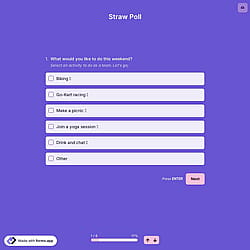
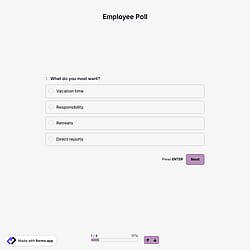
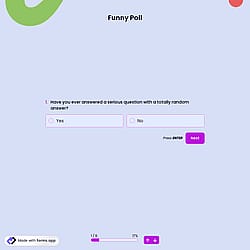
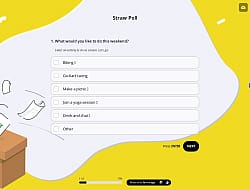
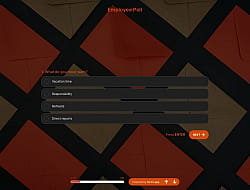
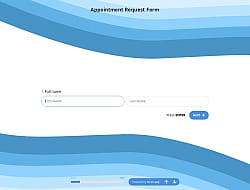
View this scheduling poll template and click on “Use template” after making sure this is what you are looking for.

Save up to 60% on yearly plans and enjoy our biggest offer of the year. Limited time only. 🍂
See pricing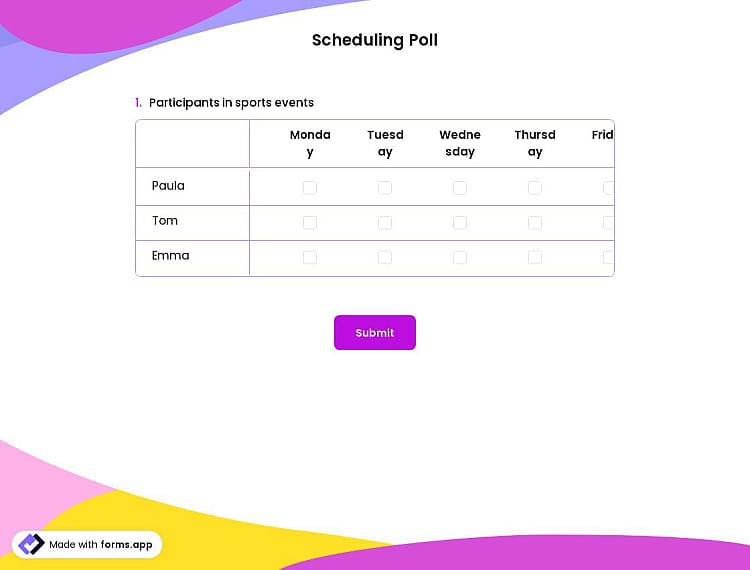
A scheduling poll is an online poll used to find the best time for a meeting, event, or appointment by letting people indicate their availability. This online scheduling poll offers you all the necessary form questions and fields you will need:
Form questions that ask about:
Features that we thoughtfully included for your needs, such as:
💡 This template comes with pre-set welcome & ending pages, and a ready-made layout that’s applied automatically.
Once you have completed your poll, you’ll have a dedicated results page. There, you will have access to AI insights, Statistics, and Responses. Here is what you can do with them:
AI Insights is an innovative feature that enables you to analyze form responses with AI. You can get general trends, related charts, key points, and suggestions, and ask more questions about the analysis.
Statistics offers a number of valuable information for you, as a form owner. Once you are in Statistics, you will be able to see data about your form, respondents, and answers. Additionally, you will have access to data on device types, platforms, locations, scores, and more.
In the Responses section, you have two viewing options: List and Grid view. After selecting and viewing a submission, you can print it, add a note, or send it to the trash. You can view the percentages and get a general idea of the submissions on the statistics page. Also, you can download your data as .xls or .csv files.
Yes, you can integrate this public opinion poll template with 500+ apps. To do this, simply select the app you want to integrate your form with, and then click on ‘’Connect to forms.app’’ or alternatively “Connect to Zapier”. Finally, you’ll see some easy-to-follow instructions to create an account and set up the integration.
Yes, this scheduling poll template is free to use along with other free poll & questionnaire templates on forms.app.
In addition to real-time data collection, you have the option to share the data you have collected in real-time. Once your poll is completed,
1. Go to the Results tab.
2. In the Responses section, click the Arrow button in the upper right corner to share the records
3. Once you’re done with the settings, copy the results link and share it with your audience and colleagues.
4. After you share the form results, people will be able to see the statistics and responses
After creating your scheduling poll on forms.app, you can share across all the digital platforms such as Instagram, X, Facebook, and even WhatsApp. Also, you can change the meta image and description as you.
是的! If your audience speaks different languages, you can add multiple languages and let people choose their preferred language when they open up your form. Please note that this feature is available only on Pro and Premium plans.
Follow the three easy steps below to easily import the template to your account, customize questions, and quickly share the form on your website or social media.

View this scheduling poll template and click on “Use template” after making sure this is what you are looking for.

Add or remove questions through forms.app's drag-and-drop interface and match your brand style.

Embed it on your website in 6 different ways or share your form across all social media channels.
Looking for something else? Explore similar templates below, or browse our extensive collection of free templates on the templates page.
Just tell us how you would like to have a poll for your specific needs. forms.app’s free AI poll maker will create a scheduling poll template for you in seconds.
Create your scheduling poll with powerful features and make the scheduling process simple and clear for everyone.
Single or multiple selection, dropdown, pictures, yes/no, and more. Ask for meeting times and offer time options however you want.
Give people free space to express exceptions and recommendations freely by choosing from short text, long text, masked text, and other open-ended fields.
Get people’s opinions on specific matters and have more accurate results by choosing from star ratings, opinion scales, or a selection matrix to ask your question.
Gather essential information about the public, such as name, email address, address, and phone number, if needed.
Allow respondents to select the times that work for them with a calendar that includes their time zone. Also, you can add a timer to your forms to count up or count down to your event.
Show relevant questions based on the people’s answers to have more detailed information, or just hide irrelevant ones.
Categories
This scheduling poll is free and customizable
Categories