1. Import into your account
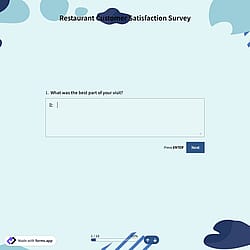
View this feedback form for the restaurant sample, and click “Use template” after confirming it is what you are looking for.

Save up to 60% on yearly plans and enjoy our biggest offer of the year. Limited time only. 🍂
See pricing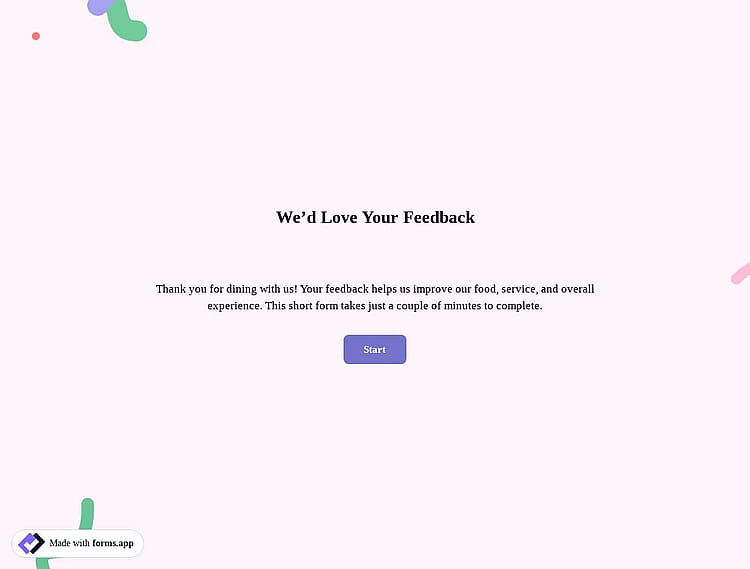
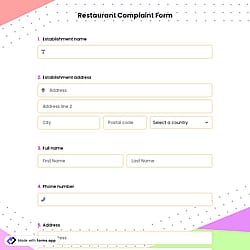
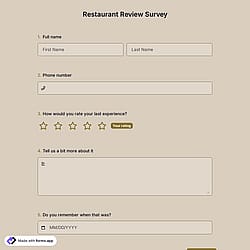
A restaurant feedback form is a tool used to collect customers’ opinions about their dining experience. It typically asks about food quality, service, cleanliness, atmosphere, and overall satisfaction. Restaurants use this feedback to identify strengths, fix issues, and make informed decisions based on actionable insights to increase loyalty and repeat visits. This restaurant feedback form offers you all the fundamental fields and questions you will need:
Form questions that inquire about:
Form fields and features we thoughtfully included, such as:
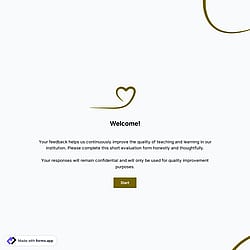
💡This template comes with pre-set conditions, welcome & ending pages, and a ready-made layout that’s applied automatically.
Restaurants should use an online feedback form to collect real-time, valuable insights directly from customers. It helps identify service or food-related issues quickly, understand customer expectations, and improve the overall dining experience. Online forms are easy to share, quick to complete, and provide actionable data that supports better decisions, stronger customer loyalty, and repeat visits.
Yes. This feedback form template is available for free use, along with other free feedback form templates on forms.app.
Yes, all templates on forms.app are mobile-friendly and optimized for desktop, tablet, and mobile devices.
Customers can access the feedback form easily by scanning a QR code placed on tables or menus. Restaurants can also share the form link directly, making it quick and convenient for guests to leave feedback.
Yes, you can collect anonymous answers. If you don’t ask for personal information (such as name, number, etc.), and if respondents don’t log in with their forms.app account, the responses will be collected automatically as anonymous.
To boost your form submissions, keep your form short and simple, ask only essential questions, and make it visually appealing. Use clear instructions, engaging design, and mobile-friendly layouts. Share the form through multiple channels like email, social media, or your website.
Yes, you can fully edit and customize the template. Change questions, design, colors, fonts, and layout to suit your needs!
After completing your form, head to the Results page and make sure you are on the Responses tab.
Follow the three easy steps below to easily import the template to your account, customize questions, and quickly share the form on your website or social media.

View this feedback form for the restaurant sample, and click “Use template” after confirming it is what you are looking for.

Add or remove questions through forms.app's drag-and-drop interface and match your brand style.

Embed it on your website in 6 different ways or share your form across all social media channels.
Looking for something else? Explore similar form templates below, or browse our extensive collection of free templates on the templates page.
Just tell us how you would like to use a feedback form to meet your specific needs. forms.app’s free AI form builder will create a custom restaurant feedback form for you in seconds.
Use advanced & free features to create a creative restaurant feedback form tailored to your restaurant’s needs and priorities.
Let customers quickly rate food quality, speed of service, menu items, and overall dining experience using single or multiple selections, dropdowns, or yes/no questions.
Give guests space to share detailed comments, suggestions, or complaints by choosing from short text, long text, masked text, and other open-ended questions & fields.
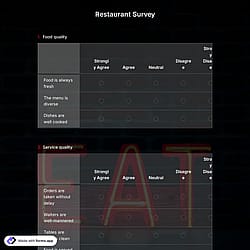
Measure satisfaction levels with star ratings, opinion scales, or a selection matrix for food quality, staff behavior, and overall experience.
Collect optional customer details, such as name or email, for follow-ups, rewards, or issue resolution.
Show or hide questions based on customers’ answers, such as asking follow-up questions only when someone leaves a low rating, to keep the feedback form relevant and easy to complete.
Add consent or terms and conditions fields to ensure customer data is collected responsibly and transparently.
Categories
This restaurant feedback form is free and customizable