Links with tracking options
Just paste the link you want to share or enter your handle on a social media platform of your choosing. If you'd like to know which visitors come from scanning the QR code, enable tracking.


Create a QR code for your website, social media, WiFi, and more. Choose a style, add your logo, and make every scan your own.
Just paste the link you want to share or enter your handle on a social media platform of your choosing. If you'd like to know which visitors come from scanning the QR code, enable tracking.
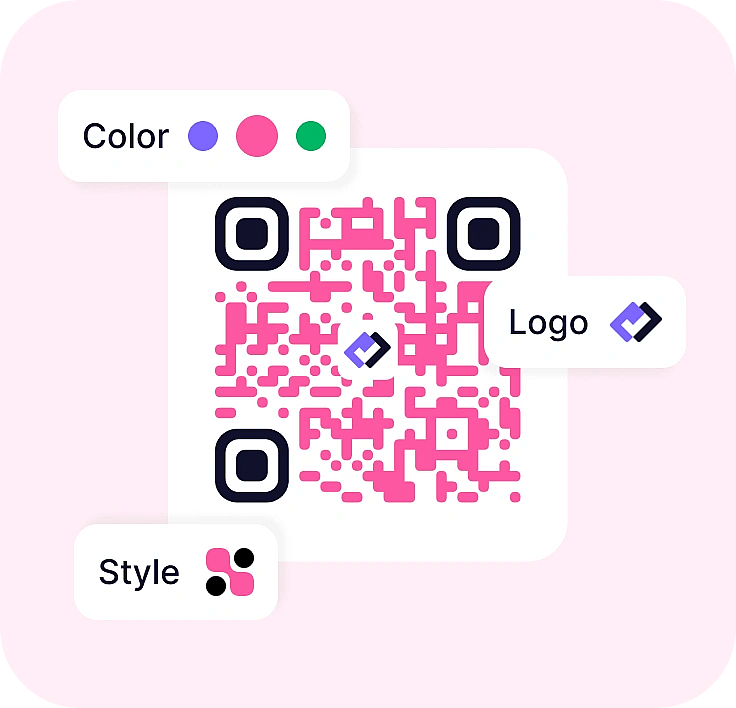
Select QR colors, change the classic block style to something more creative, add a frame, or upload a logo. All for free.
Choose PNG for everyday use and online sharing. Choose SVG if you will use it in artwork or print at large resolutions.
Yes. You can create, customize, and download QR codes as PNG or SVG files for free, without creating a forms.app account. There is no download quota in this tool, and you can use the files on personal or business materials.
No. The QRs you create using this tool won't expire.
The best style for scanning is the "Classic". It consists of squares with sharp edges and offers the best scannability.
Yes, you can create a QR with logo for free. Enable "Show logo" option and upload a logo from your device. It will be placed at the center of the QR code.