1. Import into your account
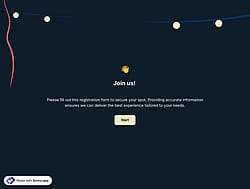
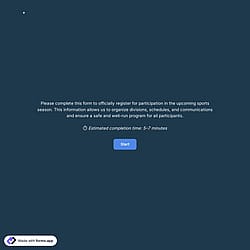
To start creating your registration form, open this free team registration form template and click “Use template” to start the editing process.

Save up to 60% on yearly plans and enjoy our biggest offer of the year. Limited time only. 🍂
See pricing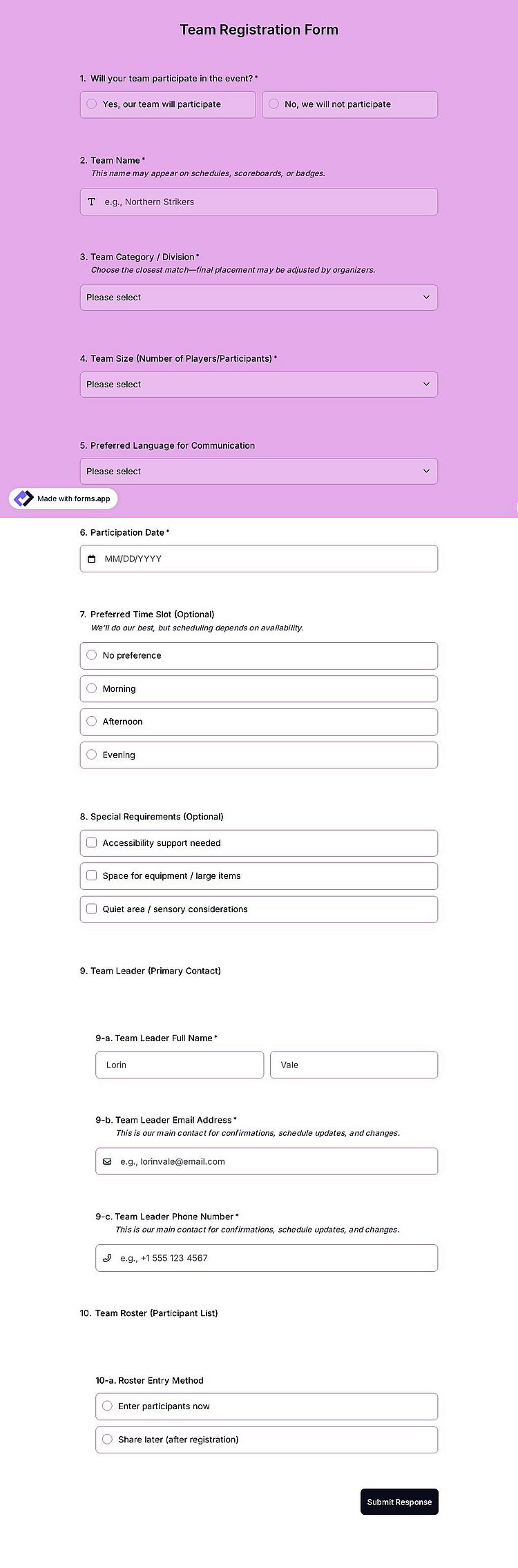
The team registration form is an online tool used to collect key details about teams and participants before confirming their registration, helping ensure a smooth and organized sign-up process.
Form questions will inquire about:
💡This template comes with pre-set conditions, fields groups, an ending page, and a ready-made layout that’s applied automatically.
Yes, you can. One easy way is to use field groups and place several contact fields under one main section. This allows you to create sub-fields for each team member so all participant details can be collected clearly within a single form.
As a second option, you can use a Dropdown selection field together with Conditional logic. This allows the team to select the number of members they want to register, and the form will automatically show or hide the relevant fields based on their selection.
Yes, you can customize the team registration form for different events.
You can simply duplicate your existing form and then edit the copied version to create a separate working form for each event. This way, you can update details such as the event name, participation date, team categories, registration rules, and questions without affecting your original form.
To duplicate your form, follow these steps:
1. Go to your Dashboard.
2. Click the three-dot icon on the form you want to copy.
3. Select the Duplicate option.
You can share your team registration form using sharing options, including social media channels, email, QR code, and more.
To do this, simply go to the Share section of your form and publish it from there. You can also use our embedding options to add the form directly to your website, allowing participants to register without leaving your page.
No, you don’t need any technical or coding skills to create or edit this form. forms.app is designed to make form creation simple and intuitive for everyone. With its drag-and-drop form builder, you can easily create, design, and edit your form in just a few minutes; no coding required.
Yes, team information is collected securely. All data submitted through the team registration form is stored on forms.app’s servers located in Belgium (EU) and handled in full compliance with the GDPR framework. This ensures that personal and team-related information is protected with strong security measures.
forms.app never shares your data with third parties without your explicit permission, and takes all necessary technical and organizational steps to keep your data safe.

To start creating your registration form, open this free team registration form template and click “Use template” to start the editing process.

After that, use the drag-and-drop form builder to add or remove fields such as the number of members, participant details, or other special requirements.

Once your team registration is ready, share your online form on social media or check other sharing and embedding options.
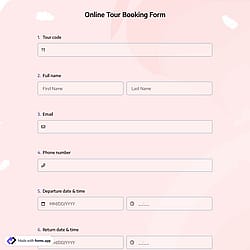
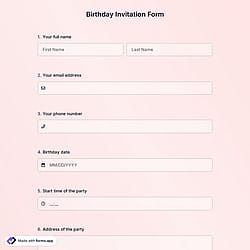
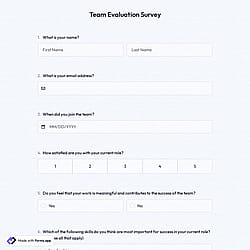
Discover similar templates that can help you manage group sign-ups. Use them to easily collect team and participant details and organize entries faster for your events or programs.
Simply tell us what you want to include in your team registration form and forms.app’s AI form generator will build a free template for you to organize sign-ups more easily.
The team registration template already includes the essential fields, and it can be easily customized to match your program details and specific requirements, including the collection of payment if needed.
Collect participants' contact details, such as full name, email address, and phone number, to manage team registrations more efficiently.
Help teams clearly select their participation date and time, making it easier to organize schedules and event sessions.
Show or hide specific questions based on previous answers, so each team sees only what is relevant to them.
Add your event or organization logo, or a custom cover image to match your branding, to create a more professional registration experience.
Use dropdowns and selection fields for options like team category, number of members, or division to speed up registration and reduce input errors.
Use field groups and structure elements to organize questions related to team members, making it easier to collect and review participant information in a clear format.
Categories
This team registration form is free and customizable